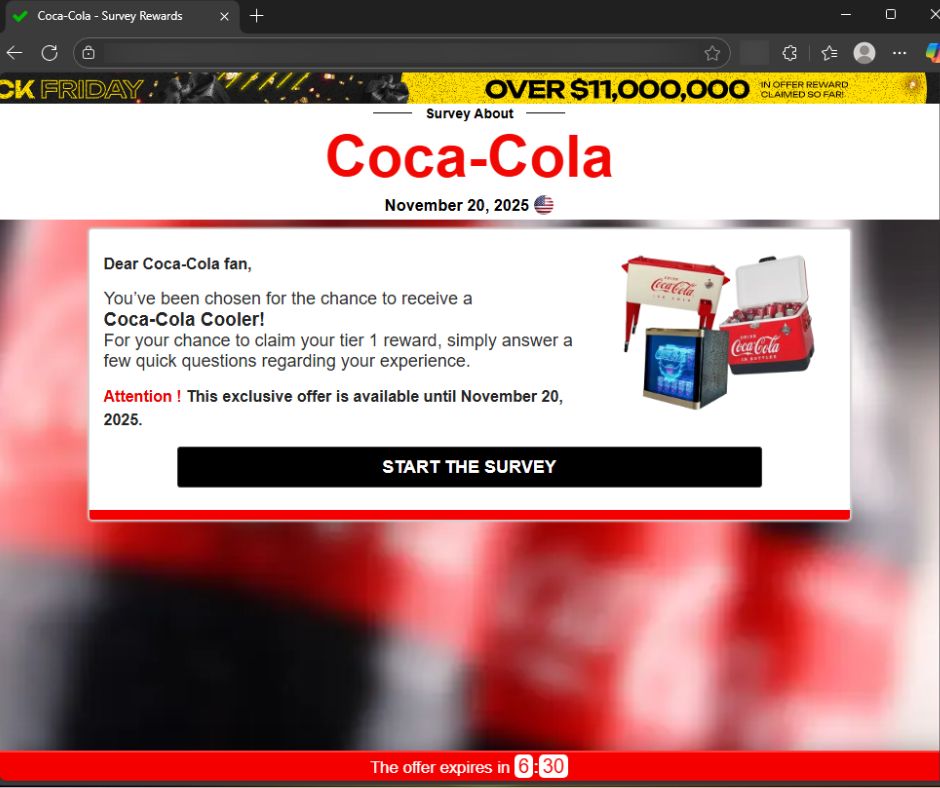
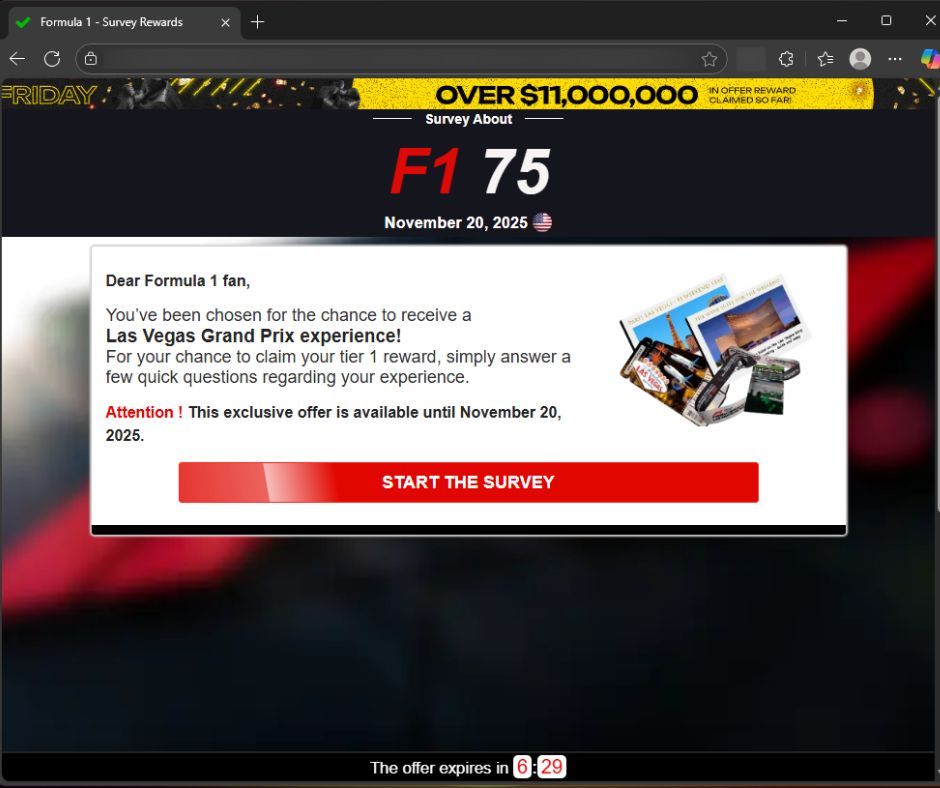
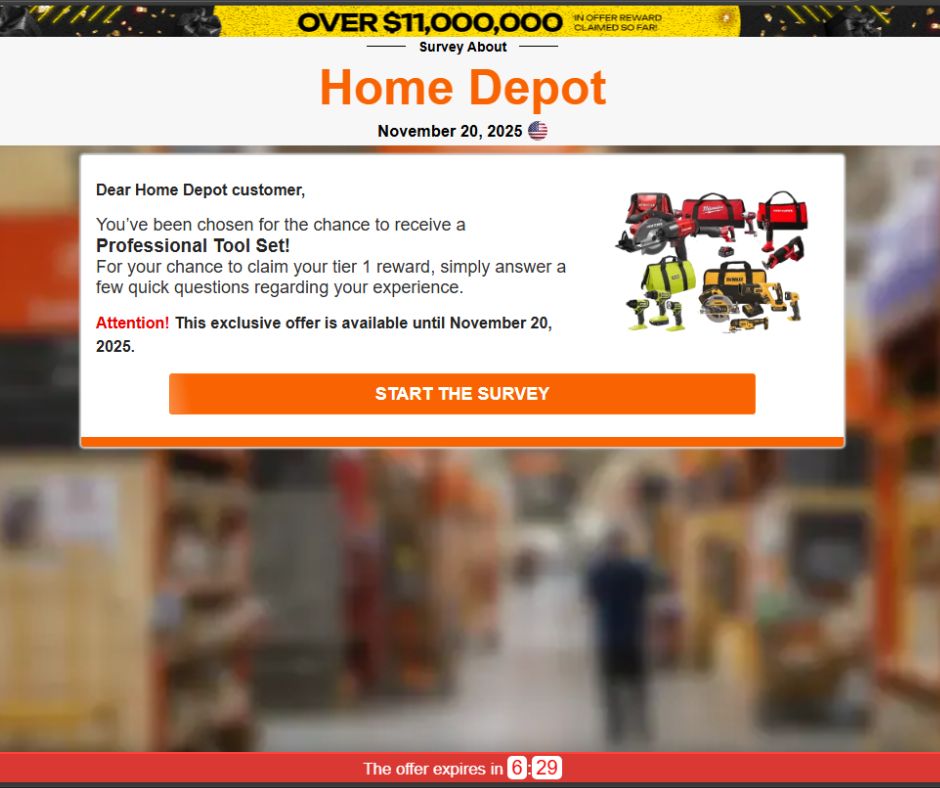
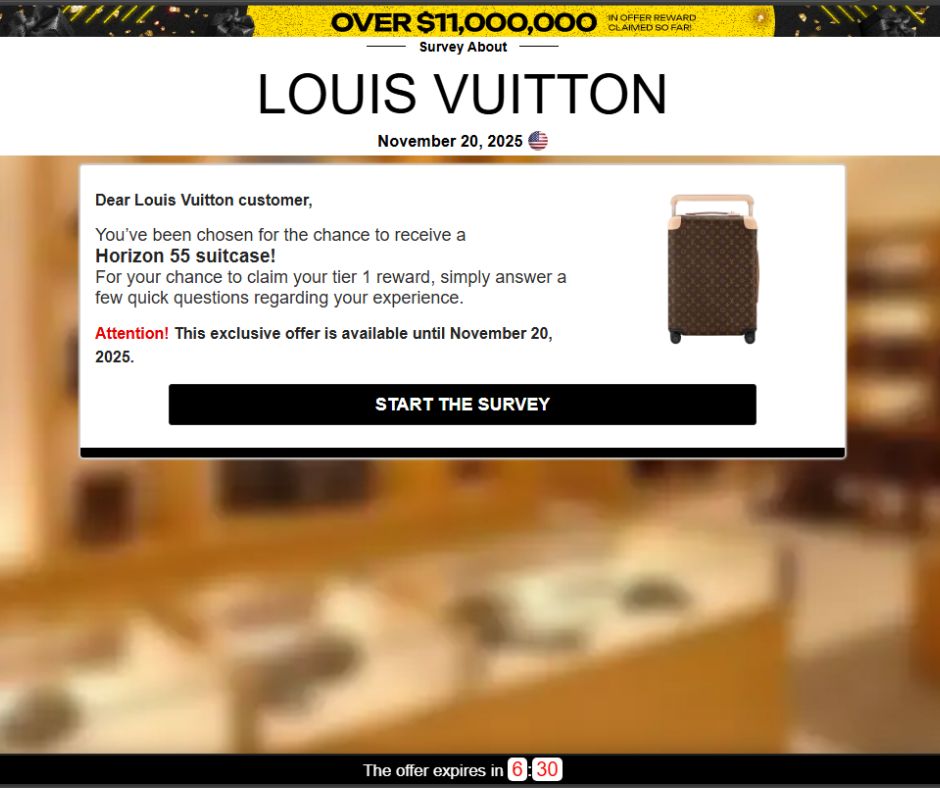
If you’ve seen the two stoat siblings serving as official mascots of the Milano Cortina 2026 Winter Olympics, you already know Tina and Milo are irresistible.
Designed by Italian schoolchildren and chosen from more than 1,600 entries in a public poll, the duo has already captured hearts worldwide. So much so that the official 27 cm Tina plush toy on the official Olympics web shop is listed at €40 and currently marked out of stock.
Tina and Milo are in huge demand, and scammers have noticed.
When supply runs out, scam sites rush in
In roughly the past week alone, we’ve identified nearly 20 lookalike domains designed to imitate the official Olympic merchandise store.
These aren’t crude copies thrown together overnight. The sites use the same polished storefront template, complete with promotional videos and background music designed to mirror the official shop.olympics.com experience.
Fake site offering Tina at a huge discountReal Olympic site showing Tina out of stock
The layout and product pages are the same—the only thing that changes is the domain name. At a quick glance, most people wouldn’t notice anything unusual.
Here’s a sample of the domains we’ve been tracking:
2026winterdeals[.]top olympics-save[.]top olympics2026[.]top postolympicsale[.]com sale-olympics[.]top shopolympics-eu[.]top winter0lympicsstore[.]top (note the zero replacing the letter “o”) winterolympics[.]top 2026olympics[.]shop olympics-2026[.]shop olympics-2026[.]top olympics-eu[.]top olympics-hot[.]shop olympics-hot[.]top olympics-sale[.]shop olympics-sale[.]top olympics-top[.]shop olympics2026[.]store olympics2026[.]top
Based on telemetry, additional registrations are actively emerging.
Reports show users checking these domains from multiple regions including Ireland, the Czech Republic, the United States, Italy, and China—suggesting this is a global campaign targeting fans worldwide.
Malwarebytes blocks these domains as scams.
Anatomy of a fake Olympic shop
The fake sites are practically identical. Each one loads the same storefront, with the same layout, product pages, and promotional banners.
That’s usually a sign the scammers are using a ready-made template and copying it across multiple domains. One obvious giveaway, however, is the pricing.
On the official store, the Tina plush costs €40 and is currently out of stock. On the fake sites, it suddenly reappears at a hugely discounted price—in one case €20, with banners shouting “UP & SAVE 80%.” When an item is sold out everywhere official and a random .top domain has it for half price, you’re looking at bait.
Delivering malware through fake order confirmations or “tracking” links
Taking your money and shipping nothing at all
The Olympics are a scammer’s playground
This isn’t the first time cybercriminals have piggybacked on Olympic fever. Fake ticket sites proliferated as far back as the Beijing 2008 Games. During Paris 2024, analysts observed significant spikes in Olympics-themed phishing and DDoS activity.
The formula is simple. Take a globally recognized brand, add urgency and emotional appeal (who doesn’t want an adorable stoat plush for their kid?), mix in limited availability, and serve it up on a convincing-looking website. With over 3 billion viewers expected for Milano Cortina, the pool of potential victims is enormous.
Scammers are getting smarter. AI-powered tools now let them generate convincing phishing pages in multiple languages at scale. The days of spotting a scam by its broken images and multiple typos are fading fast.
Protect yourself from Winter Olympics scams
As excitement builds ahead of the Winter Olympics in Milano Cortina, expect scammers to ramp up their efforts across fake shops, fraudulent ticket sites, bogus livestreams, and social media phishing campaigns.
Buy only from shop.olympics.com. Type the address directly into your browser and bookmark it. Don’t click links from ads or emails.
Don’t trust extreme discounts. If it’s sold out officially but “50–80% off” elsewhere, it’s likely a scam.
Check the domain closely. Watch for odd extensions like .top or .shop, extra hyphens, or letter swaps like “winter0lympicsstore.”
Never enter payment details on unfamiliar sites. If something feels off, leave immediately.
Use browser protection. Tools like Malwarebytes Browser Guard block known scam sites in real time, for free. Scam Guard can help you check suspicious websites before you buy.
We don’t just report on scams—we help detect them
Cybersecurity risks should never spread beyond a headline. If something looks dodgy to you, check if it’s a scam using Malwarebytes Scam Guard, a feature of our mobile protection products. Submit a screenshot, paste suspicious content, or share a text or phone number, and we’ll tell you if it’s a scam or legit. Download Malwarebytes Mobile Security for iOS or Android and try it today!
AI is giving online romance scammers even more ways to hide and accelerate their schemes while making it more difficult for people to detect fraud operations that are resulting in billions of dollars being stolen every year from millions of victims.
AI tool Vercel was abused by cybercriminals to create a Malwarebytes lookalike website.
Cybercriminals no longer need design or coding skills to create a convincing fake brand site. All they need is a domain name and an AI website builder. In minutes, they can clone a site’s look and feel, plug in payment or credential-stealing flows, and start luring victims through search, social media, and spam.
One side effect of being an established and trusted brand is that you attract copycats who want a slice of that trust without doing any of the work. Cybercriminals have always known it is much easier to trick users by impersonating something they already recognize than by inventing something new—and developments in AI have made it trivial for scammers to create convincing fake sites.
Registering a plausible-looking domain is cheap and fast, especially through registrars and resellers that do little or no upfront vetting. Once attackers have a name that looks close enough to the real thing, they can use AI-powered tools to copy layouts, colors, and branding elements, and generate product pages, sign-up flows, and FAQs that look “on brand.”
Over a three‑month period leading into the 2025 shopping season, researchers observed more than 18,000 holiday‑themed domains with lures like “Christmas,” “Black Friday,” and “Flash Sale,” with at least 750 confirmed as malicious and many more still under investigation. In the same window, about 19,000 additional domains were registered explicitly to impersonate major retail brands, nearly 3,000 of which were already hosting phishing pages or fraudulent storefronts.
These sites are used for everything from credential harvesting and payment fraud to malware delivery disguised as “order trackers” or “security updates.”
Attackers then boost visibility using SEO poisoning, ad abuse, and comment spam, nudging their lookalike sites into search results and promoting them in social feeds right next to the legitimate ones. From a user’s perspective, especially on mobile without the hover function, that fake site can be only a typo or a tap away.
When the impersonation hits home
A recent example shows how low the barrier to entry has become.
We were alerted to a site at installmalwarebytes[.]org that masqueraded from logo to layout as a genuine Malwarebytes site.
Close inspection revealed that the HTML carried a meta tag value pointing to v0 by Vercel, an AI-assisted app and website builder.
The tool lets users paste an existing URL into a prompt to automatically recreate its layout, styling, and structure—producing a near‑perfect clone of a site in very little time.
The history of the imposter domain tells an incremental evolution into abuse.
Registered in 2019, the site did not initially contain any Malwarebytes branding. In 2022, the operator began layering in Malwarebytes branding while publishing Indonesian‑language security content. This likely helped with search reputation while normalizing the brand look to visitors. Later, the site went blank, with no public archive records for 2025, only to resurface as a full-on clone backed by AI‑assisted tooling.
Traffic did not arrive by accident. Links to the site appeared in comment spam and injected links on unrelated websites, giving users the impression of organic references and driving them toward the fake download pages.
Payment flows were equally opaque. The fake site used PayPal for payments, but the integration hid the merchant’s name and logo from the user-facing confirmation screens, leaving only the buyer’s own details visible. That allowed the criminals to accept money while revealing as little about themselves as possible.
Behind the scenes, historical registration data pointed to an origin in India and to a hosting IP (209.99.40[.]222) associated with domain parking and other dubious uses rather than normal production hosting.
Combined with the AI‑powered cloning and the evasive payment configuration, it painted a picture of low‑effort, high‑confidence fraud.
AI website builders as force multipliers
The installmalwarebytes[.]org case is not an isolated misuse of AI‑assisted builders. It fits into a broader pattern of attackers using generative tools to create and host phishing sites at scale.
Threat intelligence teams have documented abuse of Vercel’s v0 platform to generate fully functional phishing pages that impersonate sign‑in portals for a variety of brands, including identity providers and cloud services, all from simple text prompts. Once the AI produces a clone, criminals can tweak a few links to point to their own credential‑stealing backends and go live in minutes.
Research into AI’s role in modern phishing shows that attackers are leaning heavily on website generators, writing assistants, and chatbots to streamline the entire kill chain—from crafting persuasive copy in multiple languages to spinning up responsive pages that render cleanly across devices. One analysis of AI‑assisted phishing campaigns found that roughly 40% of observed abuse involved website generation services, 30% involved AI writing tools, and about 11% leveraged chatbots, often in combination. This stack lets even low‑skilled actors produce professional-looking scams that used to require specialized skills or paid kits.
Growth first, guardrails later
The core problem is not that AI can build websites. It’s that the incentives around AI platform development are skewed. Vendors are under intense pressure to ship new capabilities, grow user bases, and capture market share, and that pressure often runs ahead of serious investment in abuse prevention.
As Malwarebytes General Manager Mark Beare put it:
“AI-powered website builders like Lovable and Vercel have dramatically lowered the barrier for launching polished sites in minutes. While these platforms include baseline security controls, their core focus is speed, ease of use, and growth—not preventing brand impersonation at scale. That imbalance creates an opportunity for bad actors to move faster than defenses, spinning up convincing fake brands before victims or companies can react.”
Site generators allow cloned branding of well‑known companies with no verification, publishing flows skip identity checks, and moderation either fails quietly or only reacts after an abuse report. Some builders let anyone spin up and publish a site without even confirming an email address, making it easy to burn through accounts as soon as one is flagged or taken down.
To be fair, there are signs that some providers are starting to respond by blocking specific phishing campaigns after disclosure or by adding limited brand-protection controls. But these are often reactive fixes applied after the damage is done.
Meanwhile, attackers can move to open‑source clones or lightly modified forks of the same tools hosted elsewhere, where there may be no meaningful content moderation at all.
In practice, the net effect is that AI companies benefit from the growth and experimentation that comes with permissive tooling, while the consequences is left to victims and defenders.
We have blocked the domain in our web protection module and requested a domain and vendor takedown.
How to stay safe
End users cannot fix misaligned AI incentives, but they can make life harder for brand impersonators. Even when a cloned website looks convincing, there are red flags to watch for:
Before completing any payment, always review the “Pay to” details or transaction summary. If no merchant is named, back out and treat the site as suspicious.
Do not follow links posted in comments, on social media, or unsolicited emails to buy a product. Always follow a verified and trusted method to reach the vendor.
If you come across a fake Malwarebytes website, please let us know.
We don’t just report on threats—we help safeguard your entire digital identity
The U.S. justice system has sent away an individual behind one of the largest global cryptocurrency investment scam cases, for two decades. While the sentence signals accountability, the individual remains a fugitive after cutting off his electronic ankle monitor and fleeing in December 2025.
Daren Li, a 42-year-old dual national of China and St. Kitts and Nevis, has been sentenced in absentia to 20 years in prison for carrying out a $73 million cryptocurrency fraud scheme that targeted American victims.
Inside the $73 Million Global Cryptocurrency Investment Scam
According to court documents, Li pleaded guilty in November 2024 to conspiring to launder funds obtained through cryptocurrency scams. Prosecutors revealed that the global cryptocurrency investment scam was operated from scam centers in Cambodia, a growing hotspot for transnational cyber fraud.
The operation followed a now-familiar pattern often referred to as a “pig butchering scam.” Victims were approached through social media, unsolicited calls, text messages, and even online dating platforms. Fraudsters built professional or romantic relationships over weeks or months. Once trust was secured, victims were directed to spoofed cryptocurrency trading platforms that looked legitimate.
In other cases, scammers posed as tech support or customer service representatives, convincing victims to transfer funds to fix non-existent viruses or fabricated technical problems.
The numbers are staggering. Li admitted that at least $73.6 million flowed into accounts controlled by him and his co-conspirators. Of that, nearly $60 million was funneled through U.S. shell companies designed to disguise the origins of the stolen funds. This was not random fraud—it was organized, calculated, and industrial in scale.
Crypto Money Laundering Through U.S. Shell Companies
What makes this global cryptocurrency investment scam particularly troubling is the complex crypto money laundering infrastructure behind it.
Li directed associates to establish U.S. bank accounts under shell companies. These accounts received interstate and international wire transfers from victims. The stolen money was then converted into cryptocurrency, further complicating efforts to trace and recover funds.
Eight co-conspirators have already pleaded guilty. Li is the first defendant directly involved in receiving victim funds to be sentenced. Prosecutors pushed for the maximum penalty after hearing from victims who lost life savings, retirement funds, and, in some cases, their entire financial security.
Assistant Attorney General A. Tysen Duva described the damage as “devastating.” And that word is not an exaggeration. Behind every dollar in this $73 million cryptocurrency scam is a real person whose trust was manipulated.
“As part of an international cryptocurrency investment scam, Daren Li and his co-conspirators laundered over $73 million dollars stolen from American victims,” said Assistant Attorney General A. Tysen Duva of the Justice Department’s Criminal Division. “The Court’s sentence reflects the gravity of Li’s conduct, which caused devastating losses to victims throughout our country. The Criminal Division will work with our law enforcement partners around the world to ensure that Li is returned to the United States to serve his full sentence.”
Scam Centers in Cambodia Under Global Scrutiny
The sentencing comes amid increasing international pressure to dismantle scam centers in Cambodia and across Southeast Asia. For years, these operations flourished with limited oversight. Now, authorities in the U.S., China, and other nations are escalating crackdowns.
China recently executed members of two crime families accused of running cyber scam compounds in Myanmar. In Cambodia, the arrest and extradition of Prince Group chairman Chen Zhi—a key figure in cyber scam money laundering—triggered chaotic scenes as human trafficking victims and scam workers sought refuge at embassies.
These developments show that the global cryptocurrency investment scam network is not isolated. It is part of a larger ecosystem of organized crime, human trafficking, and digital exploitation.
Law Enforcement’s Expanding Response
The U.S. Secret Service’s Global Investigative Operations Center led the investigation, supported by Homeland Security Investigations, Customs and Border Protection, the U.S. Marshals Service, and international partners. The Justice Department’s Criminal Division continues targeting scam centers by seizing cryptocurrency, dismantling digital infrastructure, and disrupting money laundering networks.
Since 2020, the Computer Crime and Intellectual Property Section (CCIPS) has secured more than 180 cybercrime convictions and recovered over $350 million in victim funds.
Still, the fact that Li escaped before serving his sentence highlights a sobering truth: enforcement is improving, but global coordination must move even faster.
Why This Global Cryptocurrency Investment Scam Matters
Technology has erased borders, but it has also erased barriers for criminals. The global cryptocurrency investment scam case shows how encrypted apps, fake trading platforms, and shell corporations can be stitched together into a seamless fraud machine.
The bigger concern is scale. These operations are not small-time scams run from a basement. They are corporate-style enterprises with recruiters, relationship builders, financial handlers, and laundering specialists.
For investors, the lesson is clear: unsolicited investment advice, especially involving cryptocurrency, should raise immediate red flags. For regulators and governments, the message is even stronger. Financial transparency laws, international cooperation, and aggressive enforcement are no longer optional—they are essential.
Daren Li’s 20-year sentence may serve as a warning, but until fugitives like him are brought back to face prison time, the fight against the next $73 million cryptocurrency scam continues.
Fresh off a breathless Super Bowl Sunday, we’re less thrilled to bring you this week’s Weirdo Wednesday. Two stories caught our eye, both involving men who crossed clear lines and invaded women’s privacy online.
Last week, 27-year-old Kyle Svara of Oswego, Illinois admitted to hacking women’s Snapchat accounts across the US. Between May 2020 and February 2021, Svara harvested account security codes from 571 victims, leading to confirmed unauthorized access to at least 59 accounts.
Rather than attempting to break Snapchat’s robust encryption protocols, Svara targeted the account owners themselves with social engineering.
After gathering phone numbers and email addresses, he triggered Snapchat’s legitimate login process, which sent six-digit security codes directly to victims’ devices. Posing as Snapchat support, he then sent more than 4,500 anonymous messages via a VoIP texting service, claiming the codes were needed to “verify” or “secure” the account.
Svara showed particular interest in Snapchat’s My Eyes Only feature—a secondary four-digit PIN meant to protect a user’s most sensitive content. By persuading victims to share both codes, he bypassed two layers of security without touching a single line of code. He walked away with private material, including nude images.
Svara didn’t do this solely for his own kicks. He marketed himself as a hacker-for-hire, advertising on platforms like Reddit and offering access to specific accounts in exchange for money or trades.
Selling his services to others was how he got found out. Although Svara stopped hacking in early 2021, his legal day of reckoning followed the 2024 sentencing of one of his customers: Steve Waithe, a former track and field coach who worked at several high-profile universities including Northeastern. Waithe paid Svara to target student athletes he was supposed to mentor.
Svara also went after women in his home area of Plainfield, Illinois, and as far away as Colby College in Maine.
He now faces charges including identity theft, wire fraud, computer fraud, and making false statements to law enforcement about child sex abuse material. Sentencing is scheduled for May 18.
How to protect your Snapchat account
Never send someone your login details or secret codes, even if you think you know them.
Passkeys let you sign in without a password, but unlike multi-factor authentication, passkeys are cryptographically tied to your device, and can’t be phished or forwarded like one-time codes. Snapchat supports them, and they offer stronger protection than traditional multi-factor authentication, which is increasingly susceptible to smart phishing attacks.
Bad guys with smart glasses
Unfortunately, hacking women’s social media accounts to steal private content isn’t new. But predators will always find a way to use smart tech in nefarious ways. Such is the case with new generations of ‘smart glasses’ powered by AI.
This week, CNN published stories from women who believed they were having private, flirtatious interactions with strangers—only to later discover the men were recording them using camera-equipped smart glasses and posting the footage online.
These clips are often packaged as “rizz” videos—short for “charisma”—where so-called manfluencers film themselves chatting up women in public, without consent, to build followings and sell “coaching” services.
The glasses, sold by companies like Meta, are supposed to be used for recording only with consent, and often display a light to show that they’re recording. In practice, that indicator is easy to hide.
When combined with AI-powered services to identify people, as researchers did in 2024, the possibilities become even more chilling. We’re unaware of any related cases coming to court, but suspect it’s only a matter of time.
We don’t just report on scams—we help detect them
Cybersecurity risks should never spread beyond a headline. If something looks dodgy to you, check if it’s a scam using Malwarebytes Scam Guard, a feature of our mobile protection products. Submit a screenshot, paste suspicious content, or share a text or phone number, and we’ll tell you if it’s a scam or legit. Download Malwarebytes Mobile Security for iOS or Android and try it today!
A convincing lookalike of the popular 7-Zip archiver site has been serving a trojanized installer that silently converts victims’ machines into residential proxy nodes—and it has been hiding in plain sight for some time.
“I’m so sick to my stomach”
A PC builder recently turned to Reddit’s r/pcmasterrace community in a panic after realizing they had downloaded 7‑Zip from the wrong website. Following a YouTube tutorial for a new build, they were instructed to download 7‑Zip from 7zip[.]com, unaware that the legitimate project is hosted exclusively at 7-zip.org.
In their Reddit post, the user described installing the file first on a laptop and later transferring it via USB to a newly built desktop. They encountered repeated 32‑bit versus 64‑bit errors and ultimately abandoned the installer in favor of Windows’ built‑in extraction tools. Nearly two weeks later, Microsoft Defender alerted on the system with a generic detection: Trojan:Win32/Malgent!MSR.
The experience illustrates how a seemingly minor domain mix-up can result in long-lived, unauthorized use of a system when attackers successfully masquerade as trusted software distributors.
A trojanized installer masquerading as legitimate software
This is not a simple case of a malicious download hosted on a random site. The operators behind 7zip[.]com distributed a trojanized installer via a lookalike domain, delivering a functional copy of functional 7‑Zip File Manager alongside a concealed malware payload.
The installer is Authenticode‑signed using a now‑revoked certificate issued to Jozeal Network Technology Co., Limited, lending it superficial legitimacy. During installation, a modified build of 7zfm.exe is deployed and functions as expected, reducing user suspicion. In parallel, three additional components are silently dropped:
Uphero.exe—a service manager and update loader
hero.exe—the primary proxy payload (Go‑compiled)
hero.dll—a supporting library
All components are written to C:\Windows\SysWOW64\hero\, a privileged directory that is unlikely to be manually inspected.
An independent update channel was also observed at update.7zip[.]com/version/win-service/1.0.0.2/Uphero.exe.zip, indicating that the malware payload can be updated independently of the installer itself.
Abuse of trusted distribution channels
One of the more concerning aspects of this campaign is its reliance on third‑party trust. The Reddit case highlights YouTube tutorials as an inadvertent malware distribution vector, where creators incorrectly reference 7zip.com instead of the legitimate domain.
This shows how attackers can exploit small errors in otherwise benign content ecosystems to funnel victims toward malicious infrastructure at scale.
Execution flow: from installer to persistent proxy service
Behavioral analysis shows a rapid and methodical infection chain:
1. File deployment—The payload is installed into SysWOW64, requiring elevated privileges and signaling intent for deep system integration.
2. Persistence via Windows services—Both Uphero.exe and hero.exe are registered as auto‑start Windows services running under System privileges, ensuring execution on every boot.
3. Firewall rule manipulation—The malware invokes netsh to remove existing rules and create new inbound and outbound allow rules for its binaries. This is intended to reduce interference with network traffic and support seamless payload updates.
4. Host profiling—Using WMI and native Windows APIs, the malware enumerates system characteristics including hardware identifiers, memory size, CPU count, disk attributes, and network configuration. The malware communicates with iplogger[.]org via a dedicated reporting endpoint, suggesting it collects and reports device or network metadata as part of its proxy infrastructure.
Functional goal: residential proxy monetization
While initial indicators suggested backdoor‑style capabilities, further analysis revealed that the malware’s primary function is proxyware. The infected host is enrolled as a residential proxy node, allowing third parties to route traffic through the victim’s IP address.
The hero.exe component retrieves configuration data from rotating “smshero”‑themed command‑and‑control domains, then establishes outbound proxy connections on non‑standard ports such as 1000 and 1002. Traffic analysis shows a lightweight XOR‑encoded protocol (key 0x70) used to obscure control messages.
This infrastructure is consistent with known residential proxy services, where access to real consumer IP addresses is sold for fraud, scraping, ad abuse, or anonymity laundering.
Shared tooling across multiple fake installers
The 7‑Zip impersonation appears to be part of a broader operation. Related binaries have been identified under names such as upHola.exe, upTiktok, upWhatsapp, and upWire, all sharing identical tactics, techniques, and procedures:
Deployment to SysWOW64
Windows service persistence
Firewall rule manipulation via netsh
Encrypted HTTPS C2 traffic
Embedded strings referencing VPN and proxy brands suggest a unified backend supporting multiple distribution fronts.
Rotating infrastructure and encrypted transport
Memory analysis uncovered a large pool of hardcoded command-and-control domains using hero and smshero naming conventions. Active resolution during sandbox execution showed traffic routed through Cloudflare infrastructure with TLS‑encrypted HTTPS sessions.
The malware also uses DNS-over-HTTPS via Google’s resolver, reducing visibility for traditional DNS monitoring and complicating network-based detection.
Evasion and anti‑analysis features
The malware incorporates multiple layers of sandbox and analysis evasion:
Virtual machine detection targeting VMware, VirtualBox, QEMU, and Parallels
Anti‑debugging checks and suspicious debugger DLL loading
Runtime API resolution and PEB inspection
Process enumeration, registry probing, and environment inspection
Cryptographic support is extensive, including AES, RC4, Camellia, Chaskey, XOR encoding, and Base64, suggesting encrypted configuration handling and traffic protection.
Defensive guidance
Any system that has executed installers from 7zip.com should be considered compromised. While this malware establishes SYSTEM‑level persistence and modifies firewall rules, reputable security software can effectively detect and remove the malicious components. Malwarebytes is capable of fully eradicating known variants of this threat and reversing its persistence mechanisms. In high‑risk or heavily used systems, some users may still choose a full OS reinstall for absolute assurance, but it is not strictly required in all cases.
Users and defenders should:
Verify software sources and bookmark official project domains
Treat unexpected code‑signing identities with skepticism
Monitor for unauthorized Windows services and firewall rule changes
Block known C2 domains and proxy endpoints at the network perimeter
Researcher attribution and community analysis
This investigation would not have been possible without the work of independent security researchers who went deeper than surface-level indicators and identified the true purpose of this malware family.
Luke Acha provided the first comprehensive analysis showing that the Uphero/hero malware functions as residential proxyware rather than a traditional backdoor. His work documented the proxy protocol, traffic patterns, and monetization model, and connected this campaign to a broader operation he dubbed upStage Proxy. Luke’s full write-up is available on his blog.
s1dhy expanded on this analysis by reversing and decoding the custom XOR-based communication protocol, validating the proxy behavior through packet captures, and correlating multiple proxy endpoints across victim geolocations. Technical notes and findings were shared publicly on X (Twitter).
Additional technical validation and dynamic analysis were published by researchers at RaichuLab on Qiita and WizSafe Security on IIJ.
Their collective work highlights the importance of open, community-driven research in uncovering long-running abuse campaigns that rely on trust and misdirection rather than exploits.
Closing thoughts
This campaign demonstrates how effective brand impersonation combined with technically competent malware can operate undetected for extended periods. By abusing user trust rather than exploiting software vulnerabilities, attackers bypass many traditional security assumptions—turning everyday utility downloads into long‑lived monetization infrastructure.
Malwarebytes detects and blocks known variants of this proxyware family and its associated infrastructure.
It started with an email that looked boringly familiar: Apple logo, a clean layout, and a subject line designed to make the target’s stomach drop.
The message claimed Apple has stopped a high‑value Apple Pay charge at an Apple Store, complete with a case ID, timestamp, and a warning that the account could be at risk if the target doesn’t respond.
In some cases, there was even an “appointment” booked on their behalf to “review fraudulent activity,” plus a phone number they should call immediately if the time didn’t work. Nothing in the email screams amateur. The display name appears to be Apple, the formatting closely matches real receipts, and the language hits all the right anxiety buttons.
The email warns recipients not to Apple Pay until they’ve spoken to “Apple Billing & Fraud Prevention,” and it provides a phone number to call.
After dialing the number, an agent introduces himself as part of Apple’s fraud department and asks for details such as Apple ID verification codes or payment information.
The conversation is carefully scripted to establish trust. The agent explains that criminals attempted to use Apple Pay in a physical Apple Store and that the system “partially blocked” the transaction. To “fully secure” the account, he says, some details need to be verified.
The call starts with harmless‑sounding checks: your name, the last four digits of your phone number, what Apple devices you own, and so on.
Next comes a request to confirm the Apple ID email address. While the victim is looking it up, a real-looking Apple ID verification code arrives by text message.
The agent asks for this code, claiming it’s needed to confirm they’re speaking to the rightful account owner. In reality, the scammer is logging into the account in real time and using the code to bypass two-factor authentication.
Once the account is “confirmed,” the agent walks the victim through checking their bank and Apple Pay cards. They ask questions about bank accounts and suggest “temporarily securing” payment methods so criminals can’t exploit them while the “Apple team” investigates.
The entire support process is designed to steal login codes and payment data. At scale, campaigns like this work because Apple’s brand carries enormous trust, Apple Pay involves real money, and users have been trained to treat fraud alerts as urgent and to cooperate with “support” when they’re scared.
One example submitted to Malwarebytes Scam Guard showed an email claiming an Apple Gift Card purchase for $279.99 and urging the recipient to call a support number (1-812-955-6285).
Another user submitted a screenshot showing a fake “Invoice Receipt – Paid” styled to look like an Apple Store receipt for a 2025 MacBook Air 13-inch laptop with M4 chip priced at $1,157.07 and a phone number (1-805-476-8382) to call about this “unauthorized transaction.”
What you should know
Apple doesn’t set up fraud appointments through email. The company also doesn’t ask users to fix billing problems by calling numbers in unsolicited messages.
Closely inspect the sender’s address. In these cases, the email doesn’t come from an official Apple domain, even if the display name makes it seem legitimate.
Never share two-factor authentication (2FA) codes, SMS codes, or passwords with anyone, even if they claim to be from Apple.
Ignore unsolicited messages urging you to take immediate action. Always think and verify before you engage. Talk to someone you trust if you’re not sure.
Malwarebytes Scam Guard helped several users identify this type of scam. For those without a subscription, you can use Scam Guard in ChatGPT.
If you’ve already engaged with these Apple Pay scammers, it is important to:
Change the Apple ID password immediately from Settings or appleid.apple.com, not from any link provided by email or SMS.
Check active sessions, sign out of all devices, then sign back in only on devices you recognize and control.
Rotate your Apple ID password again if you see any new login alerts, and confirm 2FA is still enabled. If not, turn it on.
In Wallet, check every card for unfamiliar Apple Pay transactions and recent in-store or online charges. Monitor bank and credit card statements closely for the next few weeks and dispute any unknown transactions immediately.
Check if the primary email account tied to your Apple ID is yours, since control of that email can be used to take over accounts.
We don’t just report on scams—we help detect them
Cybersecurity risks should never spread beyond a headline. If something looks dodgy to you, check if it’s a scam using Malwarebytes Scam Guard, a feature of our mobile protection products. Submit a screenshot, paste suspicious content, or share a text or phone number, and we’ll tell you if it’s a scam or legit. Download Malwarebytes Mobile Security for iOS or Android and try it today!
A new phishing campaign identified by Malwarebytes Labs targets AT&T customers with text messages about expiring rewards points. Users are urged to claim their rewards ASAP by clicking the included link, which is actually designed to harvest sensitive personal information.
AT&T rewards scam phishes personal information
Targets for this scam have received texts containing a "Rewards Expiration Notice" urging them to redeem points in their AT&T account before they are scheduled to expire. The message includes a specific points balance and expiration date along with two "recommended redemption methods":
AT&T Rewards Center: [shorturl link]
AT&T Mobile App: Rewards section
As Malwarebytes discovered, the short link sends users to a https://att.hgfxp[.]cc/pay/, a spoofed website with AT&T branding, headers, menus, and links out to the real AT&T domain. Users are directed to enter their phone number to verify their account, which leads to a screen warning that their points are set to expire. Further down, you can see redemption options, including an Apple Watch Series 9, Sony WH-1000XM4 Wireless Headphones, and Amazon gift cards.
In order to claim a reward and arrange delivery, victims are then prompted to enter more personal information—which is transmitted directly to the scammers. Malwarebytes notes that the forms have real-time validation and error highlighting so users are less likely to suspect the fraud.
Rewards scam red flags
This scam relies on social engineering tactics—like a sense of urgency and the fear of missing out—to trick targets into engaging. And while it does have a somewhat believable look and feel as well as a multi-step approach to build user trust, it also has some clear red flags. The text originates from a regular phone number rather than a short code, which is often used for automated messages, and the sender doesn't appear as a recognized AT&T contact. The thread also includes multiple recipients and a generic greeting. (A legitimate message from AT&T will be sent directly to you.)
Then there's the shortened URL that leads to a website not owned by AT&T. While the page has some realistic branding and working links, it also has a number of typos and grammatical and formatting errors. Malwarebytes found that if you click the link on different days, the expiration date on the site changes.
As always, don't click links in unsolicited texts. AT&T does have a rewards program, but you should go directly to that portal via the web or app to manage your rewards.
Identity thieves are now using college enrollment to take out student loans in victims' names. This so-called "ghost student" scam capitalizes on limited verification for online class sign-ups and the federal aid application process to steal millions in funds while assigning the debt to unsuspecting targets.
I personally have been a victim of this scam, which I discovered only after an outstanding student loan debt landed on my credit report in 2024. Here's how the scheme works.
'Ghost student' scam relies on stolen identities
To run this scam, fraudsters use stolen or fake identities to enroll "ghost students" in online classes while also applying for federal student aid, including Pell grants and loans. Of course, they never actually attend those classes, instead disappearing with the money and placing the resulting financial burden on the individuals and schools they've conned.
In my case, scammers had used just enough accurate personal information to "enroll" at a community college in southern California and take out a Pell grant in my name. However, because the enrollment was fraudulent, the grant was considered overpaid and sent to collections via the U.S. Department of Education—which is how it landed on my credit record.
According to the U.S. Department of Education's Office of Inspector General (OIG), this type of fraud blew up with the shift to online and remote learning, particularly at community colleges that offer open enrollment (and generally engage in limited verification of applicant information). Increasingly, AI tools also likely help scammers to expand their reach with enrollment and loan applications and get past identity verification checks.
The scheme has affected schools across the country. In California alone, nearly a third of all applicants to community colleges in 2024 were identified as fake. A handful of individuals have been sent to prison after stealing millions in "ghost student" financial aid, but the OIG still has 200 investigations open.
For individuals targeted by the ghost student scam, the consequences are essentially the fallout of identity theft, such as debt falsely assigned to you that negatively affects your credit or the inability to get legitimate student loans (or any other type of credit) when you actually need them.
It also forces you into a long and arduous process of disputing the fraud: I spent several months going back and forth between the Department of Education, the community college, the credit bureaus, and an attorney to track down the fraudulent applications, file identity theft reports, provide extensive documentation proving that I wasn't responsible for the debt, and get the information removed from my record.
How to protect your identity from student loan fraud
Unfortunately, the ghost student scam circumvents a standard anti-fraud safeguard because most federal student aid doesn't require a credit check. (My credit record had been frozen for years, and still was at the time that this fraud took place.) While you should absolutely freeze your credit and thaw it temporarily only when needed, this step may not prevent bad actors from using your information to apply for grants and loans.
Because this scam is a form of identity theft, you should take every precaution to safeguard your personal information. Given the ubiquity of data breaches and hacks, you can assume a lot of it is already out in the open, but that doesn't mean you can't lock accounts down and practice good digital hygiene. Credit fraud alerts and a regular review of your credit reports will help you catch any suspicious activity quickly.
Imagine our surprise when we ended up on a site promoting that same Freecash app while investigating a “cloud storage” phish. We’ve all probably seen one of those. They’re common enough and according to recent investigation by BleepingComputer, there’s a
“large-scale cloud storage subscription scam campaign targeting users worldwide with repeated emails falsely warning recipients that their photos, files, and accounts are about to be blocked or deleted due to an alleged payment failure.”
Based on the description in that article, the email we found appears to be part of this campaign.
The subject line of the email is:
“{Recipient}. Your Cloud Account has been locked on Sat, 24 Jan 2026 09:57:55 -0500. Your photos and videos will be removed!”
This matches one of the subject lines that BleepingComputer listed.
And the content of the email:
“Payment Issue – Cloud Storage
Dear User,
We encountered an issue while attempting to renew your Cloud Storage subscription.
Unfortunately, your payment method has expired. To ensure your Cloud continues without interruption, please update your payment details.
Subscription ID: 9371188
Product: Cloud Storage Premium
Expiration Date: Sat,24 Jan-2026
If you do not update your payment information, you may lose access to your Cloud Storage, which may prevent you from saving and syncing your data such as photos, videos, and documents.
Update Payment Details {link button}
Security Recommendations:
Always access your account through our official website
Never share your password with anyone
Ensure your contact and billing information are up to date”
The link in the email leads to https://storage.googleapis[.]com/qzsdqdqsd/dsfsdxc.html#/redirect.html, which helps the scammer establish a certain amount of trust because it points to Google Cloud Storage (GCS). GCS is a legitimate service that allows authorized users to store and manage data such as files, images, and videos in buckets. However, as in this case, attackers can abuse it for phishing.
The redirect carries some parameters to the next website.
The feed.headquartoonjpn[.]com domain was blocked by Malwarebytes. We’ve seen it before in an earlier campaign involving an Endurance-themed phish.
After a few more redirects, we ended up at hx5.submitloading[.]com, where a fake CAPTCHA triggered the last redirect to freecash[.]com, once it was solved.
The end goal of this phish likely depends on the parameters passed along during the redirects, so results may vary.
Rather than stealing credentials directly, the campaign appears designed to monetize traffic, funneling victims into affiliate offers where the operators get paid for sign-ups or conversions.
BleepingComputer noted that they were redirected to affiliate marketing websites for various products.
“Products promoted in this phishing campaign include VPN services, little-known security software, and other subscription-based offerings with no connection to cloud storage.”
How to stay safe
Ironically, the phishing email itself includes some solid advice:
Always access your account through our official website.
Never share your password with anyone.
We’d like to add:
Never click on links in unsolicited emails without verifying with a trusted source.
Do not engage with websites that attract visitors like this.
Pro tip: Malwarebytes Scam Guard would have helped you identify this email as a scam and provided advice on how to proceed.
Redirect flow (IOCs)
storage.googleapis[.]com/qzsdqdqsd/dsfsdxc.html
feed.headquartoonjpn[.]com
revivejudgemental[.]com
hx5.submitloading[.]com
freecash[.]com
Update February 5, 2026
Almedia GmbH, the company behind the Freecash platform, reached out to us for information about the chain of redirects that lead to their platform. And after an investigation they notified us that:
“Following Malwarebytes’ reporting and the additional information they shared with us, we investigated the issue and identified an affiliate operating in breach of our policies. That partner has been removed from our network.
Almedia does not sell user data, and we take compliance, user trust, and responsible advertising seriously.”
We don’t just report on scams—we help detect them
Cybersecurity risks should never spread beyond a headline. If something looks dodgy to you, check if it’s a scam using Malwarebytes Scam Guard, a feature of our mobile protection products. Submit a screenshot, paste suspicious content, or share a text or phone number, and we’ll tell you if it’s a scam or legit. Download Malwarebytes Mobile Security for iOS or Android and try it today!
The influence of Chinese money laundering networks has skyrocketed since 2020, with the operations now moving almost 20% of all illicit cryptocurrency being laundered last year, according to Chainalysis researchers. In 2025, they processed more than $16 billion, or about $44 million a day.
It sounds friendly, familiar and quite harmless. But in a scam we recently spotted, that simple phrase is being used to trick victims into installing a full remote access tool on their Windows computers—giving attackers complete control of the system.
What appears to be a casual party or event invitation leads to the silent installation of ScreenConnect, a legitimate remote support tool quietly installed in the background and abused by attackers.
Here’s how the scam works, why it’s effective, and how to protect yourself.
The email: A party invitation
Victims receive an email framed as a personal invitation—often written to look like it came from a friend or acquaintance. The message is deliberately informal and social, lowering suspicion and encouraging quick action.
In the screenshot below, the email arrived from a friend whose email account had been hacked, but it could just as easily come from a sender you don’t know.
So far, we’ve only seen this campaign targeting people in the UK, but there’s nothing stopping it from expanding elsewhere.
Clicking the link in the email leads to a polished invitation page hosted on an attacker-controlled domain.
The invite: The landing page that leads to an installer
The landing page leans heavily into the party theme, but instead of showing event details, the page nudges the user toward opening a file. None of them look dangerous on their own, but together they keep the user focused on the “invitation” file:
A bold “You’re Invited!” headline
The suggestion that a friend had sent the invitation
A message saying the invitation is best viewed on a Windows laptop or desktop
A countdown suggesting your invitation is already “downloading”
A message implying urgency and social proof (“I opened mine and it was so easy!”)
Within seconds, the browser is redirected to download RSVPPartyInvitationCard.msi
The page even triggers the download automatically to keep the victim moving forward without stopping to think.
This MSI file isn’t an invitation. It’s an installer.
The guest: What the MSI actually does
When the user opens the MSI file, it launches msiexec.exe and silently installs ScreenConnect Client, a legitimate remote access tool often used by IT support teams.
There’s no invitation, RSVP form, or calendar entry.
What happens instead:
ScreenConnect binaries are installed under C:\Program Files (x86)\ScreenConnect Client\
A persistent Windows service is created (for example, ScreenConnect Client 18d1648b87bb3023)
There is no clear user-facing indication that a remote access tool is being installed
From the victim’s perspective, very little seems to happen. But at this point, the attacker can now remotely access their computer.
The after-party: Remote access is established
Once installed, the ScreenConnect client initiates encrypted outbound connections to ScreenConnect’s relay servers, including a uniquely assigned instance domain.
That connection gives the attacker the same level of access as a remote IT technician, including the ability to:
See the victim’s screen in real time
Control the mouse and keyboard
Upload or download files
Keep access even after the computer is restarted
Because ScreenConnect is legitimate software commonly used for remote support, its presence isn’t always obvious. On a personal computer, the first signs are often behavioral, such as unexplained cursor movement, windows opening on their own, or a ScreenConnect process the user doesn’t remember installing.
Why this scam works
This campaign is effective because it targets normal, predictable human behavior. From a behavioral security standpoint, it exploits our natural curiosity and appears to be a low risk.
Most people don’t think of invitations as dangerous. Opening one feels passive, like glancing at a flyer or checking a message, not installing software.
Even security-aware users are trained to watch out for warnings and pressure. A friendly “you’re invited” message doesn’t trigger those alarms.
By the time something feels off, the software is already installed.
Signs your computer may be affected
Watch for:
A download or executed file named RSVPPartyInvitationCard.msi
An unexpected installation of ScreenConnect Client
A Windows service named ScreenConnect Client with random characters
Your computer makes outbound HTTPS connections to ScreenConnect relay domains
Your system resolves the invitation-hosting domain used in this campaign, xnyr[.]digital
How to stay safe
This campaign is a reminder that modern attacks often don’t break in—they’re invited in. Remote access tools give attackers deep control over a system. Acting quickly can limit the damage.
For individuals
If you receive an email like this:
Be suspicious of invitations that ask you to download or open software
Never run MSI files from unsolicited emails
Verify invitations through another channel before opening anything
If you already clicked or ran the file:
Disconnect from the internet immediately
Check for ScreenConnect and uninstall it if present
Run a full security scan
Change important passwords from a clean, unaffected device
For organisations (especially in the UK)
Alert on unauthorized ScreenConnect installations
Restrict MSI execution where feasible
Treat “remote support tools” as high-risk software
Educate users: invitations don’t come as installers
This scam works by installing a legitimate remote access tool without clear user intent. That’s exactly the gap Malwarebytes is designed to catch.
Malwarebytes now detects newly installed remote access tools and alerts you when one appears on your system. You’re then given a choice: confirm that the tool is expected and trusted, or remove it if it isn’t.
We don’t just report on threats—we remove them
Cybersecurity risks should never spread beyond a headline. Keep threats off your devices by downloading Malwarebytes today.
There are reports that a legitimate Microsoft email address—which Microsoft explicitly says customers should add to their allow list—is delivering scam spam.
The emails originate from no-reply-powerbi@microsoft.com, an address tied to Power BI. The Microsoft platform provides analytics and business intelligence from various sources that can be integrated into a single dashboard. Microsoft documentation says that the address is used to send subscription emails to mail-enabled security groups. To prevent spam filters from blocking the address, the company advises users to add it to allow lists.
From Microsoft, with malice
According to an Ars reader, the address on Tuesday sent her an email claiming (falsely) that a $399 charge had been made to her. "It provided a phone number to call to dispute the transaction. A man who answered a call asking to cancel the sale directed me to download and install a remote access application, presumably so he could then take control of my Mac or Windows machine (Linux wasn’t allowed)," she said. The email, captured in the two screenshots below, looked like this:
Impersonation scams are everywhere: bad actors are constantly trying to convince you that they represent organizations like LinkedIn, PayPal, your bank, the FBI, the FTC, and the IRS as they look to steal your money and information. When it comes to phishing schemes, which typically try to trick you into handing over sensitive data or account credentials via malicious links, tech brands are (perhaps not surprisingly) among the most commonly spoofed.
A recent report from Check Point Research found that Microsoft was imitated in nearly a quarter of all branded phishing attempts in Q4 of last year—nearly double the next most-impersonated company.
The most popular brands for phishing scams
According to researchers, tech companies and social networks are consistently among the most popular brands for impersonators running phishing scams, with the following share in the final quarter of last year:
Microsoft: 22%
Google: 13%
Amazon: 9%
Apple: 8%
Facebook (Meta): 3%
PayPal: 2%
Adobe: 2%
Booking: 2%
DHL: 1%
LinkedIn: 1%
While you should always be on guard for common phishing tactics, it's wise to be especially wary of unsolicited communication from any of the companies listed—especially if that communication is related to account security and/or urges you to click a link. We've covered at least one campaign involving nearly every brand here, all of which are known and largely trusted among users, making them prime targets for these types of scams. Check Point notes that stolen Microsoft and Google credentials are particularly valuable because they're widely used in day-to-day workflows.
Common phishing tactics
Broadly speaking, a phishing scam starts with an email, text, or social media message that appears to be from a legitimate source. It likely asks you to update or verify personal information—often related to a payment or account security—with a link to what appears to be the company's website or login page. Of course, this link leads instead to a spoofed version of that site designed to harvest your credentials, credit card number, bank details, or other personal data, which scammers can then use for identity theft, account takeover, or purchase fraud.
Note that while the above methods are among the most common, phishing can also happen via phone call, voicemail, and malicious browser pop-ups.
How to protect against branded phishing attacks
As we mentioned, just because you generally trust a company doesn't mean you should blindly trust all communication from it. If you receive a message that is unprompted, sounds urgent, and is unrelated to any recent action on your part (such as a login attempt or bill payment), do not engage with it. Don't click any links, open any attachments, or respond directly. Look out for typos and other errors, including the original sender—though as scammers have found ways to appear verified, this isn't always an obvious red flag.
If you're unsure about the contents of the message, go directly to the website or app and log in to see any legitimate alerts. A password manager offers an extra layer of security here, as it'll protect you from entering credentials on a spoofed page.
Loyal readers and other privacy-conscious people will be familiar with the expression, “If it’s too good to be true, it’s probably false.”
Getting paid handsomely to scroll social media definitely falls into that category. It sounds like an easy side hustle, which usually means there’s a catch.
In January 2026, an app called Freecash shot up to the number two spot on Apple’s free iOS chart in the US, helped along by TikTok ads that look a lot like job offers from TikTok itself. The ads promised up to $35 an hour to watch your “For You” page. According to reporting, the ads didn’t promote Freecash by name. Instead, they showed a young woman expressing excitement about seemingly being “hired by TikTok” to watch videos for money.
The landing pages featured TikTok and Freecash logos and invited users to “get paid to scroll” and “cash out instantly,” implying a simple exchange of time for money.
Those claims were misleading enough that TikTok said the ads violated its rules on financial misrepresentation and removed some of them.
Once you install the app, the promised TikTok paycheck vanishes. Instead, Freecash routes you to a rotating roster of mobile games—titles like Monopoly Go and Disney Solitaire—and offers cash rewards for completing time‑limited in‑game challenges. Payouts range from a single cent for a few minutes of daily play up to triple‑digit amounts if you reach high levels within a fixed period.
The whole setup is designed not to reward scrolling, as it claims, but to funnel you into games where you are likely to spend money or watch paid advertisements.
Freecash’s parent company, Berlin‑based Almedia, openly describes the platform as a way to match mobile game developers with users who are likely to install and spend. The company’s CEO has spoken publicly about using past spending data to steer users toward the genres where they’re most “valuable” to advertisers.
Our concern, beyond the bait-and-switch, is the privacy issue. Freecash’s privacy policy allows the automatic collection of highly sensitive information, including data about race, religion, sex life, sexual orientation, health, and biometrics. Each additional mobile game you install to chase rewards adds its own privacy policy, tracking, and telemetry. Together, they greatly increase how much behavioral data these companies can harvest about a user.
Experts warn that data brokers already trade lists of people likely to be more susceptible to scams or compulsive online behavior—profiles that apps like this can help refine.
We’ve previously reported on data brokers that used games and apps to build massive databases, only to later suffer breaches exposing all that data.
When asked about the ads, Freecash said the most misleading TikTok promotions were created by third-party affiliates, not by the company itself. Which is quite possible because Freecash does offer an affiliate payout program to people who promote the app online. But they made promises to review and tighten partner monitoring.
For experienced users, the pattern should feel familiar: eye‑catching promises of easy money, a bait‑and‑switch into something that takes more time and effort than advertised, and a business model that suddenly makes sense when you realize your attention and data are the real products.
If you’re curious how intrusive schemes like this can be, consider using a separate email address created specifically for testing. Avoid sharing real personal details. Many users report that once they sign up, marketing emails quickly pile up.
Some of these schemes also appeal to people who are younger or under financial pressure, offering tiny payouts while generating far more value for advertisers and app developers.
So, what can you do?
Gather information about the company you’re about to give your data. Talk to friends and relatives about your plans. Shared common sense often helps make the right decisions.
Create a separate account if you want to test a service. Use a dedicated email address and avoid sharing real personal details.
Limit information you provide online to what makes sense for the purpose. Does a game publisher need your Social Security Number? I don’t think so.
Be cautious about app installs that are framed as required to make the money initially promised, and review permissions carefully.
The 2026 tax filing season—for 2025 returns—begins on Jan. 26, which means scammers are ramping up efforts to steal taxpayers' information and money. These are a few of the tax-related schemes to watch out for this year.
'Tax resolution' scams
The Federal Trade Commission (FTC) is alerting consumers to a phone scam currently circulating in which callers claim to be from the “Tax Resolution Oversight Department," “Tax Mediation and Resolution Agency,” or some similar official-sounding (but fake) government organization. They will claim that you owe back taxes and say they will help you apply for an “IRS liability reduction program” (also fake).
The scammers' aim here is to collect your Social Security number (SSN) and possibly an upfront payment for their services. They will likely pressure you and create a sense of urgency with lines like “this may be our only attempt to reach you." Don't fall for it. If you do actually owe back taxes, the IRS will send you a notice via mail, and you'll have options to settle that debt directly with the agency.
Tax-related phishing scams
A common type of tax scam is the fraudulent text or email that appears to be from the IRS but is actually a phishing campaign. The FTC's most recent alert reminds consumers that any message that asks you to verify your identity in order to receive your refund is a scam. You may get a text or email "from" the IRS or your state tax authority notifying you that they've processed your refund, and all you have to do is provide some information via the link provided in order to claim it.
As with any phishing scam, doing so hands your information directly to bad actors. Neither the IRS nor your state tax office will contact you via text, email, or social media message, and you should never click links in unsolicited communication.
IRS impersonation scams
Next, there's the general category of IRS impersonation scams. Both of the above could be included here, but there's also the fake IRS letter that—with great urgency—demands sensitive personal information or payment for taxes owed. Sometimes, these letters request said payment via gift card, which is always a red flag. Letters may also say something about an unclaimed refund and request photos of your identification.
Scammers have also been known to call people about their tax bill or refund while claiming to represent the IRS or another agency that provides government benefits. They may also claim that your information is being used in some type of crime. If a caller threatens you or demands payment, hang up immediately.
Tax prep scams
If you're hiring a tax professional to help you with your return, you should vet them before handing over your information. At best, a tax preparer may lack the proper credentials and experience—at worst, they may falsify your return or pocket your refund. A "ghost" tax professional will scam you by not signing your return after they've prepared it.
You are legally responsible for your taxes, so do your due diligence and review your return carefully before signing your own name. Don't pay for services in cash, and always get a receipt.
Tax identity theft scams
This scam typically involves a scammer filing a tax return using your name and SSN and pocketing the refund—and you may not realize that you're a victim until after you've filed your real return and received a notice from the IRS about the duplicate. To prevent this, set up an identity protection PIN with the IRS. This six-digit number changes every calendar year, and no one can file a return under your SSN or individual taxpayer identification number (ITIN) without it. Note that the IRS will never ask for your IP PIN, so any communication requesting it is (also) a scam.
IRS support scams
Finally, scammers may contact you and offer paid services for something you can do for free. For example, you can easily create an IRS account online and do not need to pay someone to do it for you or hand over your personal information to a third party in the process. Anyone who offers unsolicited help to set up your account, negotiate your tax debt, or otherwise manage your return or refund (especially for a fee) is a scammer.
How to protect yourself from tax scams
As we've mentioned, stay vigilant to common scam tactics, such as unsolicited communication, a sense of urgency, and a demand for money or information. The IRS has specific ways of contacting taxpayers, and you should know how to verify that mailed notices and other forms of communication are real. You can always call the IRS directly to confirm if what you're being told is legitimate. Don't click links in texts, emails, or social media messages—instead, go directly to the IRS.gov website and access your account there.
When it comes to your return, if you're not taking the DIY route, choose a qualified tax professional, and request an IP PIN to protect your SSN against fraudulent filing. Consider filing early and electronically, which will also get your refund processed sooner.
The LastPass Threat Intelligence, Mitigation, and Escalation (TIME) team has published a warning about an active phishing campaign in which fake “maintenance” emails pressure users to back up their vaults within 24 hours. The emails lead to credential-stealing phishing sites rather than any legitimate LastPass page.
The phishing campaign that started around January 19, 2026, uses emails that falsely claim upcoming infrastructure maintenance and urge users to “backup your vault in the next 24 hours.”
Image courtesy of LastPass
“Scheduled Maintenance: Backup Recommended
As part of our ongoing commitment to security and performance, we will be conducting scheduled infrastructure maintenance on our servers. Why are we asking you to create a backup? While your data remains protected at all times, creating a local backup ensures you have access to your credentials during the maintenance window. In the unlikely event of any unforeseen technical difficulties or data discrepancies, having a recent backup guarantees your information remains secure and recoverable. We recommend this precautionary measure to all users to ensure complete peace of mind and seamless continuity of service.
Create Backup Now (link)
How to create your backup 1 Click the “Create Backup Now” button above 2 Select “Export Vault” from you account settings 3 Download and store your encrypted backup file securely”
The link in the email points to mail-lastpass[.]com, a domain that doesn’t belong to LastPass and has now been taken down.
Note that there are different subject lines in use. Here is a selection:
LastPass Infrastructure Update: Secure Your Vault Now
Your Data, Your Protection: Create a Backup Before Maintenance
Don’t Miss Out: Backup Your Vault Before Maintenance
Important: LastPass Maintenance & Your Vault Security
Protect Your Passwords: Backup Your Vault (24-Hour Window)
It is imperative for users to ignore instructions in emails like these. Giving away the login details for your password manager can be disastrous. For most users, it would provide access to enough information to carry out identity theft.
Stay safe
First and foremost, it’s important to understand that LastPass will never ask for your master password or demand immediate action under a tight deadline. Generally speaking, there are more guidelines that can help you stay safe.
Don’t click on links in unsolicited emails without verifying with the trusted sender that they’re legitimate.
Always log in directly on the platform that you are trying to access, rather than through a link.
Use a real-time, up-to-date anti-malware solution with a web protection module to block malicious sites.
Report phishing emails to the company that’s being impersonated, so they can alert other customers. In this case emails were forwarded to abuse@lastpass.com.
Pro tip: Malwarebytes Scam Guard would have recognized this email as a scam and advised you how to proceed.
We don’t just report on threats—we help safeguard your entire digital identity
Cybersecurity risks should never spread beyond a headline. Protect your, and your family’s, personal information by using identity protection.
If you can’t beat them, copy them. That seems to be the thinking behind an unusual campaign by the Dutch police, who set up a fake ticket website selling tickets that don’t exist.
The website, TicketBewust.nl, invites people to order tickets for events like football matches and concerns. But the offers were never real. The entire site was a deliberate sting, designed to show people how easily ticket fraud works.
The Netherlands’ National Police created the site to warn people about ticket fraud. They worked with the Fraud Helpdesk and online marketplace Marktplaats to run ads promoting “exclusive tickets” for sold-out concerts. If anyone got far enough to try and buy a ticket, the fake site took them to a police webpage explaining that they’d just interacted with a fake online shop.
People fell for these too-good-to-be-true deals—and that’s the most interesting part of this story. Many of us assume we’re far too savvy to fall prey to such online shenanigans, but a surprisingly large number of people do.
More than 300,000 people saw the police ads on Marktplaats between October 30, 2025, and January 11, 2026. Over 30,000 people opened opened it to take a look. 7,402 of them clicked the link to the fake site that was in the ad, and 3,432 people tried to order tickets.
That’s a reminder that online crime works a lot like regular ecommerce. Whether you’re selling real tickets or fake ones, it’s just a numbers game. Only a small percentage of people who see an ad will ever convert—but even a tiny fraction can be lucrative.
In this case, around 1% of people that saw the ad took the bait, but that represents a big profit for scammers. Fake ticket sellers raked in an average of $672 per victim in the US between 2020 and 2024, according to data from the Better Business Bureau (BBB).
Why ticket fraud is so common
Dutch police get around 50,000 online fraud complaints annually, with 10% involving fake tickets. It’s a problem in other countries too, with UK losses to gig ticket scams doubling in 2024 to £1.6 million (around $2.1 million).
Part of the reason fake ticket scams are so effective is that many cases never get reported. Some victims don’t think the loss is significant enough, while others simply don’t want to admit they were tricked. But there’s another, more fundamental reason these scams work so well: the audience is already primed to buy.
People searching for tickets are usually doing so because they don’t want to miss out. Scammers lean hard into that fear of missing out (FOMO), pairing it with scarcity cues like “sold out,” “limited availability,” or time-limited offers. People under emotional pressure from urgency and scarcity tend to do irrational things and take risks they shouldn’t. It’s why people invest erratically or take gambles on dodgy online sales.
How to protect yourself from fake ticket sites
The advice for avoiding shady ticket sellers looks a lot like advice for avoiding scams in general:
Watch what you click on social media. Social media accounts for 52% of concert ticket fraud cases, according to the BBB data. Stick to official channels like Ticketmaster, AXS, or the venue’s box office—and double check the URL you’re accessing.
Don’t let emotions get the better of you. Ticket sellers target high-demand events because they know people are desperate to attend and might let their guard down. That’s why fake ticket scams spiked after Oasis announced their reunion tour.
Don’t be fooled by support lines. Just because they’re on the phone doesn’t mean they’re legit.
Never pay via Zelle, Venmo, Cash App, gift cards or crypto. Use credit cards or other payment methods that offer purchase protection.
A little skepticism can go a long way when looking for sought-after tickets. So if you see an online ad offering you the seats of a lifetime, take a minute to research the seller. It could save you hundreds of dollars and a heap of disappointment.
We don’t just report on scams—we help detect them
Cybersecurity risks should never spread beyond a headline. If something looks dodgy to you, check if it’s a scam using Malwarebytes Scam Guard, a feature of our mobile protection products. Submit a screenshot, paste suspicious content, or share a text or phone number, and we’ll tell you if it’s a scam or legit. Download Malwarebytes Mobile Security for iOS or Android and try it today!
Attackers are sending very convincing fake “Google” emails that slip past spam filters, route victims through several trusted Google-owned services, and ultimately lead to a look-alike Microsoft 365 sign-in page designed to harvest usernames and passwords.
Researchers found that cybercriminals used Google Cloud Application Integration’s Send Email feature to send phishing emails from a legitimate Google address: noreply-application-integration@google[.]com.
Google Cloud Application Integration allows users to automate business processes by connecting any application with point-and-click configurations. New customers currently receive free credits, which lowers the barrier to entry and may attract some cybercriminals.
The initial email arrives from what looks like a real Google address and references something routine and familiar, such as a voicemail notification, a task to complete, or permissions to access a document. The email includes a link that points to a genuine Google Cloud Storage URL, so the web address appears to belong to Google and doesn’t look like an obvious fake.
After the first click, you are redirected to another Google‑related domain (googleusercontent[.]com) showing a CAPTCHA or image check. Once you pass the “I’m not a robot check,” you land on what looks like a normal Microsoft 365 sign‑in page, but on close inspection, the web address is not an official Microsoft domain.
Any credentials provided on this site will be captured by the attackers.
The use of Google infrastructure provides the phishers with a higher level of trust from both email filters and the receiving users. This is not a vulnerability, just an abuse of cloud-based services that Google provides.
Google’s response
Google said it has taken action against the activity:
“We have blocked several phishing campaigns involving the misuse of an email notification feature within Google Cloud Application Integration. Importantly, this activity stemmed from the abuse of a workflow automation tool, not a compromise of Google’s infrastructure. While we have implemented protections to defend users against this specific attack, we encourage continued caution as malicious actors frequently attempt to spoof trusted brands. We are taking additional steps to prevent further misuse.”
We’ve seen several phishing campaigns that abuse trusted workflows from companies like Google, PayPal, DocuSign, and other cloud-based service providers to lend credibility to phishing emails and redirect targets to their credential-harvesting websites.
How to stay safe
Campaigns like these show that some responsibility for spotting phishing emails still rests with the recipient. Besides staying informed, here are some other tips you can follow to stay safe.
Always check the actual web address of any login page; if it’s not a genuine Microsoft domain, do not enter credentials. Using a password manager will help because they will not auto-fill your details on fake websites.
Be cautious of “urgent” emails about voicemails, document shares, or permissions, even if they appear to come from Google or Microsoft. Creating urgency is a common tactic by scammers and phishers.
Go directly to the service whenever possible. Instead of clicking links in emails, open OneDrive, Teams, or Outlook using your normal bookmark or app.
Use multi‑factor authentication (MFA) so that stolen passwords alone are not enough, and regularly review which apps have access to your account and remove anything you don’t recognize.
Pro tip: Malwarebytes Scam Guard can recognize emails like this as scams. You can upload suspicious text, emails, attachments and other files and ask for its opinion. It’s really very good at recognizing scams.
We don’t just report on scams—we help detect them
Cybersecurity risks should never spread beyond a headline. If something looks dodgy to you, check if it’s a scam using Malwarebytes Scam Guard, a feature of our mobile protection products. Submit a screenshot, paste suspicious content, or share a text or phone number, and we’ll tell you if it’s a scam or legit. Download Malwarebytes Mobile Security for iOS or Android and try it today!
Wired is reporting on Chinese darknet markets on Telegram.
The ecosystem of marketplaces for Chinese-speaking crypto scammers hosted on the messaging service Telegram have now grown to be bigger than ever before, according to a new analysis from the crypto tracing firm Elliptic. Despite a brief drop after Telegram banned two of the biggest such markets in early 2025, the two current top markets, known as Tudou Guarantee and Xinbi Guarantee, are together enabling close to $2 billion a month in money-laundering transactions, sales of scam tools like stolen data, fake investment websites, and AI deepfake tools, as well as other black market services as varied as pregnancy surrogacy and teen prostitution.
The crypto romance and investment scams regrettably known as “pig butchering”—carried out largely from compounds in Southeast Asia staffed with thousands of human trafficking victims—have grown to become the world’s most lucrative form of cybercrime. They pull in around $10 billion annually from US victims alone, according to the FBI. By selling money-laundering services and other scam-related offerings to those operations, markets like Tudou Guarantee and Xinbi Guarantee have grown in parallel to an immense scale.
Interesting article on the variety of LinkedIn job scams around the world:
In India, tech jobs are used as bait because the industry employs millions of people and offers high-paying roles. In Kenya, the recruitment industry is largely unorganized, so scamsters leverage fake personal referrals. In Mexico, bad actors capitalize on the informal nature of the job economy by advertising fake formal roles that carry a promise of security. In Nigeria, scamsters often manage to get LinkedIn users to share their login credentials with the lure of paid work, preying on their desperation amid an especially acute unemployment crisis.
These are scams involving fraudulent employers convincing prospective employees to send them money for various fees. There is an entirely different set of scams involving fraudulent employees getting hired for remote jobs.
A renewed RTO scam campaign targeting Indian vehicle owners is gaining momentum. This follows a sharp rise in browser-based e-challan phishing operations that rely on shared and reusable fraud infrastructure. The latest findings indicate that attackers are exploiting trust in government transport services, continuing a pattern of RTO-themed threats that have persisted over recent years.Unlike earlier campaigns that depended heavily on Android malware delivery, this new e-challan phishing campaign has shifted entirely to the internet browser. This change lowers the technical barrier for attackers while increasing the pool of potential victims.Any user with a smartphone and a web browser can now be targeted, without requiring the installation of a malicious app. Cyble Research and Intelligence Labs (CRIL) investigation also aligns with coverage from mainstream Indian media outlets, including Hindustan Times, which have highlighted similar fake e-challan scams.
How the e-Challan Phishing Campaign Operates
[caption id="" align="aligncenter" width="683"] e-Challan Phishing Chain (Source: Cyble)[/caption]
The e-challan phishing campaign primarily targets Indian vehicle owners through unsolicited SMS messages. These messages claim that a traffic violation fine is overdue and must be paid immediately to avoid legal consequences. The SMS typically contains threatening language referencing court action, license suspension, or additional penalties. A shortened or deceptive URL, crafted to resemble an official e-challan domain, is embedded in the message. Notably, the messages lack personalization, allowing attackers to distribute them at scale. The sender appears as a regular mobile number rather than an identifiable shortcode, which increases delivery success and reduces immediate suspicion.
[caption id="attachment_108077" align="aligncenter" width="960"] Deceptive traffic fine SMS carrying a malicious e-Challan payment link (Source: Cyble)[/caption]
Clicking the link redirects the victim to a fraudulent e-challan portal hosted on the IP address 101[.]33[.]78[.]145. The phishing page closely mimics the branding and structure of legitimate government services, visually replicating official insignia, references to the Ministry of Road Transport and Highways (MoRTH), and National Informatics Centre (NIC) branding.
[caption id="" align="aligncenter" width="1024"] Fake e-Challan landing page (Source: Cyble)[/caption]
Technical analysis revealed that the page content was originally authored in Spanish and later translated into English via browser prompts, suggesting that attackers are reusing phishing templates across regions.
Fabricated Challans and Psychological Manipulation
Once on the fake portal, users are prompted to enter basic details such as a vehicle number, challan number, or driving license number. Regardless of what information is entered, the system generates a convincing-looking challan record.
[caption id="" align="aligncenter" width="1024"] Fraudulent e-Challan record generated (Source: Cyble)[/caption]
The fabricated record typically displays a modest fine amount, such as INR 590, along with a near-term expiration date. Prominent warnings about license suspension, court summons, or legal proceedings are displayed to heighten urgency.This step is purely psychological. No real backend verification occurs. The goal is to convince victims that the challan is legitimate and time-sensitive, a hallmark of effective e-challan phishing and other RTO-themed threats.
Card Data Harvesting and Payment Abuse
When victims click “Pay Now,” they are taken to a payment page that claims to offer secure processing through an Indian bank.
[caption id="" align="aligncenter" width="1024"] Fake e-Challan payment page limited to credit and debit card payments (Source: Cyble)[/caption]
However, the page only accepts credit or debit card payments, deliberately excluding UPI or net banking options that might leave clearer transaction trails. No redirection to an official payment gateway occurs. Instead, victims are asked to enter full card details, including card number, expiry date, CVV, and cardholder name.Testing showed that the page accepts repeated card submissions without error, regardless of transaction outcome. This behavior indicates that all entered card data is transmitted directly to attacker-controlled servers, confirming the campaign’s focus on financial theft rather than legitimate payment processing.
Shared Infrastructure and Campaign Expansion
CRIL’s infrastructure analysis revealed that the same hosting environment is being used to support multiple phishing lures beyond e-challan scams. Another attacker-controlled IP address, 43[.]130[.]12[.]41, was found hosting domains impersonating India’s e-Challan and Parivahan services.
[caption id="attachment_108078" align="aligncenter" width="960"] Additional phishing infrastructure backing fraudulent e-Challan portals (Source: Cyble)[/caption]
Several domains closely resemble legitimate branding, including lookalikes such as parizvaihen[.]icu. These domains appear to be automatically generated and rotated, suggesting the use of domain generation techniques to evade takedowns and blocklists.Further investigation into IP address 101[.]33[.]78[.]145 uncovered more than 36 phishing domains impersonating e-challan services alone. The same infrastructure also hosted phishing pages targeting the BFSI sector, including HSBC-themed payment lures, as well as logistics companies such as DTDC and Delhivery.
[caption id="" align="aligncenter" width="1024"] Phishing page mimicking a DTDC failed delivery alert (Source: Cyble)[/caption]
Consistent user interface patterns and identical payment-harvesting logic across these campaigns confirm the existence of a shared phishing backend supporting multiple fraud verticals.
SMS Origin and Localized Credibility
The localized nature of this RTO scam, using Indian mobile numbers on domestic telecom networks and links to a State Bank of India account, shows how attackers deliberately exploit trust in familiar institutions to increase the success of e-challan phishing. Combined with realistic portal cloning, fabricated challan data, and urgency-driven messaging, this campaign reflects a mature and scalable fraud operation rather than an isolated activity. The shift from malware-based attacks to browser-driven financial theft notes a digital world where awareness alone is not enough. As highlighted by Cyble and its research arm, CRIL, effective mitigation now depends on continuous threat intelligence, infrastructure tracking, rapid takedowns, and coordinated action across telecoms, banks, and security teams. To stay protected from such RTO-themed threats and other large-scale fraud campaigns, organizations can leverage Cyble’s AI-powered threat intelligence capabilities. Book a free demo to see how Cyble helps detect, disrupt, and prevent cybercrime at scale.
The U.S. Department of Justice has announced a major disruption of a bank account takeover fraud operation that led to more than $28 million in unauthorized bank transfers from victims across the United States. Federal authorities seized a web domain and its supporting database that played a central role in helping criminals steal bank login details and drain victim accounts.
The seized domain, web3adspanels.org, was used as a backend control panel to store and manage stolen login credentials. According to investigators, the domain supported an organized scheme that targeted Americans through advanced impersonation scams and phishing advertisements designed to look like legitimate bank services.
How the Bank Account Takeover Fraud Worked
Court documents reveal that the criminal group relied heavily on fraudulent search engine advertisements. These phishing advertisements appeared on popular platforms such as Google and Bing and closely mimicked sponsored ads from real financial institutions.
[caption id="attachment_108029" align="aligncenter" width="1000"] Image Source: https://www.justice.gov/[/caption]
When users clicked on these fraudulent search ads, they believed they were visiting their bank’s official website. In reality, they were redirected to fake bank websites controlled by the attackers. Once victims entered their usernames and passwords, malicious software embedded in the fake pages captured those details in real time.
The stolen login credentials were then used to access legitimate bank accounts. From there, the criminals initiated unauthorized bank transfers, effectively draining funds before victims realized their accounts had been compromised.
Investigators confirmed that the seized domain continued hosting stolen credentials and backend infrastructure as recently as November 2025.
Financial Impact and Victims Identified
So far, the FBI has identified at least 19 confirmed victims across multiple U.S. states. This includes two businesses located in the Northern District of Georgia. The scheme resulted in attempted losses of approximately $28 million, with actual confirmed losses reaching around $14.6 million.
The server linked to the seized domain contained thousands of stolen login credentials, suggesting that the total number of affected individuals and organizations could be significantly higher. Authorities believe the web domain seizure has cut off the criminals’ ability to access and exploit this sensitive data.
Rising Threat Highlighted by FBI IC3 Data
Since January 2025, the FBI’s Internet Crime Complaint Center (IC3) has received more than 5,100 complaints related to bank account takeover fraud. Reported losses from these incidents now exceed $262 million nationwide.
In response, the FBI has issued public warnings urging individuals and businesses to remain vigilant. Recommended steps include closely monitoring financial accounts, using saved bookmarks instead of search engine links to access banking websites, and staying alert for impersonation scams and phishing attempts.
International Cooperation and Ongoing Investigation
The investigation is being led by the FBI Atlanta Field Office, with prosecutors from the U.S. Attorney’s Office for the Northern District of Georgia and the Justice Department’s Computer Crime and Intellectual Property Section (CCIPS). International partners played a critical role, including law enforcement agencies from Estonia and Georgia.
Estonian authorities preserved and collected key evidence from servers hosting the phishing pages and stolen login credentials. The Department of Justice’s Office of International Affairs also provided substantial assistance, highlighting the importance of cross-border cooperation in tackling cybercrime.
Since 2020, CCIPS has secured convictions against more than 180 cybercriminals and obtained court orders returning over $350 million to victims. Officials say the seizure of web3adspanels.org represents another important step in disrupting global cyber fraud networks and protecting victims from future financial harm.
Researchers have found an active campaign aimed at taking over WhatsApp accounts. They’ve called this attack GhostPairing because it tricks the victim into completing WhatsApp’s own device-pairing flow, silently adding the attacker’s browser as an invisible linked device on the account.
Ghost of WhatsApp Past: When it was just you
Device pairing lets WhatsApp users add additional devices to their account so they can read and reply to messages from a laptop or through WhatsApp Web.
Compared to similar platforms, WhatsApp’s main strengths are its strong end-to-end encryption and seamless cross-platform use. But cybercriminals have found a way to abuse that cross-platform use to bypass the encryption.
In the Ghost of WhatsApp Past, everything looks normal. It’s just you and the devices you meant to connect. The same mechanism that makes life easier later gets abused to let in an uninvited guest. And that renders the end-to-end encryption useless when the attacker gains direct access to the account.
Ghost of WhatsApp Present: The “I found your photo” moment
So, all is well. Until the target receives a message along the lines of “Hey, check this, I found your photo!” accompanied by a link.
The link, and the website it leads to, are designed to look like they belong to Facebook (which, like WhatsApp, is owned by Meta).
Image courtesy of Gen Digital
This fake login page provides instructions to log in with their phone number to continue or to verify before viewing the photo. The scammers then use the provided phone number to submit a WhatsApp “device pairing” request for it.
The researchers observed two variants of the attack. One that provides a QR code to scan with WhatsApp on your phone. The other sends a numeric code and tells the user to enter it into WhatsApp to confirm a login.
In the second scenario, the victim opens WhatsApp, sees the pairing prompt, types the code, and believes they are completing a routine verification step, when in fact they have just linked the attacker’s browser as a new device.
This is the attacker’s preferred approach. In the first, the browser-based QR-code occurs on the same device as the WhatsApp QR-code scan—QR codes normally expect a second device—and might give people the chance to think about what’s really going on.
Ghost of WhatsApp Future: When the ghost settles in
With the new access to your WhatsApp account, the criminals can:
Read all your new and synced messages.
Download photos, videos, and voice notes.
Send the same “photo” lure to your contacts and spread the scam.
Impersonate you in direct and group chats.
Harvest messages, images, and other information to use in future scams, social engineering, and extortion.
And they can do much of this before the real account owner notices that something is wrong.
What Scrooge can learn from all this
It’s not the first time scammers have used tricks like these to take over accounts. Facebook has seen many waves of similar scams.
There are a few basic measures you can take to avoid falling for lures like these.
Don’t follow unsolicited links sent to you, even if they’re from an account you trust. Verify with the sender that it’s safe. In some cases, you’ll be helpfully warning them their account is compromised.
Read prompts and notifications. Many of us have trained ourselves to click all the right buttons to get through the flow as quickly as possible without reading what they’re actually doing, but it’s a dangerous habit.
If you have fallen victim to this, here’s what to do.
Tell your WhatsApp contacts that your account may have been abused and not to click any “photo” links or verification requests that might have come from you.
Immediately revoke access: go to Settings → Linked Devices and log out of all browsers and desktops you do not explicitly use. When in doubt, remove everything and re‑link only the devices you own.
We don’t just report on threats – we help protect your social media
This is the story of the world’s worst scam and how it is being used to fuel entire underground economies that have the power to rival nation-states across the globe. This is the story of “pig butchering.”
“Pig butchering” is a violent term that is used to describe a growing type of online investment scam that has ruined the lives of countless victims all across the world. No age group is spared, nearly no country is untouched, and, if the numbers are true, with more than $6.5 billion stolen in 2024 alone, no scam might be more serious today, than this.
Despite this severity, like many types of online fraud today, most pig-butchering scams start with a simple “hello.”
Sent through text or as a direct message on social media platforms like X, Facebook, Instagram, or elsewhere, these initial communications are often framed as simple mistakes—a kind stranger was given your number by accident, and if you reply, you’re given a kind apology and a simple lure: “You seem like such a kind person… where are you from?”
Here, the scam has already begun. Pig butchers, like romance scammers, build emotional connections with their victims. For months, their messages focus on everyday life, from family to children to marriage to work.
But, with time, once the scammer believes they’ve gained the trust of their victim, they launch their attack: An investment “opportunity.”
Pig butchers tell their victims that they’ve personally struck it rich by investing in cryptocurrency, and they want to share the wealth. Here, the scammers will lead their victims through opening an entirely bogus investment account, which is made to look real through sham websites that are littered with convincing tickers, snazzy analytics, and eye-popping financial returns.
When the victims “invest” in these accounts, they’re actually giving money directly to their scammers. But when the victims log into their online “accounts,” they see their money growing and growing, which convinces many of them to invest even more, perhaps even until their life savings are drained.
This charade goes on as long as possible until the victims learn the truth and the scammers disappear. The continued theft from these victims is where “pig-butchering” gets its name—with scammers fattening up their victims before slaughter.
Today, on the Lock and Code podcast with host David Ruiz, we speak with Erin West, founder of Operation Shamrock and former Deputy District Attorney of Santa Clara County, about pig butchering scams, the failures of major platforms like Meta to stop them, and why this global crisis represents far more than just a few lost dollars.
“It’s really the most compelling, horrific, humanitarian global crisis that is happening in the world today.”
After an investigation by BleepingComputer, PayPal closed a loophole that allowed scammers to send emails from the legitimate service@paypal.com email address.
Following reports from people who received emails claiming an automatic payment had been cancelled, BleepingComputer found that cybercriminals were abusing a PayPal feature that allows merchants to pause a customer’s subscription.
The scammers created a PayPal subscription and then paused it, which triggers PayPal’s genuine “Your automatic payment is no longer active” notification to the subscriber. They also set up a fake subscriber account, likely a Google Workspace mailing list, which automatically forwards any email it receives to all other group members.
This allowed the criminals to use a similar method to one we’ve described before, but this time with the legitimate service@paypal.com address as the sender, bypassing email filters and a first casual check by the recipient.
Image courtesy of BleepingComputer
“Your automatic payment is no longer active
You’ll need to contact Sony U.S.A. for more details or to reactivate your automatic payments. Here are the details:”
BleepingComputer says there are slight variations in formating and phone numbers to call, but in essence they are all based on this method.
To create urgency, the scammers made the emails look as though the target had been charged for some high-end, expensive device. They also added a fake “PayPal Support” phone number, encouraging targets to call in case if they wanted to cancel the payment of had questions
In this type of tech support scam, the target calls the listed number, and the “support agent” on the other end asks to remotely log in to their computer to check for supposed viruses. They might run a short program to open command prompts and folders, just to scare and distract the victim. Then they’ll ask to install another tool to “fix” things, which will search the computer for anything they can turn into money. Others will sell you fake protection software and bill you for their services. Either way, the result is the same: the victim loses money.
PayPal contacted BleepingComputer to let them know they were closing the loophole:
“We are actively mitigating this matter, and encourage people to always be vigilant online and mindful of unexpected messages. If customers suspect they are a target of a scam, we recommend they contact Customer Support directly through the PayPal app or our Contact page for assistance.”
How to stay safe
The best way to stay safe is to stay informed about the tricks scammers use. Learn to spot the red flags that almost always give away scams and phishing emails, and remember:
Use verified, official ways to contact companies. Don’t call numbers listed in suspicious emails or attachments.
Beware of someone wanting to connect to your computer remotely. One of the tech support scammer’s biggest weapons is their ability to connect remotely to their victims. If they do this, they essentially have total access to all of your files and folders.
If you’ve already fallen victim to a tech support scam:
Paid the scammer? Contact your credit card company or bank and let them know what’s happened. You may also want to file a complaint with the FTC or contact your local law enforcement, depending on your region.
Shared a password? If you shared your password with a scammer, change it everywhere it’s used. Consider using a password manager and enable 2FA for important accounts.
Scan your system: If scammers had access to your system, they may have planted a backdoor so they can revisit whenever they feel like it. Malwarebytes can remove these and other software left behind by scammers.
Watch your accounts: Keep an eye out for unexpected payments or suspicious charges on your credit cards and bank accounts.
Be wary of suspicious emails. If you’ve fallen for one scam, they may target you again.
Pro tip: Malwarebytes Scam Guard recognized this email as a scam. Upload any suspicious text, emails, attachments and other files to ask for its opinion. It’s really very good at recognizing scams. Here’s what it reported back for this particular scam:
“Suspicious Email Assessment
This email appears to be a phishing attempt designed to trick you into contacting scammers via a fake customer service number, a suspicious website, or email address. Here’s a breakdown of key warning signs:
Red Flags Detected
Fake or Spoofed Sender Address
While it says “service@paypal.com”, sender addresses can be easily spoofed. The real test is the content and behavior of the message, not just the visible address.
Suspicious URLs
Links like http://sonyusa.store and [sonyusa.store] (both non-official and unrelated to PayPal or Sony).
Official PayPal links always use paypal.com domain.
Non-Official Customer Service Email
Email provided is sony12service@gmail.com instead of an official Sony or PayPal domain.
Urgency and Threat of Unauthorized Charges
Creates panic by telling you a large payment was processed and prompts you to act quickly by contacting their “support” number or email.
Phone Number Trap
The number provided (805-500-6377) is likely operated by scammers. Real PayPal will never ask you to contact them via generic phone numbers outside of their secure website.
Unusual Formatting and Grammar
Awkward phrasing and formatting errors are common in scams.”
We don’t just report on scams—we help detect them
Cybersecurity risks should never spread beyond a headline. If something looks dodgy to you, check if it’s a scam using Malwarebytes Scam Guard, a feature of our mobile protection products. Submit a screenshot, paste suspicious content, or share a text or phone number, and we’ll tell you if it’s a scam or legit. Download Malwarebytes Mobile Security for iOS or Android and try it today!
The FBI Anchorage Field Office has issued a public warning after seeing a sharp increase in fraud cases targeting residents across Alaska. According to federal authorities, scammers are posing as law enforcement officers and government officials in an effort to extort money or steal sensitive personal information from unsuspecting victims.
The warning comes as reports continue to rise involving unsolicited phone calls where criminals falsely claim to represent agencies such as the FBI or other local, state, and federal law enforcement bodies operating in Alaska. These scams fall under a broader category of law enforcement impersonation scams, which rely heavily on fear, urgency, and deception.
How the Phone Scam Works
Scammers typically contact victims using spoofed phone numbers that appear legitimate. In many cases, callers accuse individuals of failing to report for jury duty or missing a court appearance. Victims are then told that an arrest warrant has been issued in their name.
To avoid immediate arrest or legal consequences, the caller demands payment of a supposed fine. Victims are pressured to act quickly, often being told they must resolve the issue immediately. According to the FBI, these criminals may also provide fake court documents or reference personal details about the victim to make the scam appear more convincing.
In more advanced cases, scammers may use artificial intelligence tools to enhance their impersonation tactics. This includes generating realistic voices or presenting professionally formatted documents that appear to come from official government sources. These methods have contributed to the growing sophistication of government impersonation scams nationwide.
Common Tactics Used by Scammers
Authorities note that these scams most often occur through phone calls and emails. Criminals commonly use aggressive language and insist on speaking only with the targeted individual. Victims are often told not to discuss the call with family members, friends, banks, or law enforcement agencies.
Payment requests are another key red flag. Scammers typically demand money through methods that are difficult to trace or reverse. These include cash deposits at cryptocurrency ATMs, prepaid gift cards, wire transfers, or direct cryptocurrency payments. The FBI has emphasized that legitimate government agencies never request payment through these channels.
FBI Clarifies What Law Enforcement Will Not Do
The FBI has reiterated that it does not call members of the public to demand payment or threaten arrest over the phone. Any call claiming otherwise should be treated as fraudulent. This clarification is a central part of the FBI’s broader FBI scam warning Alaska residents are being urged to take seriously.
Impact of Government Impersonation Scams
Data from the FBI’s Internet Crime Complaint Center (IC3) highlights the scale of the problem. In 2024 alone, IC3 received more than 17,000 complaints related to government impersonation scams across the United States. Reported losses from these incidents exceeded $405 million nationwide.
Alaska has not been immune. Reported victim losses in the state surpassed $1.3 million, underscoring the financial and emotional impact these scams can have on individuals and families.
How Alaskans Can Protect Themselves
To reduce the risk of falling victim, the FBI urges residents to “take a beat” before responding to any unsolicited communication. Individuals should resist pressure tactics and take time to verify claims independently.
The FBI strongly advises against sharing or confirming personally identifiable information with anyone contacted unexpectedly. Alaskans are also cautioned never to send money, gift cards, cryptocurrency, or other assets in response to unsolicited demands.
What to Do If You Are Targeted
Anyone who believes they may have been targeted or victimized should immediately stop communicating with the scammer. Victims should notify their financial institutions, secure their accounts, contact local law enforcement, and file a complaint with the FBI’s Internet Crime Complaint Center at www.ic3.gov. Prompt reporting can help limit losses and prevent others from being targeted.
GhostFrame is a new phishing-as-a-service (PhaaS) kit, tracked since September 2025, that has already powered more than a million phishing attacks.
Threat analysts spotted a series of phishing attacks featuring tools and techniques they hadn’t seen before. A few months later, they had linked over a million attempts to this same kit, which they named GhostFrame for its stealthy use of iframes. The kit hides its malicious activity inside iframes loaded from constantly changing subdomains.
An iframe is a small browser window embedded inside a web page, allowing content to load from another site without sending you away–like an embedded YouTube video or a Google Map. That embedded bit is usually an iframe and is normally harmless.
GhostFrame abuses it in several ways. It dynamically generates a unique subdomain for each victim and can rotate subdomains even during an active session, undermining domain‑based detection and blocking. It also includes several anti‑analysis tricks: disabling right‑click, blocking common keyboard shortcuts, and interfering with browser developer tools, which makes it harder for analysts or cautious users to inspect what is going on behind the scenes.
As a PhaaS kit, GhostFrame is able to spoof legitimate services by adjusting page titles and favicons to match the brand being impersonated. This and its detection-evasion techniques show how PhaaS developers are innovating around web architecture (iframes, subdomains, streaming features) and not just improving email templates.
Hiding sign-in forms inside non‑obvious features (like image streaming or large‑file handlers) is another attempt to get around static content scanners. Think of it as attackers hiding a fake login box inside a “video player” instead of putting the login box directly on the page, so many security tools don’t realize it’s a login box at all. Those tools are often tuned to look for normal HTML forms and password fields in the page code, and here the sensitive bits are tucked away in a feature that is supposed to handle big image or file data streams.
Normally, an image‑streaming or large‑file function is just a way to deliver big images or other “binary large objects” (BLOBs) efficiently to the browser. Instead of putting the login form directly on the page, GhostFrame turns it into what looks like image data. To the user, it looks just like a real Microsoft 365 login screen, but to a basic scanner reading the HTML, it looks like regular, harmless image handling.
Generally speaking, the rise of GhostFrame illuminates a trend that PhaaS is arming less-skilled cybercriminals while raising the bar for defenders. We recently covered Sneaky 2FA and Lighthouse as examples of PhaaS kits that are extremely popular among attackers.
But as always, you’re the first line of defense. Don’t click on links in unsolicited messages of any type before verifying and confirming they were sent by someone you trust. Staying informed is important as well, because you know what to expect and what to look for.
And remember: it’s not just about trusting what you see on the screen. Layered security stops attackers before they can get anywhere.
Another effective security layer to defend against phishing attacks is Malwarebytes’ free browser extension, Browser Guard, which detects and blocks phishing attacks heuristically.
We don’t just report on threats—we help safeguard your entire digital identity
Cybersecurity risks should never spread beyond a headline. Protect your, and your family’s, personal information by using identity protection.
The FBI is warning of AI-assisted fake kidnapping scams:
Criminal actors typically will contact their victims through text message claiming they have kidnapped their loved one and demand a ransom be paid for their release. Oftentimes, the criminal actor will express significant claims of violence towards the loved one if the ransom is not paid immediately. The criminal actor will then send what appears to be a genuine photo or video of the victim’s loved one, which upon close inspection often reveals inaccuracies when compared to confirmed photos of the loved one. Examples of these inaccuracies include missing tattoos or scars and inaccurate body proportions. Criminal actors will sometimes purposefully send these photos using timed message features to limit the amount of time victims have to analyze the images.
Images, videos, audio: It can all be faked with AI. My guess is that this scam has a low probability of success, so criminals will be figuring out how to automate it.
Recruiters expect the odd exaggerated resume, but many companies, including us here at Malwarebytes, are now dealing with something far more serious: job applicants who aren’t real people at all.
From fabricated identities to AI-generated resumes and outsourced impostor interviews, hiring pipelines have become a new way for attackers to sneak into organizations.
Fake applicants aren’t just a minor HR inconvenience anymore but a genuine security risk. So, what’s the purpose behind it, and what should you look out for?
How these fake applicants operate
These applicants don’t just fire off a sketchy resume and hope for the best. Many use polished, coordinated tactics designed to slip through screening.
AI-generated resumes
AI-generated resumes are now one of the most common signs of a fake applicant. Language models can produce polished, keyword-heavy resumes in seconds, and scammers often generate dozens of variations to see which one gets past an Applicant Tracking System. In some cases, entire profiles are generated at the same time.
These resumes often look flawless on paper but fall apart when you ask about specific projects, timelines, or achievements. Hiring teams have reported waves of nearly identical resumes for unrelated positions, or applicants whose written materials are far more detailed than anything they can explain in conversation. Some have even received multiple resumes with the same formatting quirks, phrasing, or project descriptions.
Fake or borrowed identities
Impersonation is common. Scammers use AI-generated or stolen profile photos, fake addresses, and VoIP phone numbers to look legitimate. LinkedIn activity is usually sparse, or you’ll find several nearly identical profiles using the same name with slightly different skills.
At Malwarebytes, as in this Register article, we’ve noticed that the details applicants provide don’t always match what we see during the interview. In some cases, the same name and phone number have appeared across multiple applications, each supported by a freshly tailored resume. Further discrepancies occur in many instances where the applicant claims to be located in one country, but calls from another country entirely, usually in Asia.
Outsourced, scripted, and deepfake interviews
Fraudulent interviews tend to follow a familiar pattern. Introductions are short and vague, and answers arrive after long, noticeable pauses, as if the person is being coached off-screen. Many try to keep the camera off, or ask to complete tests offline instead of live.
In more advanced cases, you might see the telltale signs of real-time filters or deepfake tools, like mismatched lip-sync, unnatural blinking, or distorted edges. Most scammers still rely on simpler tricks like camera avoidance or off-screen coaching, but there have been reports of attackers using deepfake video or voice clones in interviews. It’s still rare, but it shows how quickly these tools are evolving.
Why they’re doing it
Scammers have a range of motives, from fraud to full system access.
Financial gain
For some groups, the goal is simple: money. They target remote, well-paid roles and then subcontract the work to cheaper labor behind the scenes. The fraudulent applicant keeps the salary while someone else quietly does the job at a fraction of the cost. It’s a volume game, and the more applications they get through, the more income they can generate.
Identity or documentation fraud
Others are trying to build a paper trail. A “successful hire” can provide employment verification, payroll history, and official contract letters. These documents can later support visa applications, bank loans, or other kinds of identity or financial fraud. In these cases, the scammer may never even intend to start work. They just need the paperwork that makes them look legitimate.
Algorithm testing and data harvesting
Some operations use job applications as a way to probe and learn. They send out thousands of resumes to test how screening software responds, to reverse-engineer what gets past filters, and to capture recruiter email patterns for future campaigns. By doing this at scale, they train automation that can mimic real applicants more convincingly over time.
System access for cybercrime
This is where the stakes get higher. Landing a remote role can give scammers access to internal systems, company data, and intellectual property—anything the job legitimately touches.
Even when the scammer isn’t hired, simply entering your hiring pipeline exposes internal details: how your team communicates, who makes what decisions, which roles have which tools. That information can be enough to craft a convincing impersonation later. At that point, the hiring process becomes an unguarded door into the organization.
The wider risk (not just to recruiters)
Recruiters aren’t the only ones affected. Everyday people on LinkedIn or job sites can get caught in the fallout too.
Fake applicant networks rely on scraping public profiles to build believable identities. LinkedIn added anti-bot checks in 2023, but fake profiles still get through, which means your name, photo, or job history could be copied and reused without your knowledge.
They also send out fake connection requests that lead to phishing messages, malicious job offers, or attempts to collect personal information. Recent research from the University of Portsmouth found that fake social media profiles are more common than many people realise:
80% of respondents said they’d encountered suspicious accounts, and 77% had received link requests from strangers.
It’s a reminder that anyone on LinkedIn can be targeted, not just recruiters, and that these profiles often work by building trust first and slipping in malicious links or requests later.
How recruiters can protect themselves
You can tighten screening without discriminating or adding friction by following these steps:
Verify identity earlier
Start with a camera-on video call whenever you can. Look for the subtle giveaways of filters or deepfakes: unnatural blinking, lip-sync that’s slightly off, or edges of the face that seem to warp or lag. If something feels odd, a simple request like “Please adjust your glasses” or “touch your cheek for a moment” can quickly show whether you’re speaking to a real person.
Cross-check details
Make sure the basics line up. The applicant’s face should match their documents, and their time zone should match where they say they live. Work history should hold up when you check references. A quick search can reveal duplicate resumes, recycled profiles, or LinkedIn accounts with only a few months of activity.
Watch for classic red flags
Most fake applicants slip when the questions get personal or specific. A resume that’s polished but hollow, a communication style that changes between messages, or hesitation when discussing timelines or past roles can all signal coaching. Long pauses before answers often hint that someone off-screen may be feeding responses.
Secure onboarding
If someone does pass the process, treat early access carefully. Limit what new hires can reach, require multi-factor authentication from day one, and make sure their device has been checked before it touches your network. Bringing in your security team early helps ensure that recruitment fraud doesn’t become an accidental entry point.
Final thoughts
Recruiting used to be about finding the best talent. Today, it often includes identity verification and security awareness.
As remote work becomes the norm, scammers are getting smarter. Fake applicants might show up as a nuisance, but the risks range from compliance issues to data loss—or even full-scale breaches.
Spotting the signs early, and building stronger screening processes, protects not just your hiring pipeline, but your organization as a whole.
We don’t just report on threats—we help safeguard your entire digital identity
Cybersecurity risks should never spread beyond a headline. Protect your, and your family’s, personal information by using identity protection.
During a recent investigation, we uncovered a phishing operation that combines free hosting on developer platforms with compromised legitimate websites to build convincing banking and insurance login portals. These fake pages don’t just grab a username and password–they also ask for answers to secret questions and other “backup” data that attackers can use to bypass multi-factor authentication and account recovery protections.
Instead of sending stolen data to a traditional command-and-control server, the kit forwards every submission to a Telegram bot. That gives the attackers a live feed of fresh logins they can use right away. It also sidesteps many domain-based blocking strategies and makes swapping infrastructure very easy.
Phishing groups increasingly use services like Cloudflare Pages (*.pages.dev) to host their fake portals, sometimes copying a real login screen almost pixel for pixel. In this case, the actors spun up subdomains impersonating financial and healthcare providers. The first one we found was impersonating Heartland bank Arvest.
To be clear, these companies have not been compromised and accessing their websites from trusted domains remains safe. What is instead happening is that these companies are having their online likenesses faked as a way to fool victims in a longer attack chain that often starts with a phishing email.
Fake Arvest login page
On closer look, the phishing site shows visitors two “failed login” screens, prompts for security questions, and then sends all credentials and answers to a Telegram bot.
Comparing their infrastructure with other sites, we found one impersonating a much more widely known brand: United Healthcare.
HealthSafe ID overpayment refund
In this case, the phishers abused a compromised website as a redirector. Attackers took over a legitimate-looking domain like biancalentinidesigns[.]com and saddle it with long, obscure paths for phishing or redirection. Emails link to the real domain first, which then forwards the victim to the active Cloudflare pages phishing site. Messages containing a familiar or benign-looking domain are more likely to slip past spam filters than links that go straight to an obviously new cloud-hosted subdomain.
Cloud-based hosting also makes takedowns harder. If one *.pages.dev hostname gets reported and removed, attackers can quickly deploy the same kit under another random subdomain and resume operations.
The phishing kit at the heart of this campaign follows a multi-step pattern designed to look like a normal sign-in flow while extracting as much sensitive data as possible.
Instead of using a regular form submission to a visible backend, JavaScript harvests the fields and bundles them into a message sent straight to the Telegram API.. That message can include the victim’s IP address, user agent, and all captured fields, giving criminals a tidy snapshot they can use to bypass defenses or sign in from a similar environment.
The exfiltration mechanism is one of the most worrying parts. Rather than pushing credentials to a single hosted panel, the kit posts them into one or more Telegram chats using bot tokens and chat IDs hardcoded in the JavaScript. As soon as a victim submits a form, the operator receives a message in their Telegram client with the details, ready for immediate use or resale.
This approach offers several advantages for the attackers: they can change bots and chat IDs frequently, they do not need to maintain their own server, and many security controls pay less attention to traffic that looks like a normal connection to a well-known messaging platform. Cycling multiple bots and chats gives them redundancy if one token is reported and revoked.
What an attack might look like
Putting all the pieces together, a victim’s experience in this kind of campaign often looks like this:
They receive a phishing email about banking or health benefits: “Your online banking access is restricted,” or “Urgent: United Health benefits update.”
The link points to a legitimate but compromised site, using a long or strange path that does not raise instant suspicion.
That hacked site redirects, silently or after a brief delay, to a *.pages.dev phishing site that looks almost identical to the impersonated brand.
After entering their username and password, the victim sees an error or extra verification step and is asked to provide answers to secret questions or more personal and financial information.
Behind the scenes, each submitted field is captured in JavaScript and sent to a Telegram bot, where the attacker can use or sell it immediately.
From the victim’s point of view, nothing seems unusual beyond an odd-looking link and a failed sign-in. For the attackers, the mix of free hosting, compromised redirectors, and Telegram-based exfiltration gives them speed, scale, and resilience.
The bigger trend behind this campaign is clear: by leaning on free web hosting and mainstream messaging platforms, phishing actors avoid many of the choke points defenders used to rely on, like single malicious IPs or obviously shady domains. Spinning up new infrastructure is cheap, fast, and largely invisible to victims.
How to stay safe
Education and a healthy dose of skepticism are key components to staying safe. A few habits can help you avoid these portals:
Always check the full domain name, not just the logo or page design. Banks and health insurers don’t host sign-in pages on generic developer domains like *.pages.dev, *.netlify.app, or on strange paths on unrelated sites.
Don’t click sign-in or benefits links in unsolicited emails or texts. Instead, go to the institution’s site via a bookmark or by typing the address yourself.
Treat surprise “extra security” prompts after a failed login with caution, especially if they ask for answers to security questions, card numbers, or email passwords.
If anything about the link, timing, or requested information feels wrong, stop and contact the provider using trusted contact information from their official site.
Please respond with your age and gender for a tailored pricing.”
A few red flags:
No company name
Unsolicited message from an unknown number
They ask for personal information (age, gender)
First off, don’t respond to this kind of message, not even to tell them to get lost. A reply tells the scammer that the number is “responsive,” which only encourages more texts.
And if you provide the sender with the personal details they ask for, those can be used later for social engineering, identity theft, or building a profile for future scams.
How these insurance scams work
Insurance scams fall into two broad groups: scams targeting consumers (to steal money or data) and fraud against insurers (fake or inflated claims). Both ultimately raise premiums and can expose victims to identity theft or legal trouble. Criminals like insurance-themed lures because policies are complex, interactions are infrequent, and high-value payouts make fraud profitable.
Here, we’re looking at the consumer-focused attacks.
Different criminal groups have their own goals and attack methods, but broadly speaking they’re after one of three goals: sell your data to other criminals, scam you out of money, or steal your identity.
Any reply with your details usually leads to bigger asks, like more texts, or a link to a form that wants even more information. For example, the scammer will promise “too good to be true” premiums and all you have to do is fill out this form with your financial details and upload a copy of your ID to prove who you are. That’s everything needed for identity theft.
Scammers also time these attacks around open enrollment periods. During health insurance enrollment windows, it’s common for criminals to pose as licensed agents to sell fake policies or harvest personal and financial information.
How to stay safe from insurance scams
The first thing to remember is not to respond. But if you feel you have to look into it, do some research first. Some good questions to ask yourself before you proceed:
Does the sender’s number belong to a trusted organization?
Are they offering something sensible or is it really too good to be true?
When sent to a website, does the URL in the address bar belong to the organization you expected to visit?
Is the information they’re asking for actually required?
You can protect yourself further by:
Keeping your browser and other important apps up to date.
Consult with friends or family to check whether you’re doing the right thing.
After engaging with a suspicious sender, use STOP, our simple scam response framework to help protect against scams.
Slow down: Don’t let urgency or pressure push you into action. Take a breath before responding. Legitimate businesses, like your bank or credit card provider, don’t push immediate action.
Test them: If you’re on a call and feel pressured, ask a question only the real person would know, preferably something that can’t easily be found online.
Opt out: If something feels wrong, hang up or end the conversation. You can always say the connection dropped.
Prove it: Confirm the person is who they say they are by reaching out yourself through a trusted number, website, or method you have used before.
Pro tip: You can upload suspicious messages of any kind to Malwarebytes Scam Guard. It will tell you whether it’s likely to be a scam and advise you what to do.
We don’t just report on threats—we help safeguard your entire digital identity
Cybersecurity risks should never spread beyond a headline. Protect your, and your family’s, personal information by using identity protection.
Researchers are warning about a rise in cases of attackers using Evilginx to steal session cookies among educational institutions—letting them bypass the need for a multi-factor authentication (MFA) token.
Evilginx is an attacker-in-the-middle phishing toolkit that sits between you and the real website, relaying the genuine sign-in flow so everything looks normal while it captures what it needs. Because it sends your input to the real service, it can collect your username and password, as well as the session cookie issued after you complete MFA.
Session cookies are temporary files websites use to remember what you’re doing during a single browsing session–like staying signed in or keeping items in a shopping cart. They are stored in the browser’s memory and are automatically deleted when the user closes their browser or logs out, making them less of a security risk than persistent cookies. But with a valid session cookie the attacker can keep the session alive and continue as if they were you. Which, on a web shop or banking site could turn out to be costly.
Attack flow
The attacker sends you a link to a fake page that looks exactly the same as, for example, a bank login page, web shop, or your email or company’s single sign-on (SSO) page. In reality, the page is a live proxy to the real site.
Unaware of the difference, you enter your username, password, and MFA code as usual. The proxy relays this to the real site which grants access and sets a session cookie that says “this user is authenticated.”
But Evilginx isn’t just stealing your login details, it also captures the session cookie. The attacker can reuse it to impersonate you, often without triggering another MFA prompt.
Once inside, attackers can browse your email, change security settings, move money, and steal data. And because the session cookie says you’re already verified, you may not see another MFA challenge. They stay in until the session expires or is revoked.
Banks often add extra checks here. They may ask for another MFA code when you approve a payment, even if you’re already signed in. It’s called step-up authentication. It helps reduce fraud and meets Strong Customer Authentication rules by adding friction to high-risk actions like transferring money or changing payment details.
How to stay safe
Because Evilginx proxies the real site with valid TLS and live content, the page looks and behaves correctly, defeating simple “look for the padlock” advice and some automated checks.
Attackers often use links that live only for a very short time, so they disappear again before anyone can add them to a block list. Security tools then have to rely on how these links and sites behave in real time, but behavior‑based detection is never perfect and can still miss some attacks.
So, what you can and should do to stay safe is:
Be careful with links that arrive in an unusual way. Don’t click until you’ve checked the sender and hovered over the destination. When in doubt, feel free to use Malwarebytes Scam Guard on mobiles to find out whether it’s a scam or not. It will give you actionable advice on how to proceed.
Use a password manager. It only auto-fills passwords on the exact domain they were saved for, so they usually refuse to do this on look‑alike phishing domains such as paypa1[.]com or micros0ft[.]com. But Evilginx is trickier because it sits in the middle while you talk to the real site, so this is not always enough.
Where possible, use phishing-resistant MFA. Passkeys or hardware security keys, which bind authentication to your device are resistant to this type of replay.
Revoke sessions if you notice something suspicious. Sign out of all sessions and re-login with MFA. Then change your password and review account recovery settings.
Pro tip: Malwarebytes Browser Guard is a free browser extension that can detect malicious behavior on web sites.
We don’t just report on threats—we help safeguard your entire digital identity
Cybersecurity risks should never spread beyond a headline. Protect your, and your family’s, personal information by using identity protection.
We are excited to share that Malwarebytes has officially joined the Global Anti-Scam Alliance (GASA) as a supporting member. Working with GASA helps us stay aligned with others who are focused on reducing scams and keeping people safer online.
Modern-day scams aren’t the clumsy, obvious tricks they once were. They are sneakier, more direct, and harder to spot.
Earlier this year, when we surveyed more than 1,300 people across the world about their online habits for shopping, clicking, swiping, and sending messages, we discovered a mobile landscape littered with scams:
Nearly half of mobile users encounter scam attempts every day.
Just 15% feel confident they can recognize one.
More than a third have fallen victim, with 75% of victims saying they walked away with emotional harm and a shaken sense of trust.
One thing is certain—scams are no longer rare; they’re a daily reality for most people, and they are taking a toll.
As Mark Beare, general manager of consumer business for Malwarebytes, said:
“Scams and consumer fraud aren’t fringe issues. They’ve become a global crisis, draining hundreds of billions of dollars each year and inflicting devastating emotional harm. We’re committed to tackling this complex problem through new technology like our AI-powered scam detector, Scam Guard, investigative research, industry collaboration, and perhaps most importantly, human support.”
This is exactly why we built Scam Guard, our free mobile scam detector: to give people real-time guidance, actionable tips, and simple scam reporting tools that make staying safe feel doable, not daunting. With Scam Guard, users can identify suspicious messages and links, instantly take action, and help others stay informed by reporting new scams as they appear.
Beare added:
“Today’s scams are sophisticated, leveraging deep-fake technology, AI-manipulated images, and highly targeted lures from the troves of data we’ve all lost in countless breaches. We’re proud to join GASA to further amplify our efforts and stop scammers in their tracks.”
At Malwarebytes, protecting people is at the heart of what we do. By partnering with the Global Anti-Scam Alliance, we’re extending that protection to more communities around the world.
Cybersecurity risks should never spread beyond a headline. If something looks dodgy to you, check if it’s a scam using Malwarebytes Scam Guard, a feature of our mobile protection products. Submit a screenshot, paste suspicious content, or share a text or phone number, and we’ll tell you if it’s a scam or legit. Download Malwarebytes Mobile Security for iOS or Android and try it today!
fCyber Monday scams in 2025 are increasing at a time when phishing, credential theft, and financial cybercrime are already at some of the highest levels seen this year. Attackers know shoppers are distracted by discounts and rushed checkout decisions, and they are using this moment to launch more convincing scams than ever.
In November, the National Cyber Security Centre (NCSC) warned that phishing emails are becoming extremely realistic. One recent example involved emails pretending to be from the Canton of Zurich. The messages copied the government’s logo, layout, and tone, pressuring people to update information for “new cryptocurrency tax rules.” Victims were taken to a fake website that looked exactly like the real portal. After entering personal and financial details, they were redirected to the genuine website, so nothing felt suspicious.
This pattern isn’t limited to Europe. Microsoft’s Digital Defense Report 2025 found that 52% of cyberattacks are now financially motivated, while only 4% relate to espionage. The report shows attackers are more focused on quick money, data theft, and extortion than anything else.
Japan has also seen a spike. The Financial Services Agency reported nearly USD 700 million in unauthorized trades since March, after cybercriminals stole login details from fake securities websites and infostealer malware. Attackers then sent follow-up phishing emails pretending to be regulators to lure victims again, showing how far they go to keep the scam going.
With these global trends already in motion, Cyber Monday scams in 2025 are expected to hit even harder, using fake deals, phishing emails, and fraudulent apps to trick shoppers during the busiest online shopping week of the year.
Fake Deals: The Most Common Cyber Monday Scam
Fake deals continue to be one of the biggest Cyber Monday scams. Criminals create websites that look identical to popular shopping platforms. These fake pages advertise impossible discounts and use professional product images to appear genuine.
This year, attackers are using:
Paid ads to push fake “Cyber Monday” offers
AI-generated product photos
Fake customer support chatboxes
Websites designed to collect card details and passwords
Many of these sites even send fake confirmation emails to make the purchase look real.
Phishing Emails Designed for Holiday Shoppers
Phishing emails increase sharply during Cyber Monday week because shoppers expect order updates, delivery alerts, and discount codes. Attackers take advantage of this by sending emails that look like they’re from Amazon, courier services, or major retailers.
Common tactics include:
“Your order has been delayed” links
Payment failure warnings
Early-access Cyber Monday discounts
QR codes leading to fake login pages
These messages often use the correct logos and a domain name that looks almost identical to the real brand, making them harder to notice.
Fake Mobile Apps Posing as Shopping Tools
Another growing Cyber Monday scam involves fake mobile apps disguised as coupon apps, cashback tools, or sale trackers. Once installed, these apps can access personal details and intercept OTPs.
Some harmful apps can:
Read text messages
Capture saved card information
Monitor keystrokes
Send fake push notifications
Security researchers have also found fake apps pretending to be BNPL (Buy Now Pay Later) services, which become very active during Cyber Monday sales.
AI-Powered Social Media Scams
Social media is now one of the biggest sources of Cyber Monday scams. Attackers use AI to create fake influencer posts, discount videos, and promotional codes that link to malicious websites.
These scams spread quickly because criminals use thousands of fake likes and comments to make the posts look trustworthy.
Even after Cyber Monday ends, the impact continues. Stolen passwords and card details are used for:
Cybercriminals also test stolen password combinations across multiple websites, knowing many people reuse the same credentials.
How Shoppers Can Stay Safe
Following are the recommendations to avoid Cyber Monday scams in 2025. These easy habits help reduce risk during the holiday shopping rush.
Double-check website URLs
Avoid deals sent only through social media DMs
Download apps only from official stores
Turn on two-factor authentication
Be careful with QR codes in emails
Never enter card details on unfamiliar sites
Cyber Monday scams in 2025 are becoming harder to spot as criminals use fake deals, phishing emails, and fraudulent apps to target busy shoppers. With global phishing incidents rising and financial cybercrime at record highs, staying alert is the best way to shop safely this season.
Researchers have discovered a new attack targeting Mac users. It lures them to a fake job website, then tricks them into downloading malware via a bogus software update.
The attackers pose as recruiters and contact people via LinkedIn, encouraging them to apply for a role. As part of the application process, victims are required to record a video introduction and upload it to a special website.
On that website, visitors are tricked into installing a so-called update for FFmpeg media file-processing software which is, in reality, a backdoor. This method, known as the Contagious Interview campaign, points to the Democratic People’s Republic of Korea (DPRK).
Contagious Interview is an illicit job-platform campaign that targets job seekers with social engineering tactics. The actors impersonate well-known brands and actively recruit software developers, artificial intelligence researchers, cryptocurrency professionals, and candidates for both technical and non-technical roles.
The malicious website first asks the victim to complete a “job assessment.” When the applicant tries to record a video, the site claims that access to the camera or microphone is blocked. To “fix” it, the site prompts the user to download an “update” for FFmpeg.
Much like in ClickFix attacks, victims are given a curl command to run in their Terminal. That command downloads a script which ultimately installs a backdoor onto their system. A “decoy” application then appears with a window styled to look like Chrome, telling the user Chrome needs camera access. Next, a window prompts for the user’s password, which, once entered, is sent to the attackers via Dropbox.
Images courtesy of Jamf
The end-goal of the attackers is Flexible Ferret, a multi-stage macOS malware chain active since early 2025. Here’s what it does and why it’s dangerous for affected Macs and users:
After stealing the password, the malware immediately establishes persistence by creating a LaunchAgent. This ensures it reloads every time the user logs in, giving attackers long-term, covert access to the infected Mac.
FlexibleFerret’s core payload is a Go-based backdoor. It enables attackers to:
Collect detailed information about the victim’s device and environment
Upload and download files
Execute shell commands (providing full system control)
Extract Chrome browser profile data
Automate additional credential and data theft
Basically, this means the infected Mac becomes part of a remote-controlled botnet with direct access for cybercriminals.
How to stay safe
While this campaign targets Mac users, that doesn’t mean Windows users are safe. The same lure is used, but the attacker is known to use the information stealer InvisibleFerret against Windows users.
The best way to stay safe is to be able to recognize attacks like these, but there are some other things you can do.
Always keep your operating system, software, and security tools updated regularly with the latest patches to close vulnerabilities.
Do not follow instructions to execute code on your machine that you don’t fully understand. Never run code or commands copied from websites, emails, or messages unless you trust the source and understand the action’s purpose. Verify instructions independently. If a website tells you to execute a command or perform a technical action, check through official documentation or contact support before proceeding.
Be extremely cautious with unsolicited communications, especially those inviting you to meetings or requesting software installs or updates; verify the sender and context independently.
Avoid clicking on links or downloading attachments from unknown or unexpected sources. Verify their authenticity first.
Compare the URL in the browser’s address bar to what you’re expecting.
We don’t just report on threats—we remove them
Cybersecurity risks should never spread beyond a headline. Keep threats off your devices by downloading Malwarebytes today.
The FBI has issued a fresh alert warning the public about a growing wave of IC3 impersonation scams, where fraudsters pose as officials from the Internet Crime Complaint Center (IC3) to deceive individuals into sharing sensitive information or paying fraudulent fees.
According to the Bureau, more than 100 such cases were reported between December 2023 and February 2025, signaling a concerning rise in criminal attempts disguised as official outreach.
IC3 Impersonation Scams Are Increasing Nationwide
In its latest public communication, the FBI emphasized that the IC3 does not directly contact victims for money, personal data, or case updates. Yet, scammers continue to exploit the trust associated with the organization, using emails, phone calls, social media, and messaging apps to trick victims, often by claiming they have recovered previously lost funds.
A particularly troubling variant of IC3 impersonation scams involves scammers posing as financial fraud victims online. They create fake female profiles, join support groups, and recommend contacting a supposed “Chief Director” of IC3 named Jaime Quin on Telegram.
Once victims reach out, the scammer claims to have recovered their stolen money but uses this pretext to gather financial information and re-target victims who have already suffered losses.
How the Scam Works
Reports show that initial contact methods vary, but the tactic generally follows a predictable pattern:
Scammers falsely claim to work with IC3 or the FBI.
They offer assistance in recovering lost funds or say money has already been recovered.
Once trust is gained, they request personal or financial details.
Victims are then pressured into sending additional payments or revealing sensitive data.
Authorities reiterate that the Internet Crime Complaint Center does not charge fees, does not work with third-party recovery companies, and never reaches out to individuals via social platforms or messaging apps.
[caption id="attachment_107108" align="aligncenter" width="975"] Source: FBI[/caption]
How to Protect Yourself
The FBI advises the public to stay vigilant and follow these safety guidelines:
IC3 will never contact individuals directly via phone, social media, or email.
Do not share personal or financial information with people you meet online or through unsolicited communication.
Avoid sending money, cryptocurrency, or gift cards to unknown individuals.
Be cautious of anyone claiming to be an IC3 representative, especially if they ask for payment.
Report Suspicious Activity Immediately
Victims are urged to report suspected fraud to ic3.gov, providing details such as communication methods, financial transaction records, and information about the individual or company involved.
Individuals aged 60 and above who need help filing a complaint can contact the Department of Justice’s Elder Justice Hotline at 1-833-FRAUD-11.
Black Friday is supposed to be chaotic, sure, but not this chaotic.
While monitoring malvertising patterns ahead of the holiday rush, I uncovered one of the most widespread and polished Black Friday scam campaigns circulating online right now.
It’s not a niche problem. Our own research shows that 40% of people have been targeted by malvertising, and more than 1 in 10 have fallen victim, a trend that shows up again and again in holiday-season fraud patterns. Read more in our 2025 holiday scam overview.
Through malicious ads hidden on legitimate websites, users are silently redirected into an endless loop of fake “Survey Reward” pages impersonating dozens of major brands.
What looked like a single suspicious redirect quickly turned into something much bigger. One domain led to five more. Five led to twenty. And as the pattern took shape, the scale became impossible to ignore: more than 100 unique domains, all using the same fraud template, each swapping in different branding depending on which company they wanted to impersonate.
This is an industrialized malvertising operation built specifically for the Black Friday window.
The brands being impersonated
The attackers deliberately selected big-name, high-trust brands with strong holiday-season appeal. Across the campaign, I observed impersonations of:
Walmart
Home Depot
Lowe’s
Louis Vuitton
CVS Pharmacy
AARP
Coca-Cola
UnitedHealth Group
Dick’s Sporting Goods
YETI
LEGO
Ulta Beauty
Tourneau / Bucherer
McCormick
Harry & David
WORX
Northern Tool
POP MART
Lovehoney
Petco
Petsmart
Uncharted Supply Co.
Starlink (especially the trending Starlink Mini Kit)
These choices are calculated. If people are shopping for a LEGO Titanic set, a YETI bundle, a Lululemon-style hoodie pack, or the highly hyped Starlink Mini Kit, scammers know exactly what bait will get clicks.
In other words: They weaponize whatever is trending.
How the scam works
1. A malicious ad kicks off an invisible redirect chain
A user clicks a seemingly harmless ad—or in some cases, simply scrolls past it—and is immediately funneled through multiple redirect hops. None of this is visible or obvious. By the time the page settles, the user lands somewhere they never intended to go.
2. A polished “Survey About [Brand]” page appears
Every fake site is built on the same template:
Brand name and logo at the top
A fake timestamp (“Survey – November X, 2025 ”)
A simple, centered reward box
A countdown timer to create urgency
A blurred background meant to evoke the brand’s store or product environment
It looks clean, consistent, and surprisingly professional.
3. The reward depends on which brand is being impersonated
Some examples of “rewards” I found in my investigation:
Starlink Mini Kit
YETI Ultimate Gear Bundle
LEGO Falcon Exclusive / Titanic set
Lululemon-style athletic packs
McCormick 50-piece spice kit
Coca-Cola mini-fridge combo
Petco / Petsmart “Dog Mystery Box”
Louis Vuitton Horizon suitcase
Home Depot tool bundles
AARP health monitoring kit
WORX cordless blower
Walmart holiday candy mega-pack
Each reward is desirable, seasonal, realistic, and perfectly aligned with current shopping trends. This is social engineering disguised as a giveaway. I wrote about the psychology behind this sort of scam in my article about Walmart gift card scams.
4. The “survey” primes the victim
The survey questions are generic and identical across all sites. They are there purely to build commitment and make the user feel like they’re earning the reward.
After the survey, the system claims:
Only 1 reward left
Offer expires in 6 minutes
A small processing/shipping fee applies
Scarcity and urgency push fast decisions.
5. The final step: a “shipping fee” checkout
Users are funneled into a credit card form requesting:
Full name
Address
Email
Phone
Complete credit card details, including CVV
The shipping fees typically range from $6.99 to $11.94. They’re just low enough to feel harmless, and worth the small spend to win a larger prize.
Some variants add persuasive nudges like:
“Receive $2.41 OFF when paying with Mastercard.”
While it’s a small detail, it mimics many legitimate checkout flows.
Once attackers obtain personal and payment data through these forms, they are free to use it in any way they choose. That might be unauthorized charges, resale, or inclusion in further fraud. The structure and scale of the operation strongly suggest that this data collection is the primary goal.
Why this scam works so well
Several psychological levers converge here:
People expect unusually good deals on Black Friday
Big brands lower skepticism
Timers create urgency
“Shipping only” sounds risk-free
Products match current hype cycles
The templates look modern and legitimate
Unlike the crude, typo-filled phishing of a decade ago, these scams are part of a polished fraud machine built around holiday shopping behavior.
Technical patterns across the scam network
Across investigations, the sites shared:
Identical HTML and CSS structure
The same JavaScript countdown logic
Nearly identical reward descriptions
Repeated “Out of stock soon / 1 left” mechanics
Swappable brand banners
Blurred backgrounds masking reuse
High-volume domain rotation
Multi-hop redirects originating from malicious ads
It’s clear these domains come from a single organized operation, not a random assortment of lone scammers.
Final thoughts
Black Friday always brings incredible deals, but it also brings incredible opportunities for scammers. This year’s “free gift” campaign stands out not just for its size, but for its timing, polish, and trend-driven bait.
It exploits, excitement, brand trust, holiday urgency, and the expectation of “too good to be true” deals suddenly becoming true.
Staying cautious and skeptical is the first line of defense against “free reward” scams that only want your shipping details, your identity, and your card information.
And for an added layer of protection against malicious redirects and scam domains like the ones uncovered in this campaign, users can benefit from keeping tools such as Malwarebytes Browser Guard enabled in their browser.
Stay safe out there this holiday season.
We don’t just report on scams—we help detect them
Cybersecurity risks should never spread beyond a headline. If something looks dodgy to you, check if it’s a scam using Malwarebytes Scam Guard, a feature of our mobile protection products. Submit a screenshot, paste suspicious content, or share a text or phone number, and we’ll tell you if it’s a scam or legit. Download Malwarebytes Mobile Security for iOS or Android and try it today!
Black Friday has evolved into one of the most attractive periods of the year, not just for retailers, but for cybercriminals too. As shoppers rush to grab limited-time deals, attackers exploit the surge in online activity through malware campaigns, phishing scams, payment fraud, and impersonation attacks. With threat actors using increasingly advanced methods, understanding the risks is essential for both shoppers and businesses preparing for peak traffic.
This cybersecurity survival guide breaks down the most common Black Friday threats and offers practical steps to stay secure in 2025’s high-risk threat landscape.
Why Black Friday Is a Goldmine for Cybercriminals
Black Friday and Cyber Monday trigger massive spikes in online transactions, email promotions, digital ads, and account logins. This high-volume environment creates the perfect disguise for malicious activity. Attackers know users are expecting deal notifications, promo codes, and delivery updates, making them more likely to click without verifying legitimacy.
Retailers also face increased pressure to scale infrastructure quickly, often introducing misconfigurations or security gaps that cybercriminals actively look for.
Common Black Friday Cyber Threats
Phishing & Fake Deal Emails: Cybercriminals frequently impersonate major retailers to push “exclusive” deals or false order alerts. These emails often contain malicious links aimed at stealing login credentials or credit card data.
Malware Hidden in Apps and Ads: Fake shopping apps and malicious ads spread rapidly during Black Friday.
Fake Retail Websites: Dozens of cloned websites appear each year, mimicking popular brands with nearly identical designs. These sites exist solely to steal payment information or personal data.
Payment Card Fraud & Credential Stuffing: With billions of login attempts occurring during Black Friday, attackers exploit weak or reused passwords to take over retail accounts, redeem loyalty points, or make fraudulent purchases.
Marketplace Scams: Fraudulent sellers on marketplaces offer unrealistic discounts, harvest information, and often never deliver the product. Some also use sophisticated social engineering tactics to manipulate buyers.
Cybersecurity Tips for Shoppers
Verify Before You Click: Check URLs, sender domains, and website certificates. Avoid clicking on deal links from emails or messages.
Enable Multi-Factor Authentication (MFA): MFA prevents unauthorized access even if an attacker steals your password.
Avoid Public Wi-Fi: Unsecured networks can expose your transactions. Use mobile data or a VPN.
Use Secure Payment Options: Virtual cards and digital wallets limit your exposure during a breach.
Download Apps Only from Official Stores: Stay away from third-party downloads or promo apps not approved by Google or Apple.
Best Practices for Retailers
Strengthen Threat Detection & Monitoring: Retailers must monitor unusual login behavior, bot traffic, and transaction spikes. Cyble’s Attack Surface and Threat Intelligence solutions help businesses identify fake domains, phishing lures, and malware campaigns targeting their brand.
Secure Payment Infrastructure: Ensure payment systems are PCI-compliant, updated, and protected from card-skimming malware.
Educate Customers: Proactively notify customers about known scams and impersonation risks, especially during high-traffic sales periods.
With malware, phishing, and fraud attempts rising sharply during the shopping season, awareness and proactive defense are essential. By staying vigilant and leveraging trusted cybersecurity tools, both shoppers and businesses can navigate Black Friday securely.
See how Cybleprotects retailers during high-risk shopping seasons. Book your free 20-minute demo now.
Every year, shoppers get faster, savvier, and more mobile. We compare prices on the go, download apps for coupons, and jump on deals before they disappear. But during deal-heavy periods like Black Friday, Cyber Monday, and the December shopping rush, convenience can work against us.
Quick check-outs, unknown websites, and ads promising unbeatable prices make shoppers easy targets.
Shopping scams can steal money or data, but they also steal peace of mind. Victims often describe a mix of frustration, embarrassment, and anger that lasts for a long time. And during the holidays when you’re already stretched thin, the financial and emotional fallout lands harder, spoiling plans, straining trust, and adding anxiety to what should be a joyful and restful time.
The data for deals exchange
During the holidays, deal-chasing behavior spikes. Nearly 9 in 10 mobile consumers hand over emails or phone numbers in the name of savings—often without realizing how much personal data they’re sharing.
79% sign up for promotional emails to get offers.
66% download an app for a coupon, discount, or free trial.
58% give their phone number for texts to get a deal.
This constant “data for deals” exchange normalizes risky habits that scammers can easily exploit through fake promotions and reward campaigns.
The Walmart gift card scam
You’ve probably seen it. A bright message claiming you’ve qualified for a $750 or $1,000 Walmart gift card. All you have to do is answer a few questions. It looks harmless enough. But once you click, you find yourself in a maze of surveys, redirects, and “partner offers.”
The scammers aren’t actually offering a free gift card. It’s a data-harvesting trap. Each form you fill out collects your name, email, phone number, ZIP code, and interests, all used to build a detailed profile that’s resold to advertisers or used for more scams down the line.
These so-called “holiday reward” scams pop up every year, promising gift cards, coupons, or cash-back bonuses, and they work because they play on the same instinct as legitimate deals: the urge to grab a bargain before it disappears.
Social media is new online mall
Scams show up wherever people shop. As holiday buying moves across social feeds, messaging apps, and mobile alerts, scammers follow the traffic.
Social platforms have become informal online malls: buy/sell groups, influencer offers, and limited-time stories all blur the line between social and shopping.
57% have bought from a buy/sell/trade group
53% have used a platform like Facebook Marketplace or OfferUp
38% have DM’d a company or seller for a discount
It’s a familiar environment, and that’s the problem. Fake listings and ads sit right beside real ones, making it hard to tell them apart when you’re scrolling fast. Half of people (51%) encounter scams on social media every week, and 1 in 4 (27%) see at least one scam a day.
Shopping has become social. It’s quick, conversational, and built on trust. But that same trust leads to some of the most common holiday scams.
A little skepticism when shopping via your social feeds can go a long way, especially when deals and deadlines make everything feel more urgent.
Three scams shoppers should watch out for
Exposure to scams is baked into the modern shopping experience—especially across social platforms and mobile marketplaces. Here are three common types that surge during the holidays.
Marketplace scams
Marketplace scams are one of the most common traps during the holidays, precisely because they hide in plain sight. Shoppers tend to feel safe on familiar platforms, whether that’s a buy-and-sell group, a resale page, or a trusted marketplace app. But fake listings, spoofed profiles, and too-good-to-miss deals are everywhere.
Around a third of people (36%) come across a marketplace scam weekly (15% are targeted daily), and roughly 1 in 10 have fallen victim. Younger users are hit hardest: Gen Z and Millennials are the most impacted age group—70% of victims are Gen Z/Millennial (vs 57% victims overall). They also are more likely to lose money after clicking a fake ad or transferring payment for an item that never arrives. The result is a perfect storm of trust, speed, and urgency. The very ingredients scammers rely on.
Marketplace scams don’t just drain bank accounts, they also take a personal toll.
Many victims describe the experience as financially and emotionally exhausting, with some losing money they can’t recover, others discovering new accounts opened in their name, and some even locked out of their own. For others, the impact spreads further: embarrassment over being tricked, stress at work, and health problems triggered by anxiety or sleepless nights.
Postal tracking scams
Postal tracking scams are already mainstream, but the holidays invite particular risk. With shoppers checking delivery updates several times a day, it’s easy to click without thinking.
Around 4 in 10 people have encountered one of these scams (62%), and more than 8 in 10 track packages directly from their phones (83%), making mobile users a prime target. Again, younger shoppers are the most impacted with 62% of victims being either Gen Z or Millennials (vs 57% of scam victims overall).
The messages look convincing: real courier logos, legitimate-sounding tracking numbers, and language that mirrors official updates.
A single click on what looks like a delivery confirmation can lead to a fake login page, a malicious download, or a request for personal information. It’s one of the simplest, most believable scams out there—and one of the easiest to fall for when you’re juggling gifts, deadlines, and constant delivery alerts.
Ad-related malware
The hunt for flash sales, coupon codes, and last-minute deals can make shoppers more exposed to malicious ads and downloads.
More than half of people (58%) have encountered ad-related malware (or, “adware”, which is software that floods your screen with unwanted ads or tracks what you click to profit from your data), and over a quarter have fallen victim (27%). Gen Z users who spend the most time online are the age bracket that are most susceptible to adware, at nearly 40%.
Others scams involve malvertising, where criminals plant malicious code inside online ads that look completely legitimate, and just loading the page can be enough to start the attack. Malvertising too tends to spike during the holiday rush, when people are scrolling quickly through social feeds or searching for discounts. Forty percent of people have been targeted by malvertising and 11% have fallen victim. Adware targets 45% of people, claiming 20% as victims.
Fake ads are designed to look just like the real thing, complete with familiar branding and countdown timers. One wrong tap can install a malicious “shopping helper” app, redirect to a phishing site, or trigger a background download you never meant to start. It’s a reminder that even the most legitimate-looking ads deserve a second glance before you click.
Why shoppers drop their guard
The holidays bring joy but also a lot of pressure. There’s the financial strain, endless to-do lists, and that feeling that you don’t have enough time to do it all. Scammers know this, and use urgency, stress, and even guilt to make you click before you think. And when people do fall for a scam, the financial impact isn’t the only upsetting thing. Victims of scams are often embarrassed and blame themselves, and then have the stress of picking up the pieces.
Most shoppers worry about being scammed (61%) or losing money (73%), but with constant notifications, flashing ads, and countdown timers competing for attention, even the most careful shoppers can click before they check. Scammers count on that moment of distraction—and they only need one.
Mobile-first shopping has become second nature, and during the holidays it’s faster and more frantic than ever. Fifty-five percent of people get a scam text message weekly, while 27% are targeted daily.
Downloading new apps, checking delivery updates, or tapping limited-time offers all feel routine. Nearly 6 in 10 people say that downloading apps to buy products or engage with companies is now a way of life, and 39% admit they’re more likely to click a link on their phone than on their laptop.
How to shop smarter (and safer) this holiday
Most people don’t have protections that match the pace of holiday shopping, but the good news is, small steps make a big difference.
Keep an eye on your accounts. Make it a habit to glance over your bank or credit statements during the holidays. Spotting unexpected activity early is one of the simplest ways to stop fraud before it snowballs.
Add strong login protections. Use unique passwords, or a passkey, for your main shopping and payment accounts, and turn on two-factor authentication wherever it’s offered. It takes seconds to set up and can stop someone from breaking in, even if they have your password.
Guard against malicious ads and fake apps. Scam sites and pop-ups tend to spike during busy shopping periods, hiding behind flash sales or delivery updates. Malwarebytes Mobile Security and Malwarebytes Browser Guard can block these pages before they load, keeping scam domains, fake coupons, and malvertising out of sight and out of reach.
Protect your identity. Be careful about where you share personal details, especially for “free” offers or surveys. If something asks for more information than it needs, it’s probably not worth the risk. Using identity protection tools adds an extra layer of defense if your data ever does end up in the wrong hands.
A few minutes of setup now can save you days of stress later. Shop smart, stay skeptical, and enjoy the season safely.
The research in this article is based on a March 2025 survey prepared by an independent research consultant and distributed via Forsta among n=1,300 survey respondents ages 18 and older in the United States, UK, Austria, Germany and Switzerland. The sample was equally split for gender with a spread of ages, geographical regions and race groups, and weighted to provide a balanced view.
We don’t just report on scams—we help detect them
Cybersecurity risks should never spread beyond a headline. If something looks dodgy to you, check if it’s a scam using Malwarebytes Scam Guard, a feature of our mobile protection products. Submit a screenshot, paste suspicious content, or share a text or phone number, and we’ll tell you if it’s a scam or legit. Download Malwarebytes Mobile Security for iOS or Android and try it today!
In a complaint filed Wednesday, the tech giant accused “a cybercriminal group in China” of selling “phishing for dummies” kits. The kits help unsavvy fraudsters easily “execute a large-scale phishing campaign,” tricking hordes of unsuspecting people into “disclosing sensitive information like passwords, credit card numbers, or banking information, often by impersonating well-known brands, government agencies, or even people the victim knows.”
These branded “Lighthouse” kits offer two versions of software, depending on whether bad actors want to launch SMS and e-commerce scams. “Members may subscribe to weekly, monthly, seasonal, annual, or permanent licenses,” Google alleged. Kits include “hundreds of templates for fake websites, domain set-up tools for those fake websites, and other features designed to dupe victims into believing they are entering sensitive information on a legitimate website.”
Google’s filing said the scams often begin with a text claiming that a toll fee is overdue or a small fee must be paid to redeliver a package. Other times they appear as ads—sometimes even Google ads, until Google detected and suspended accounts—luring victims by mimicking popular brands. Anyone who clicks will be redirected to a website to input sensitive information; the sites often claim to accept payments from trusted wallets like Google Pay.
Attackers have a new trick to steal your username and password: fake browser pop-ups that look exactly like real sign-in windows. These “Browser-in-the-Browser” attacks can fool almost anyone, but a password manager and a few simple habits can keep you safe.
Phishing attacks continue to evolve, and one of the more deceptive tricks in the attacker’s arsenal today is the Browser-in-the-Browser (BitB) attack. At its core, BitB is a social engineering technique that makes users believe they’re interacting with a genuine browser pop-up login window when, in reality, they’re dealing with a convincing fake built right into a web page.
Researchers recently found a Phishing-as-a-Service (PhaaS) kit known as “Sneaky 2FA” that’s making these capabilities available on the criminal marketplace. Customers reportedly receive a licensed, obfuscated version of the source code and can deploy it however they like.
Attackers use this kit to create a fake browser window using HTML and CSS. It’s very deceptive because it includes a perfectly rendered address bar showing the legitimate website’s URL. From a user’s perspective, everything looks normal: the window design, the website address, even the login form. But it’s a carefully crafted illusion designed to steal your username and password the moment you start typing.
Normally we tell people to check whether the URL in the address bar matches your expectations, but in this case that won’t help. The fake URL bar can fool the human eye, it can’t fool a well-designed password manager. Password managers are built to recognize only the legitimate browser login forms, not HTML fakes masquerading as browser windows. This is why using a password manager consistently matters. It not only encourages strong, unique passwords but also helps spot inconsistencies by refusing to autofill on suspicious forms.
Sneaky 2FA uses various tricks to avoid detection and analysis. For example, by preventing security tools from accessing the phishing pages: the phishers redirect unwanted visitors to harmless sites and show the BitB page only to high-value targets. For those targets the pop-up window adapts to match each visitor’s operating system and browser.
The domains the campaigns use are also short-lived. Attackers “burn and replace” them to stay ahead of blocklists. Which makes it hard to block these campaigns based on domain names.
So, what can we do?
In the arms race against phishing schemes, pairing a password manager with multi-factor authentication (MFA) offers the best protection.
As always, you’re the first line of defense. Don’t click on links in unsolicited messages of any type before verifying and confirming they were sent by someone you trust. Staying informed is important as well, because you know what to expect and what to look for.
And remember: it’s not just about trusting what you see on the screen. Layered security stops attackers before they can get anywhere.
Another effective security layer to defend against BitB attacks is Malwarebytes’ free browser extension, Browser Guard, which detects and blocks these attacks heuristically.
We don’t just report on threats—we help safeguard your entire digital identity
Cybersecurity risks should never spread beyond a headline. Protect your, and your family’s, personal information by using identity protection.
Online shopping has never been easier. A few clicks can get almost anything delivered straight to your door, sometimes at a surprisingly low price. But behind some of those deals lies a fulfillment model called drop-shipping. It’s not inherently fraudulent, but it can leave you disappointed, stranded without support, or tangled in legal and safety issues.
I’m in the process of de-Googling myself, so I’m looking to replace my Fitbit. Since Google bought Fitbit, it’s become more difficult to keep your information from them—but that’s a story for another day.
Of course, Facebook picked up on my searches for replacements and started showing me ads for smartwatches. Some featured amazing specs at very reasonable prices. But I had never heard of the brands, so I did some research and quickly fell into the world of drop-shipping.
What is drop-shipping, and why is it risky?
Drop-shipping means the seller never actually handles the stock they advertise. Instead, they pass your order to another company—often an overseas manufacturer or marketplace vendor—and the product is then shipped directly to you. On the surface, this sounds efficient: less overhead for sellers and more choices for buyers. In reality, the lack of oversight between you and the actual supplier can create serious problems.
One of the biggest concerns is quality control, or the lack of it. Because drop-shippers rely on third parties they may never have met, product descriptions and images can differ wildly from what’s delivered. You might expect a branded electronic device and receive a near-identical counterfeit with dubious safety certifications. With chargers, batteries, and children’s toys, poor quality control isn’t just disappointing, it can be downright dangerous. Goods may not meet local standards and safety protocols, and contain unhealthy amounts of chemicals.
Buyers might unknowingly receive goods that lack market approval or conformity marks such as CE (Conformité Européenne = European Conformity), the UL (Underwriters Laboratories) mark, or FCC certification for electronic devices. Customs authorities can and do seize noncompliant imports, resulting in long delays or outright confiscation. Some buyers report being asked to provide import documentation for items they assumed were domestic purchases.
Then there’s the issue of consumer rights. Enforcing warranties or returns gets tricky when the product never passed through the seller’s claimed country of origin. Even on platforms like Amazon or eBay that offer buyer protection, resolving disputes can take a while to resolve.
Drop-shipping also raises data privacy concerns. Third-party sellers in other jurisdictions might receive your personal address and phone number directly. With little enforcement across borders, this data could be reused or leaked into marketing lists. In some cases, multiple resellers have access to the same dataset, amplifying the risk.
In the case of the watches, other users said they were pushed to install Chinese-made apps with different names than the brand of the watch.. We’ve talked before about the risks that come with installing unknown apps.
What you can do
A few quick checks can spare you a lot of trouble.
Research unfamiliar sellers, especially if the price looks too good to be true.
Check where the goods ship from before placing an order.
Use payment methods with strong buyer protection.
Stick with platforms that verify sellers and offer clear refund policies.
Be alert for unexpected shipping fees, extra charges, or requests for more personal information after you buy.
Drop-shipping can be legitimate when done well, but when it isn’t, it shifts nearly all risk to the buyer. And when counterfeits, privacy issues and surprise fees intersect, the “deal” is your data, your safety, or your patience.
If you’re unsure about an ad, you can always submit it to Malwarebytes Scam Guard. It’ll help you figure out whether the offer is safe to pursue.
And when buying any kind of smart device that needs you to download an app, it’s worth remembering these actions:
Question the permissions an app asks for. Does it serve a purpose for you, the user, or is it just some vendor being nosy?
Read the privacy policy—yes, really. Sometimes they’re surprisingly revealing.
Don’t hand over personal data manufacturers don’t need. What’s in it for you, and what’s the price you’re going to pay? They may need your name for the warranty, but your gender, age, and (most of the time) your address isn’t needed.
Cybersecurity risks should never spread beyond a headline. If something looks dodgy to you, check if it’s a scam using Malwarebytes Scam Guard, a feature of our mobile protection products. Submit a screenshot, paste suspicious content, or share a text or phone number, and we’ll tell you if it’s a scam or legit. Download Malwarebytes Mobile Security for iOS or Android and try it today!
One of my favorite Forbes correspondents recently wrote about receiving several fake copyright-infringement notices from X.
Let’s suppose you get an email claiming it’s from X, warning:
“We’ve received a DMCA notice regarding your account.”
Chances are, you’ll be wondering what you did wrong. DMCA (Digital Millennium Copyright Act) notices are legal requests about copyrighted content, so it makes sense that many users would worry they broke the rules and feel eager to read the warning.
Image courtesy of Forbes
“Some recent activity on your page may not fully meet our community standards. Please take a moment to review the information below and ensure your shared content follow our usage rules. Notice Date : {day received}”
Kindly review the material You’ve shared.
If you think this notice was sent in error, you can request a check using the link below.
Review Details {button}
If no update is received within 24 hours, your page visibility may stay temporarily limited until the review is complete.
We thank you for your attention and cooperation in keeping this space respectful and positive for all.”
As usual, the scammers add some extra pressure by claiming your account may be hidden or limited if you don’t act within 24 hours.
But the “Review Details” button doesn’t lead to anything on X. It does look a lot like the X login page, but it’s fake.
Any username and password typed there go straight to the hackers—which could leave you with a compromised account.
How to keep your X account safe
Having your X account stolen can be a major pain for you, your followers, and your reputation (especially if you’re in the cybersecurity field). So here are some tips to keep it safe:
Make sure 2FA is turned on. We wrote an article about how to do this back when it was still called Twitter.
When entering a username and password, or any type of sensitive information, check whether the URL in the address bar matches what you expect.
Use a password manager. It won’t enter your details on a fake site.
Don’t click on links in unsolicited emails and check with the sender through another channel first.
A real DMCA notice from X will include a full copy of the reporter’s complaint, including contact details, plus instructions for filing a counter-notice.
Pro tip: You can upload suspicious messages of any kind to Malwarebytes Scam Guard. It will tell you whether it’s likely to be a scam and advise you what to do.
If you suspect your account may be compromised:
Change your password.
Make sure your email account associated with the account is secure.
Revoke connections to third-party applications.
Update your password in the third-party applications that you trust.
Contact Support if you can’t log in after trying the above.
Here are the full instructions from X for users who believe their accounts have been compromised.
We don’t just report on scams—we help detect them
Cybersecurity risks should never spread beyond a headline. If something looks dodgy to you, check if it’s a scam using Malwarebytes Scam Guard, a feature of our mobile protection products. Submit a screenshot, paste suspicious content, or share a text or phone number, and we’ll tell you if it’s a scam or legit. Download Malwarebytes Mobile Security for iOS or Android and try it today!

 Login
Login

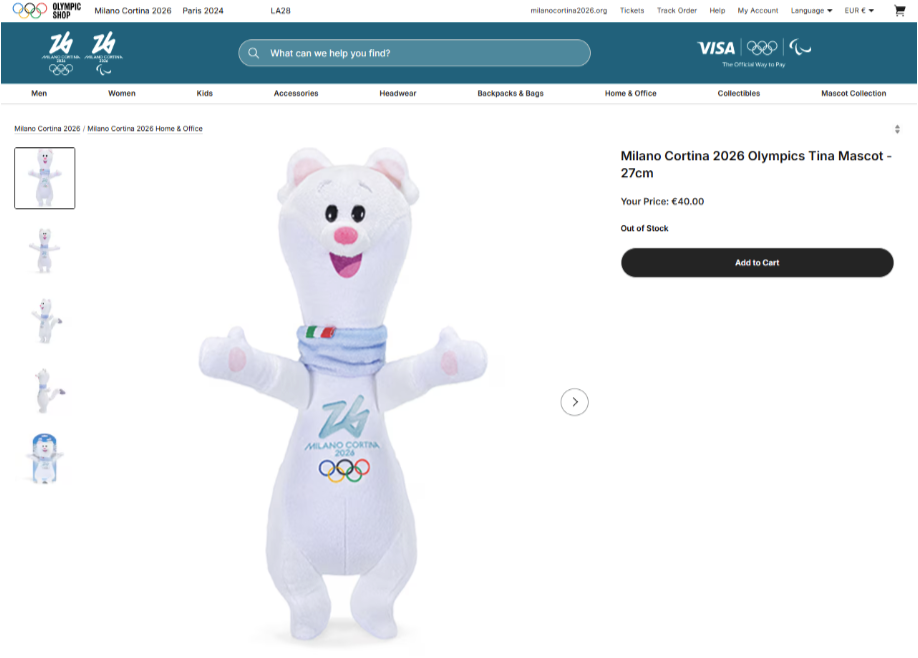



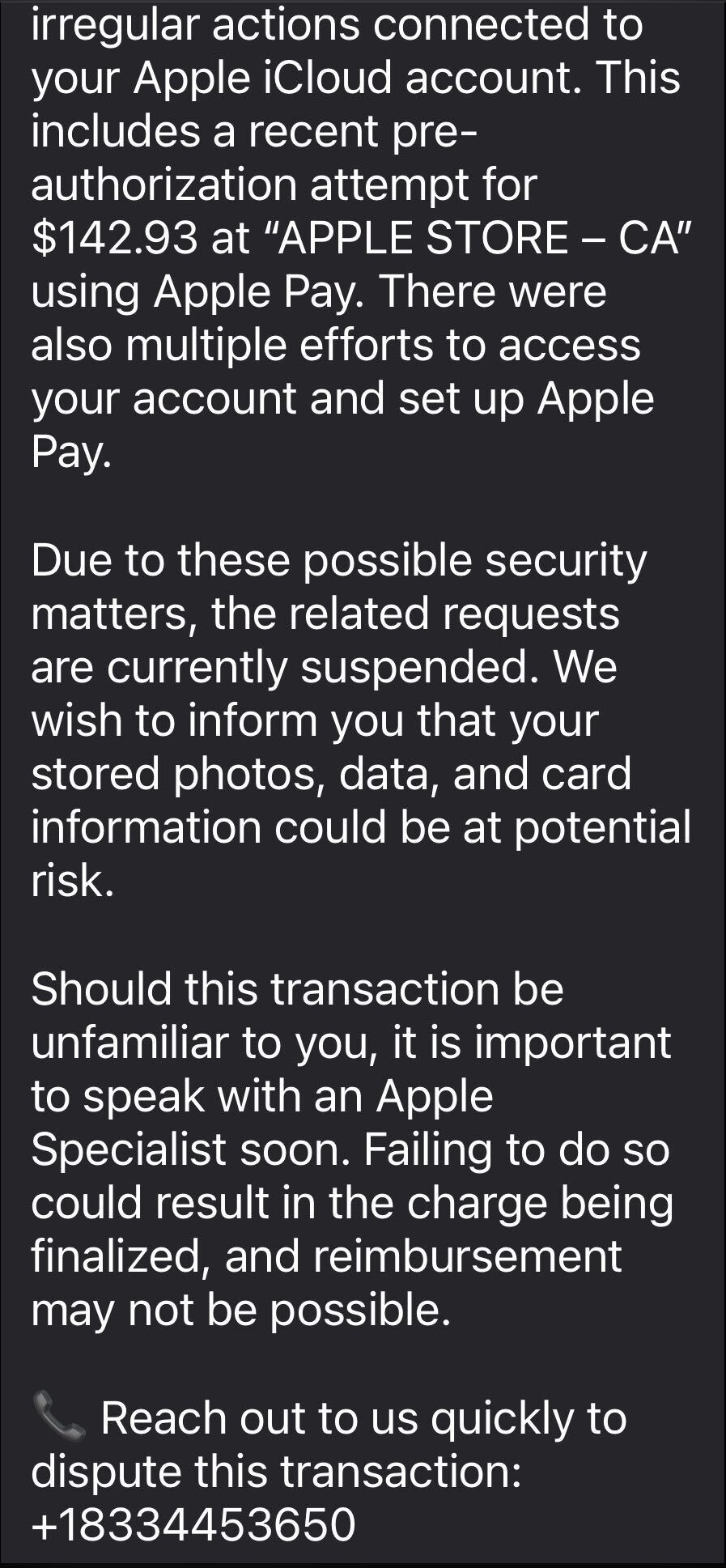


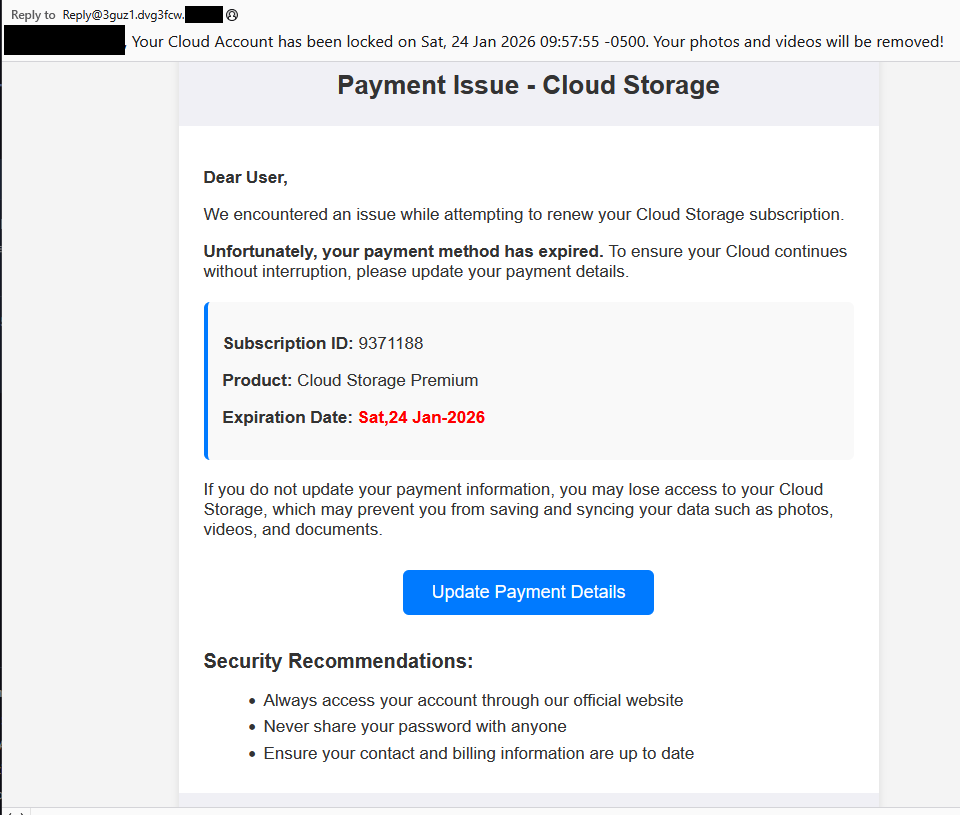




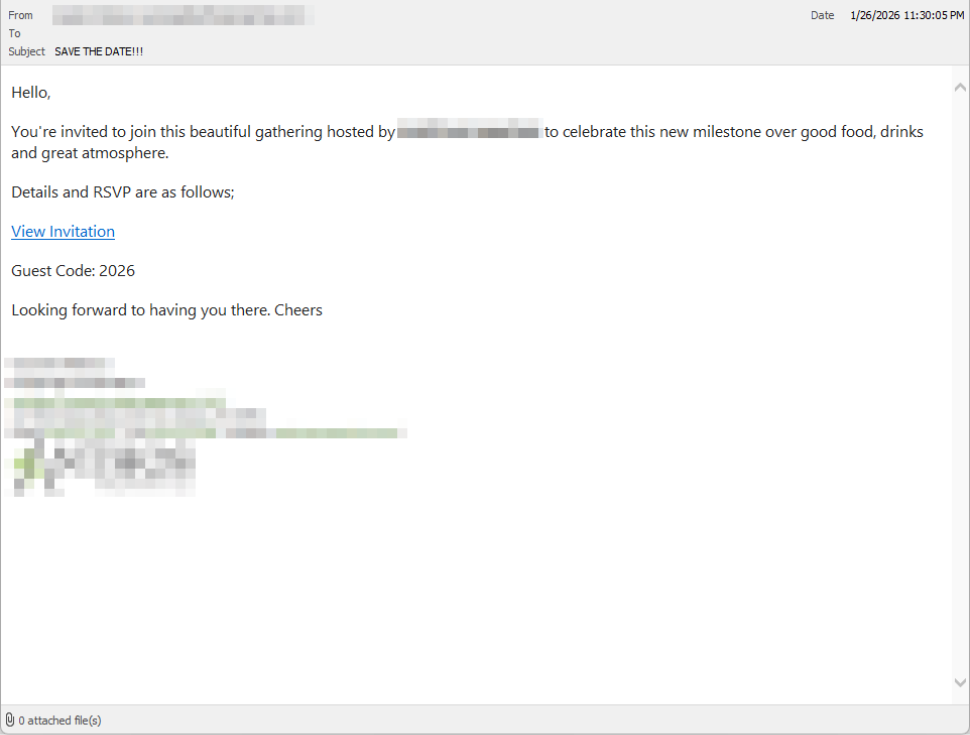
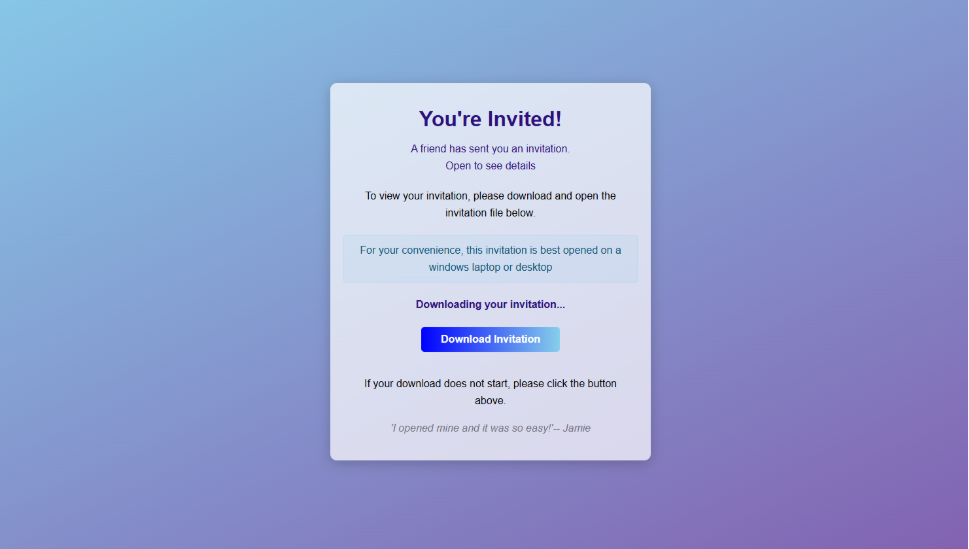



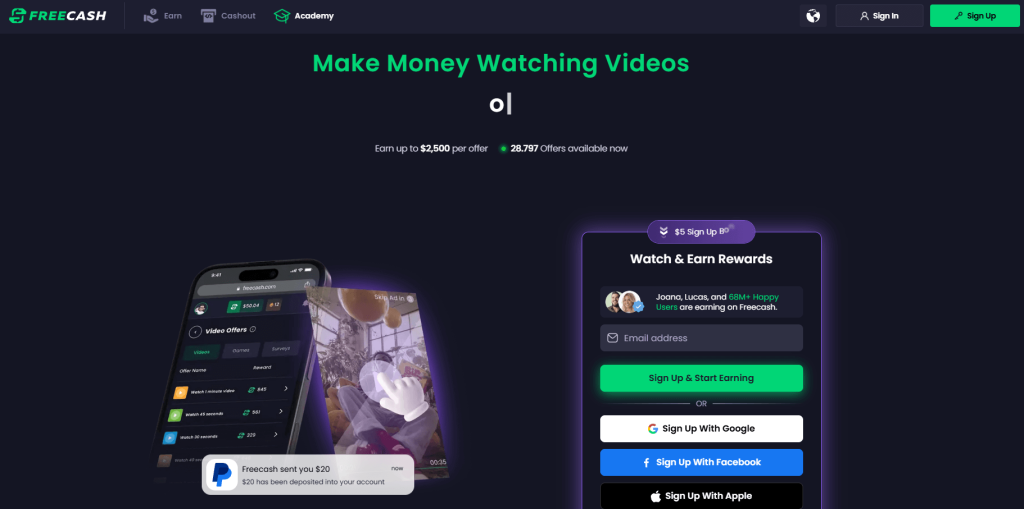

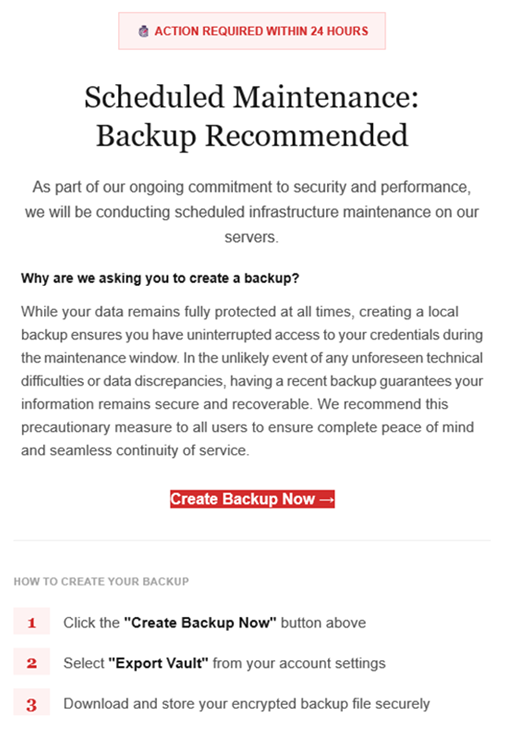
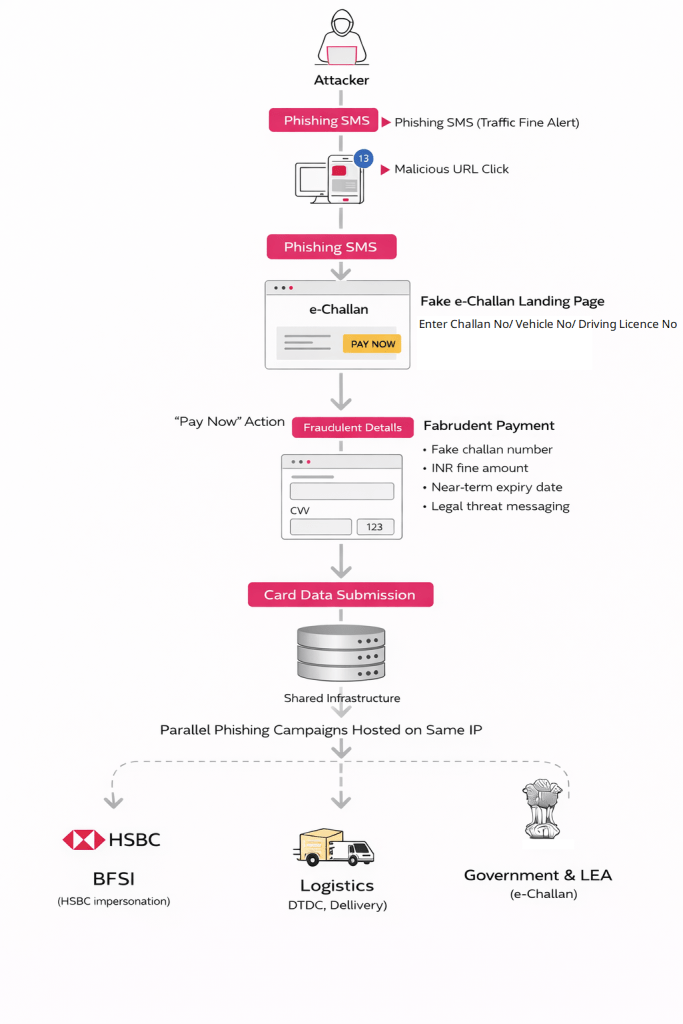 e-Challan Phishing Chain (Source: Cyble)[/caption]
 Deceptive traffic fine SMS carrying a malicious e-Challan payment link (Source: Cyble)[/caption]
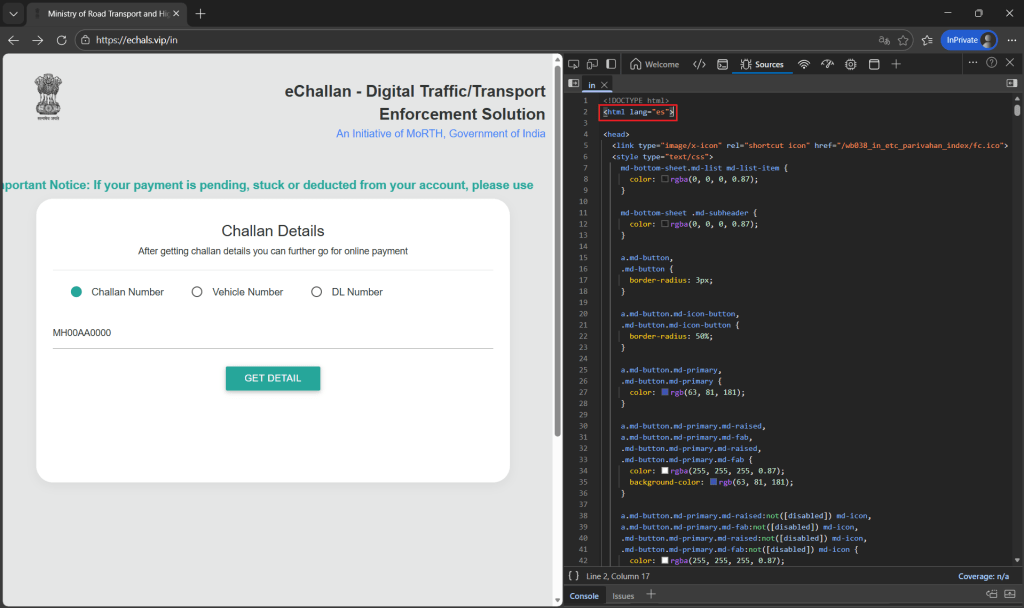 Fake e-Challan landing page (Source: Cyble)[/caption]
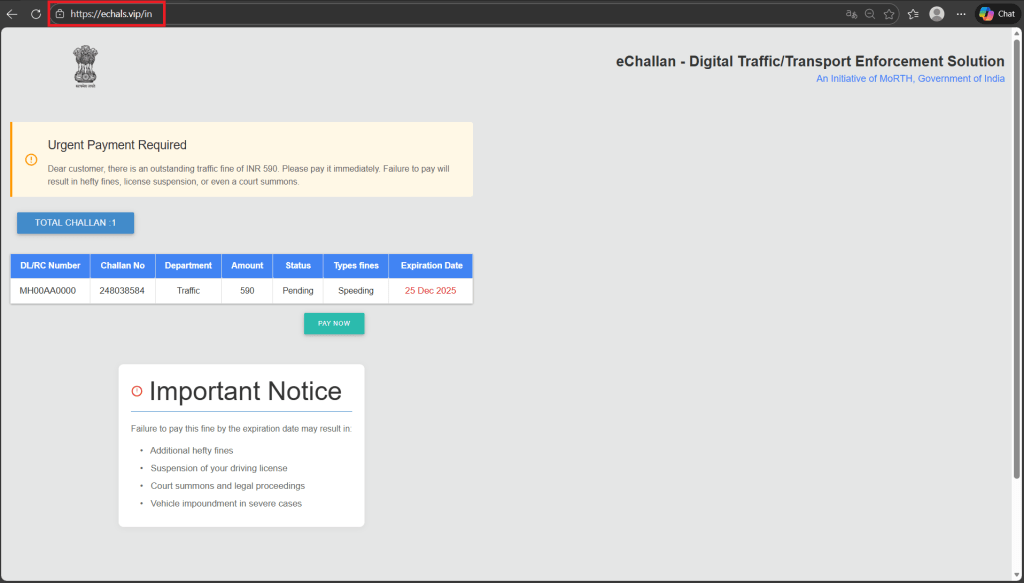 Fraudulent e-Challan record generated (Source: Cyble)[/caption]
 Fake e-Challan payment page limited to credit and debit card payments (Source: Cyble)[/caption]
 Additional phishing infrastructure backing fraudulent e-Challan portals (Source: Cyble)[/caption]
 Phishing page mimicking a DTDC failed delivery alert (Source: Cyble)[/caption]
 Image Source: https://www.justice.gov/[/caption]
When users clicked on these fraudulent search ads, they believed they were visiting their bank’s official website. In reality, they were redirected to fake bank websites controlled by the attackers. Once victims entered their usernames and passwords, malicious software embedded in the fake pages captured those details in real time.
The stolen login credentials were then used to access legitimate bank accounts. From there, the criminals initiated unauthorized bank transfers, effectively draining funds before victims realized their accounts had been compromised.
Image Source: https://www.justice.gov/[/caption]
When users clicked on these fraudulent search ads, they believed they were visiting their bank’s official website. In reality, they were redirected to fake bank websites controlled by the attackers. Once victims entered their usernames and passwords, malicious software embedded in the fake pages captured those details in real time.
The stolen login credentials were then used to access legitimate bank accounts. From there, the criminals initiated unauthorized bank transfers, effectively draining funds before victims realized their accounts had been compromised.
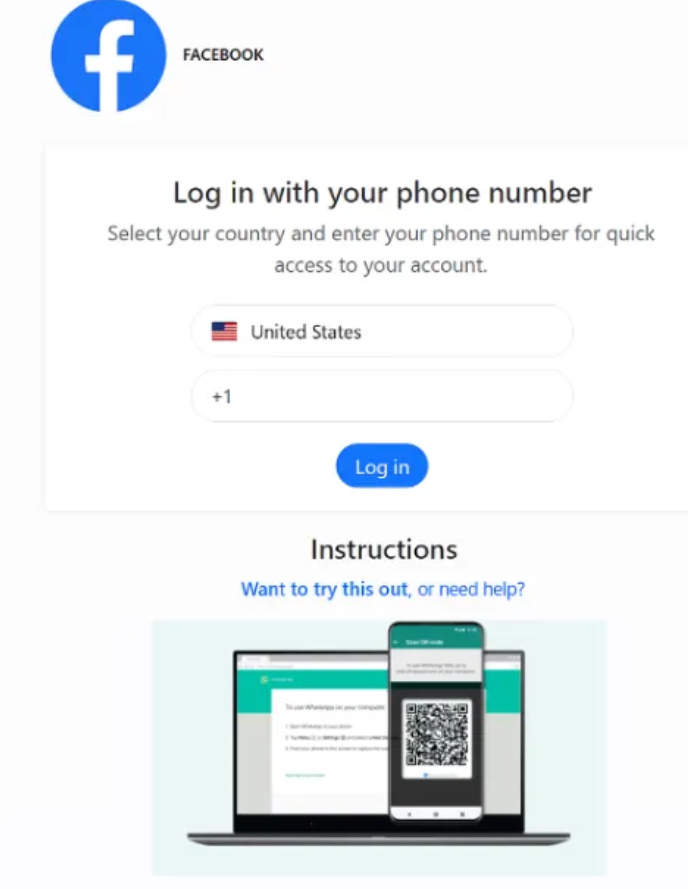

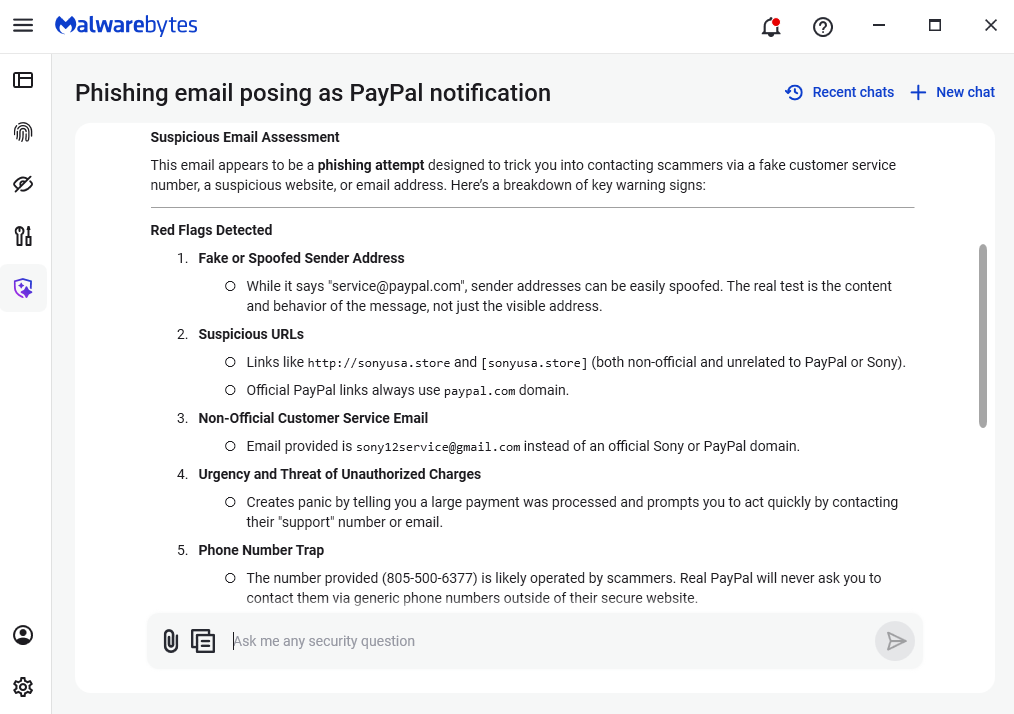

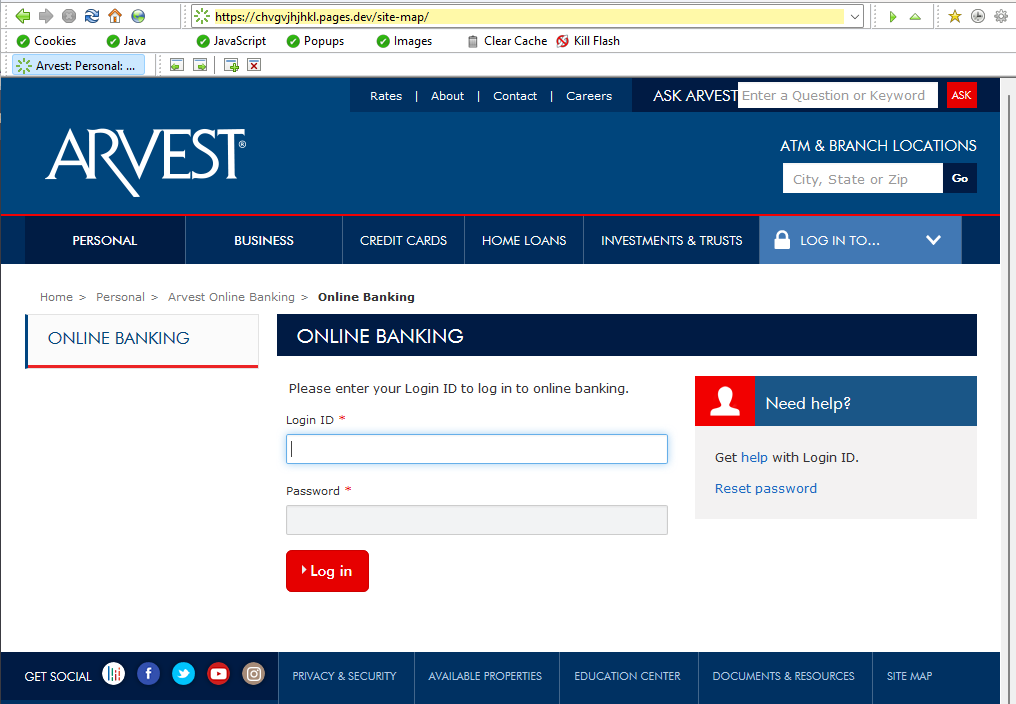
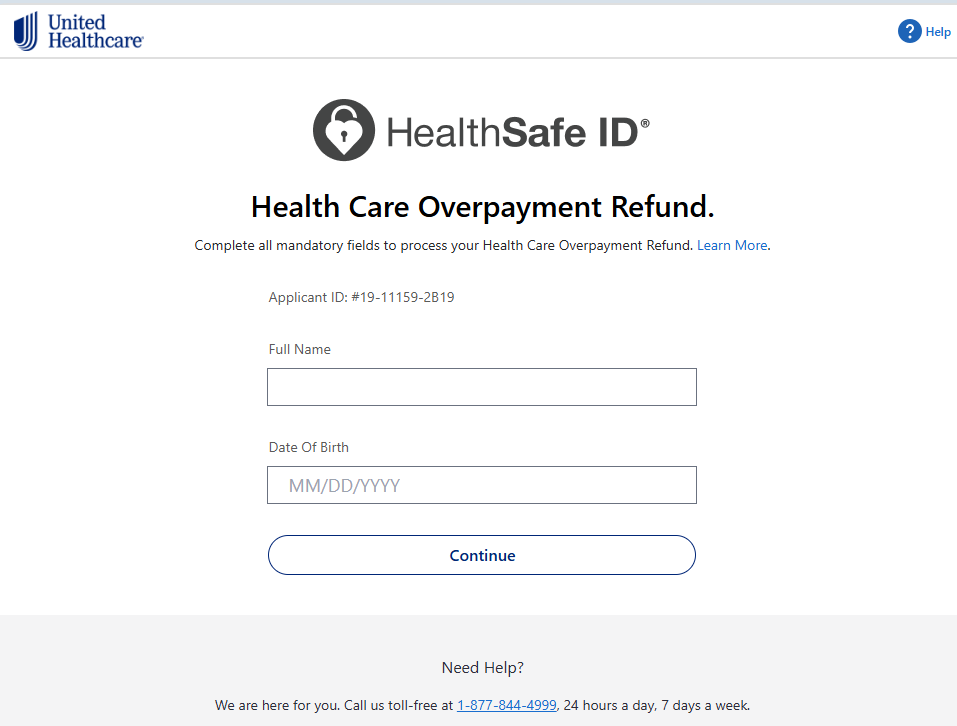

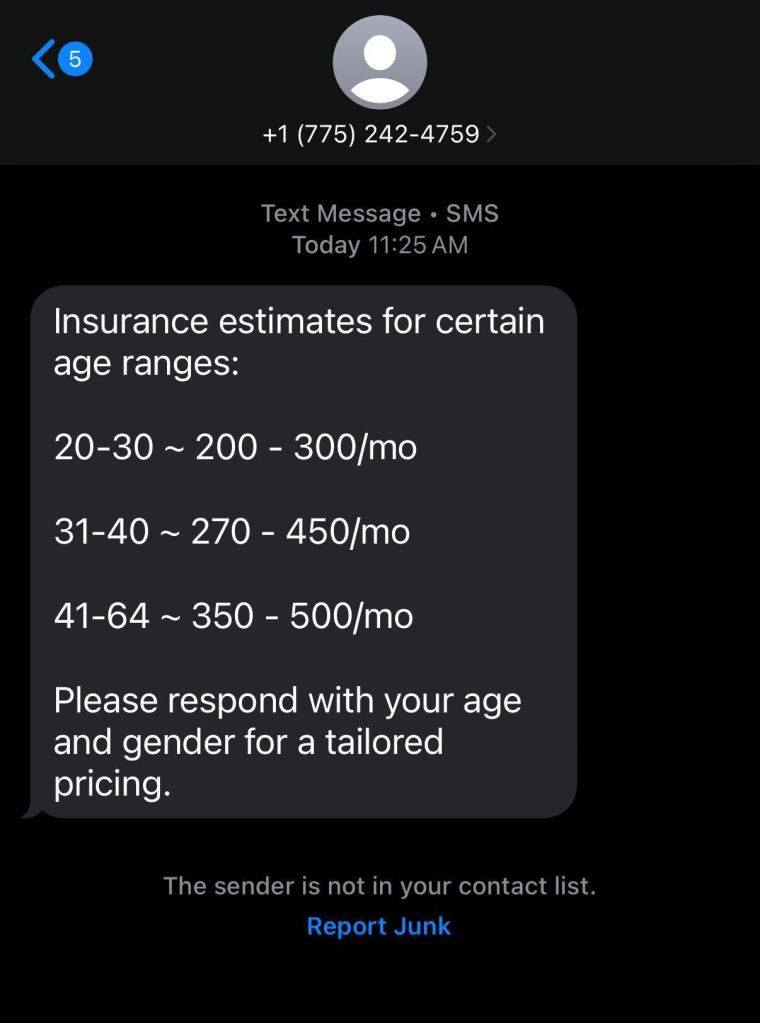

 This year, attackers are using:
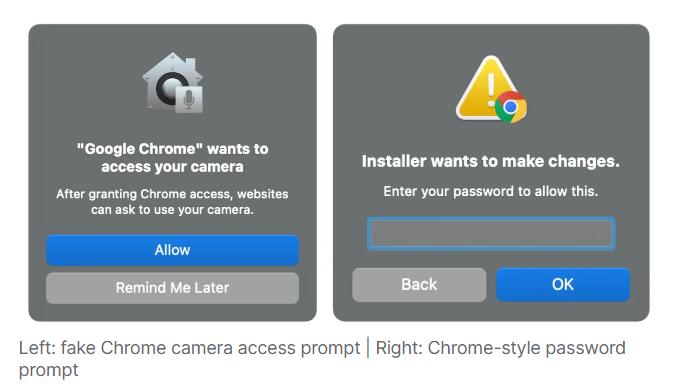

 Source: FBI[/caption]
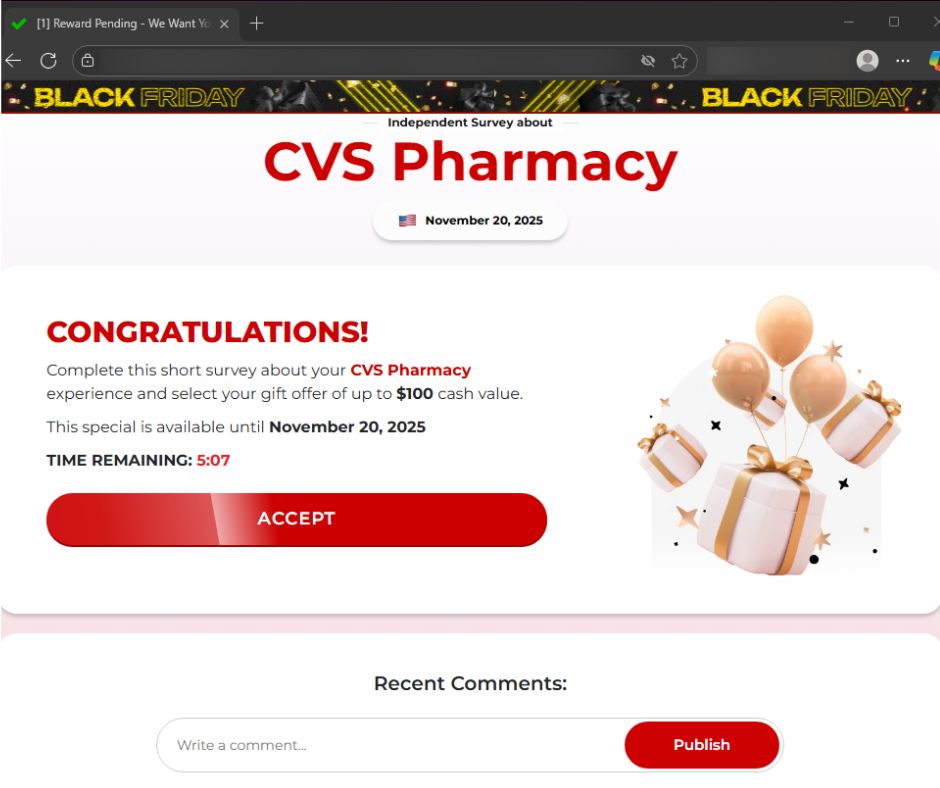
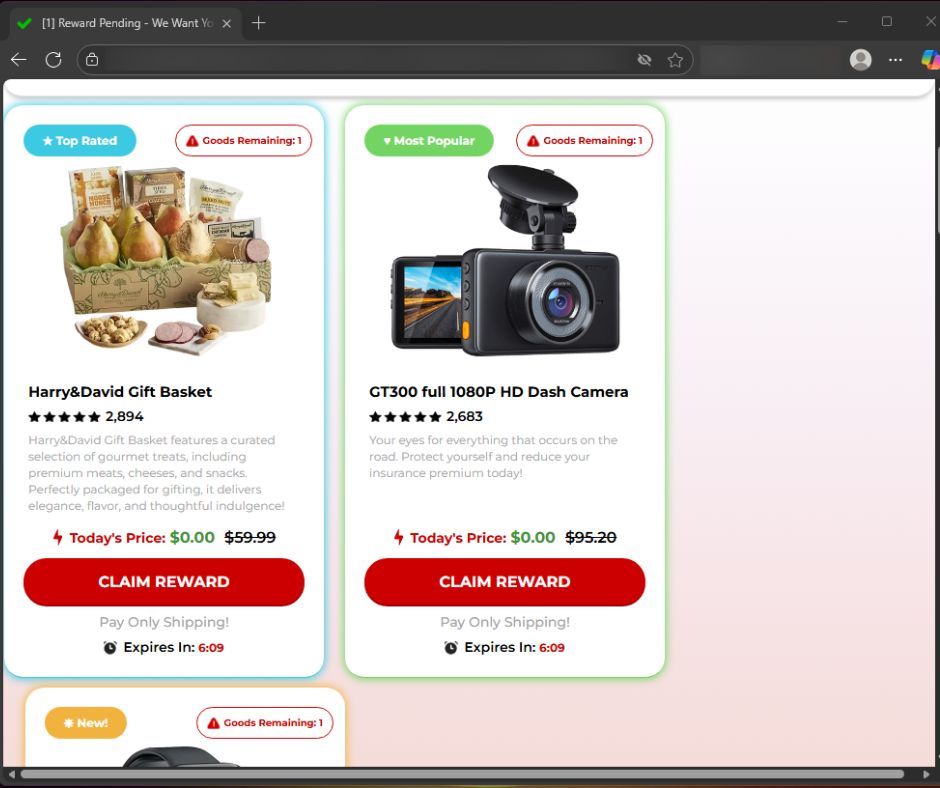
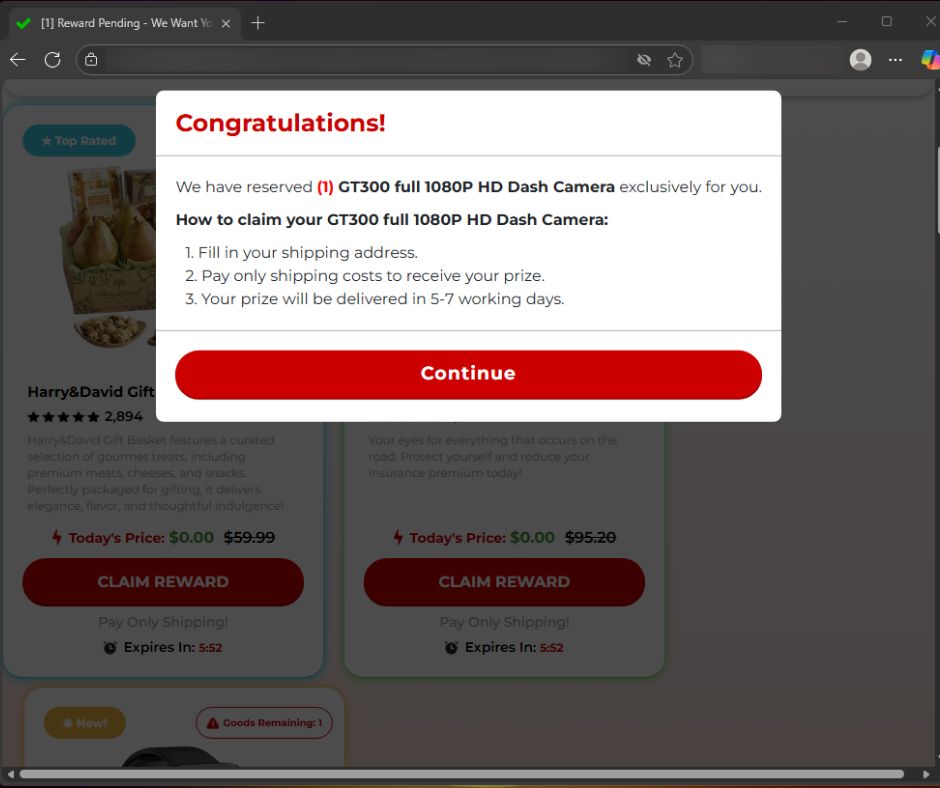
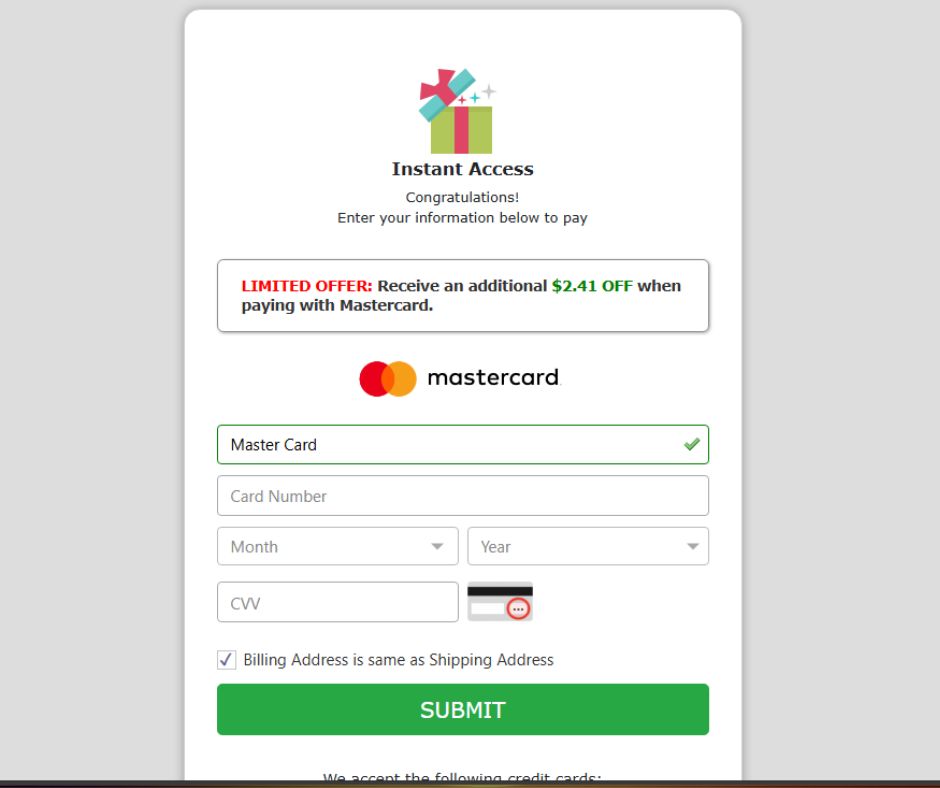
 ”)
”)