
❌

Reading view

Google announces the Fitbit Edge, a middle ground between Pixel Watch 5 and Fitbit Air

Google is releasing its second Fitbit tracker of 2026, offering fans of the aging Charge 6 a more refined option. The new Fitbit Edge slots right in between the Pixel Watch 5 and the Fitbit Air, featuring a compact screen and more health sensors than the Air. You won't get all the apps and features of the Pixel Watch 5, but the Edge is only about half as expensive.

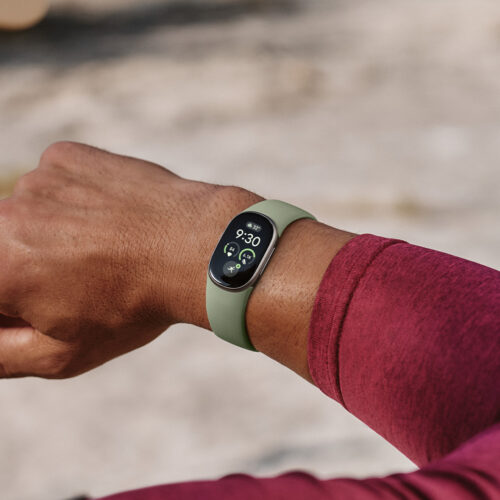
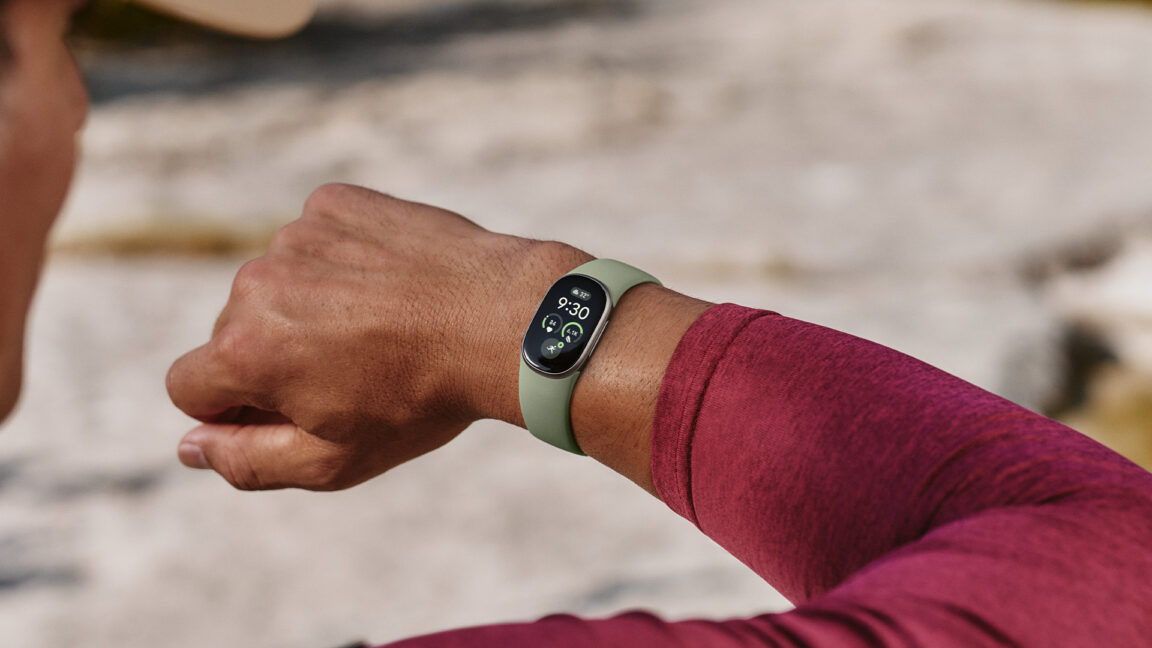
The Fitbit Edge is essentially a new Charge 6, but it has more of a Pixel Watch aesthetic. Squish Google's smartwatch from the sides, and you've got the Edge. It has a pill-shaped 1.34-inch OLED touch display inside a slender aluminum frame that is rated IP68 (5 ATM) for water and dust protection. Google says the screen has 46 percent more viewable area compared to the Charge 6. It's very close in overall size to the Fitbit Air and uses the same magnetic charging puck.
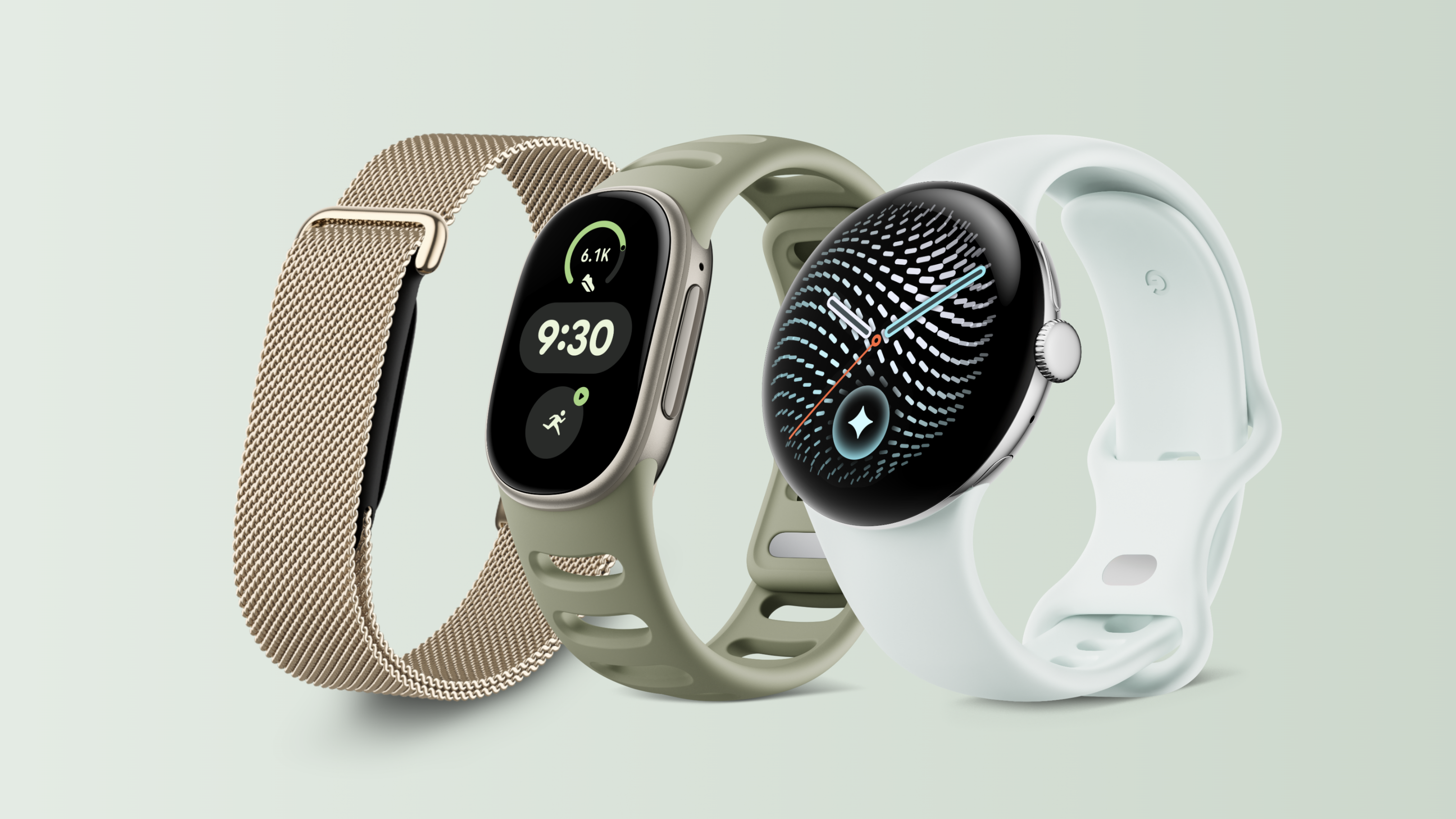
Left to right: Fitbit Air (with new metal mesh band), Fitbit Edge, and Pixel Watch 5. Credit: Google

The Edge works with Android or iPhones via the Google Health app, and it can run for about seven days on a charge. If the tracker is away from your phone, it can still follow your activity all week with support for seven days of full health data storage (or 30 days of basic data). However, the generous weeklong battery life does not include always-on display mode. If you turn it on, battery life drops to about two days, barely longer than the Pixel Watch 5.
Read full article

Comments

Β© Google

  •  

Edge is dropping older extensions, affecting popular privacy tools

Microsoft is beginning the retirement of Manifest V2 (MV2) extensions in Edge this month, with consumer completion targeted for the end of 2026 and managed-enterprise deprecation in early 2027.

Microsoft says that change is justified because 95% of the most-used MV2 extensions in the Edge Add-ons store have already moved to Manifest V3 (MV3). It counted 58 MV2 extensions with β€œmeaningful usage,” only three of which lack a publicly available MV3 alternative.

Starting this month, some Edge users will see warnings in edge://extensions and on Edge Add-ons store pages. Over the following months, MV2 extensions will be disabled by default.

This shift mostly affects privacy tools that modify requests, headers, redirects, or responses. MV2 extensions will need to be redesigned or lose particular features. Extensions relying on persistent background activity must also adapt to MV3’s service worker lifecycle model.

The change affects some well-known privacy and content-blocking extensions. Among them is the classic version of uBlock Origin, one of the most popular ad blockers for Edge, with more than 13 million installs.

The change is intended to improve security and performance. MV3 replaces some long-running background code and broad request-interception behavior with more constrained, declarative mechanisms. But those constraints also remove capabilities that sophisticated privacy, content-blocking, and request-modifying extensions relied on.

Several developers have complained about the challenges of adapting to MV3. One of the main issues is the limit on the number of rules a browser extension can include.

The rules must fit within browser-defined ceilings. Chrome documents a guaranteed minimum of 30,000 static rules, a maximum of 100 declared static rulesets with 50 enabled at once, 5,000 session rules, and limits on regular-expression rules.

This does in no way mean that Microsoft is banning ad blockers. They simply need to find different ways to remain effective.

Building Browser Guard for Manifest V3

At Malwarebytes, we’ve already gone through the process of adapting our free Browser Guard extension to MV3 and came out better than we went in.

So, while Manifest V3 introduced meaningful improvements to browser security, it also created real challenges for security tools like Browser Guard.

Rather than scaling back, the Browser Guard team rebuilt its approach from the ground up, focusing on behavior, patterns, and faster response times. The result is protection that’s different under the hood, but just as committed to keeping you safe online.

You can download Browser Guard for Edge from the Edge Add-ons store.


Stop threats before they can do any harm.

Malwarebytes Browser Guard blocks phishing pages and malicious sites automatically. Free, one click to install. Add it to your browser β†’

  •  
❌