
❌

Reading view

Three KDEcades

KDE: The Documentary tells the story of the pioneering open source community that gave computer users a free and open alternative to proprietary desktops like Windows.

The story starts in 1996, when Matthias Ettrich, a student at the University of Tübingen, posted to a Usenet group asking for programmers to help build a desktop for Linux. What followed became KDE, one of the largest free software communities in the world. KDE made Linux usable as a desktop for people who weren't system administrators, giving it a complete, consistent graphical environment at a time when there was none. The film covers the highs and lows of three decades of KDE: the Qt licensing fight and the rivalry with GNOME; the success of KHTML, the browser engine that became the basis of Apple's WebKit and Google's Chrome; and the contentious release of KDE 4 and the rebuild that followed. Along the way, KDE invented much of how open source communities organise themselves. KDE e.V., the non-profit association that holds the project's legal and financial responsibilities while leaving technical decisions to contributors, became a model for many other open source projects. Today, KDE is the default desktop on major Linux distributions and on the Steam Deck, and the centre of a whole ecosystem of free and open software. Above all, the film is about the people who built KDE, the friendships that formed, and why generations of developers have given their free time to it.
Featuring: * Aaron Seigo * Albert Astals Cid * Cornelius Schumacher * Eike Hein * Eirik Chambe-Eng * Eva Brucherseifer * Lars Knoll * Matthias Ettrich - Wikipedia * Matthias Kalle Dalheimer - Wikipedia * Martin Konold * Miguel de Icaza - Wikipedia * Nathan Graham * Sebastian Kügler
  •  

Patch Tuesday, February 2026 Edition

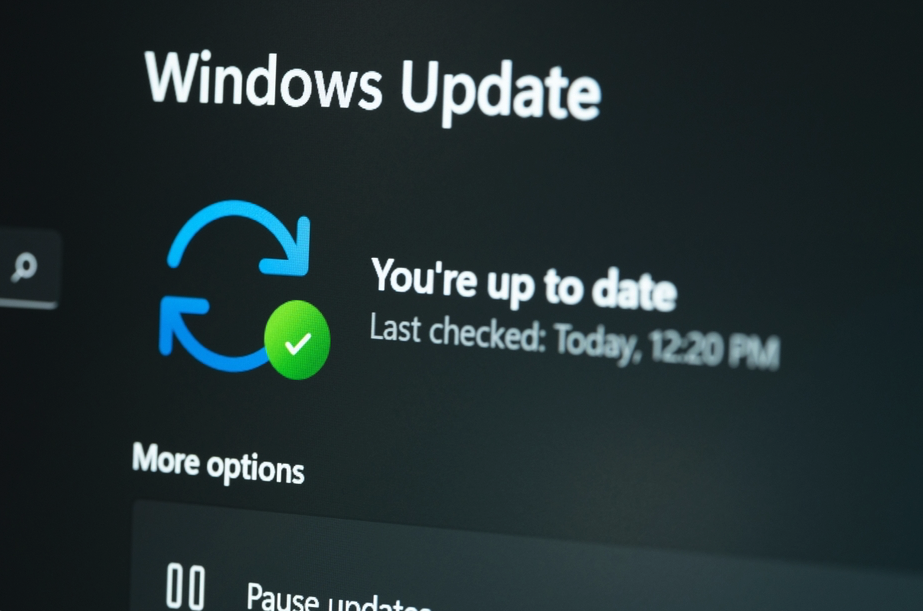
Microsoft today released updates to fix more than 50 security holes in its Windows operating systems and other software, including patches for a whopping six “zero-day” vulnerabilities that attackers are already exploiting in the wild.

Zero-day #1 this month is CVE-2026-21510, a security feature bypass vulnerability in Windows Shell wherein a single click on a malicious link can quietly bypass Windows protections and run attacker-controlled content without warning or consent dialogs. CVE-2026-21510 affects all currently supported versions of Windows.

The zero-day flaw CVE-2026-21513 is a security bypass bug targeting MSHTML, the proprietary engine of the default Web browser in Windows. CVE-2026-21514 is a related security feature bypass in Microsoft Word.

The zero-day CVE-2026-21533 allows local attackers to elevate their user privileges to “SYSTEM” level access in Windows Remote Desktop Services. CVE-2026-21519 is a zero-day elevation of privilege flaw in the Desktop Window Manager (DWM), a key component of Windows that organizes windows on a user’s screen. Microsoft fixed a different zero-day in DWM just last month.

The sixth zero-day is CVE-2026-21525, a potentially disruptive denial-of-service vulnerability in the Windows Remote Access Connection Manager, the service responsible for maintaining VPN connections to corporate networks.

Chris Goettl at Ivanti reminds us Microsoft has issued several out-of-band security updates since January’s Patch Tuesday. On January 17, Microsoft pushed a fix that resolved a credential prompt failure when attempting remote desktop or remote application connections. On January 26, Microsoft patched a zero-day security feature bypass vulnerability (CVE-2026-21509) in Microsoft Office.

Kev Breen at Immersive notes that this month’s Patch Tuesday includes several fixes for remote code execution vulnerabilities affecting GitHub Copilot and multiple integrated development environments (IDEs), including VS Code, Visual Studio, and JetBrains products. The relevant CVEs are CVE-2026-21516, CVE-2026-21523, and CVE-2026-21256.

Breen said the AI vulnerabilities Microsoft patched this month stem from a command injection flaw that can be triggered through prompt injection, or tricking the AI agent into doing something it shouldn’t — like executing malicious code or commands.

“Developers are high-value targets for threat actors, as they often have access to sensitive data such as API keys and secrets that function as keys to critical infrastructure, including privileged AWS or Azure API keys,” Breen said. “When organizations enable developers and automation pipelines to use LLMs and agentic AI, a malicious prompt can have significant impact. This does not mean organizations should stop using AI. It does mean developers should understand the risks, teams should clearly identify which systems and workflows have access to AI agents, and least-privilege principles should be applied to limit the blast radius if developer secrets are compromised.”

The SANS Internet Storm Center has a clickable breakdown of each individual fix this month from Microsoft, indexed by severity and CVSS score. Enterprise Windows admins involved in testing patches before rolling them out should keep an eye on askwoody.com, which often has the skinny on wonky updates. Please don’t neglect to back up your data if it has been a while since you’ve done that, and feel free to sound off in the comments if you experience problems installing any of these fixes.

  •  
❌